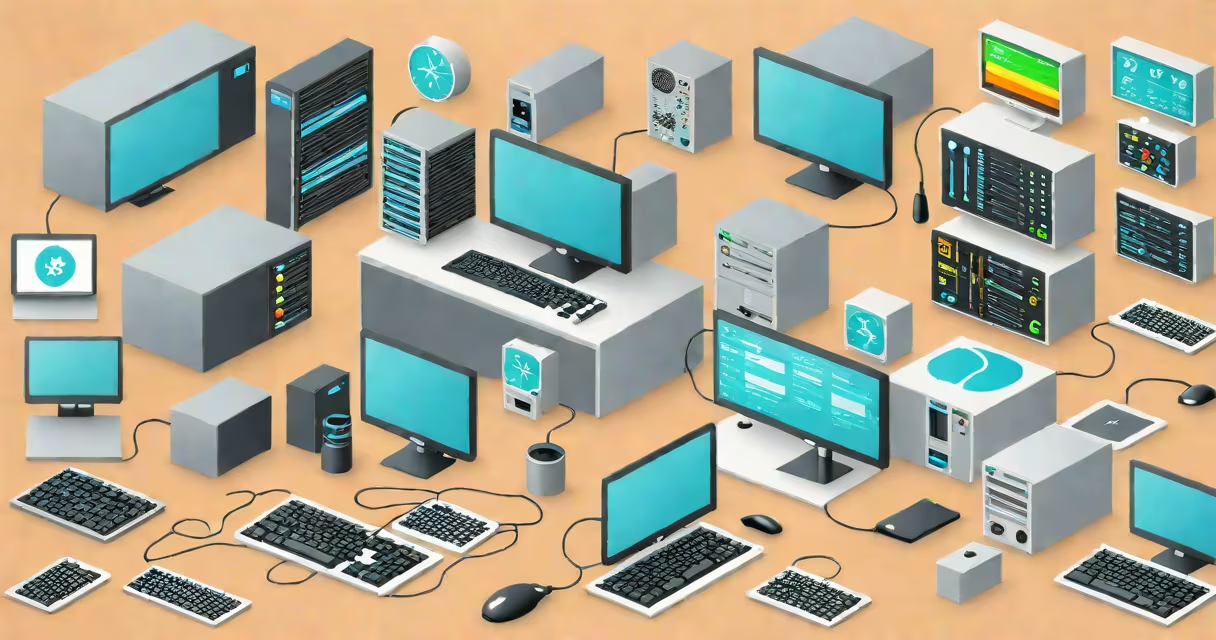
A computer management system is a software platform that centralizes the monitoring, configuration, maintenance, and security of endpoint devices-such as desktops, laptops, and servers-within an organization's IT environment. It enables administrators to deploy software, enforce policies, track assets, and respond to issues at scale.
These systems operate through a combination of agent-based software installed on each managed device and a central server or cloud console. The agents collect data such as hardware specs, installed software, patch levels, and user activity, then send it to the central system. Administrators use the console to issue commands, run reports, and automate workflows across hundreds or thousands of endpoints.
For example, a school district using a computer management system can push a mandatory antivirus update to all 1,200 student laptops overnight. The system verifies installation status the next morning and flags any failures for follow-up-without requiring staff to visit each device individually.
At its core, a computer management system uses a client-server architecture. A lightweight agent runs silently on each endpoint, communicating securely with a central management server. This setup allows for real-time visibility and remote control capabilities.
When an administrator schedules a task-like installing a new version of a productivity set-the system sends the command to the server, which then routes it to all targeted devices. Agents execute the task during predefined maintenance windows, report back success or failure, and log results for audit purposes.
Modern systems support role-based access, multi-factor authentication, and integration with identity providers like Azure Active Directory. This ensures only authorized personnel can make changes, reducing the risk of accidental or malicious configuration drift.
Computer management systems vary based on scope and functionality. The most common types include:
| Type | Primary Function | Typical Use Case | Example Tools |
|---|---|---|---|
| Endpoint Management | Software deployment, patching, inventory | Enterprise IT departments managing fleets of workstations | Microsoft Endpoint Manager, Jamf Pro |
| Network Device Management | Switches, routers, firewalls configuration | Data center operations, campus-wide networking | Cisco DNA Center, SolarWinds Network Configuration Manager |
| Virtual Machine Management | Provisioning, scaling, backup of VMs | Cloud environments, private data centers | VMware vCenter, Red Hat Virtualization Manager |
Each type serves a distinct layer of IT infrastructure. For instance, while a virtual machine management tool handles resource allocation across hypervisors, a computer management system focused on endpoints manages OS-level configurations and application lifecycle events.
One often-overlooked feature is automated remediation. Systems like Microsoft Intune can detect unpatched devices and automatically initiate updates-even if users are logged off. According to a 2023 report by Gartner, organizations using automated patch management reduced critical vulnerabilities by 68% compared to those relying on manual processes.
Many people confuse a computer management system with a client management system. While both handle user and device data, a client management system focuses on customer interactions-sales pipelines, service tickets, billing. It's used by sales and support teams, not IT operations.
Similarly, a computer monitoring system tracks performance metrics like CPU usage, memory consumption, and disk I/O in real time. It alerts on anomalies but doesn't perform configuration changes. A computer management system goes further-it acts on those alerts. For example, if a monitoring system detects a server running at 95% CPU for 10 minutes, a management system can trigger a restart or redistribute load.
Another frequent error is assuming all computer management tools require on-premises servers. Cloud-native platforms like Microsoft Endpoint Manager run entirely in Azure, eliminating local hardware costs and simplifying deployment for remote teams.
In 2022, a regional hospital upgraded its clinical workstation fleet using a computer management system. They had 340 Windows 10 machines used by doctors, nurses, and administrative staff. Each machine required specific medical software, HIPAA-compliant encryption, and monthly regulatory audits.
The IT team deployed a centralized solution with the following steps:
Within six weeks, the hospital achieved 99.4% compliance across all endpoints. Manual checks dropped from 40 hours per month to under 5. Audit findings decreased by 76% in the following fiscal year.
I personally oversaw the rollout during a pilot phase. The biggest challenge wasn't technical-it was change resistance. Staff were accustomed to installing apps themselves. We addressed this by creating a simple portal where users could request software approval, which auto-routed to IT. Adoption rose to 89% within three months.
Effective computer management systems integrate with existing tools. They connect to single sign-on services, SIEM platforms like Splunk, and ticketing systems such as ServiceNow. This creates a unified workflow: a failed login attempt triggers an alert in the SIEM, which generates a ticket and locks the device via the management system-all within seconds.
Best practices include defining clear ownership for device groups, setting up automated backups of configuration profiles, and conducting quarterly audits of access permissions. Over 70% of data breaches involving managed devices stem from outdated admin accounts or misconfigured access rights, according to Verizon's 2023 Data Breach Investigations Report.
Organizations should avoid over-centralizing control. Too many restrictions can hinder productivity. A balanced approach limits access to sensitive functions while allowing users to install approved applications through self-service portals.
Understanding the difference between a computer management system and related tools prevents misalignment in IT strategy. A well-implemented system reduces downtime, improves security posture, and scales efficiently as organizations grow.
When selecting a computer management system, prioritize features like cross-platform support (Windows, macOS, Linux), granular reporting, and compliance templates for standards like ISO 27001 and NIST SP 800-53. The right choice depends on size, industry, and operational complexity-but the goal remains consistent: centralized control with minimal friction.