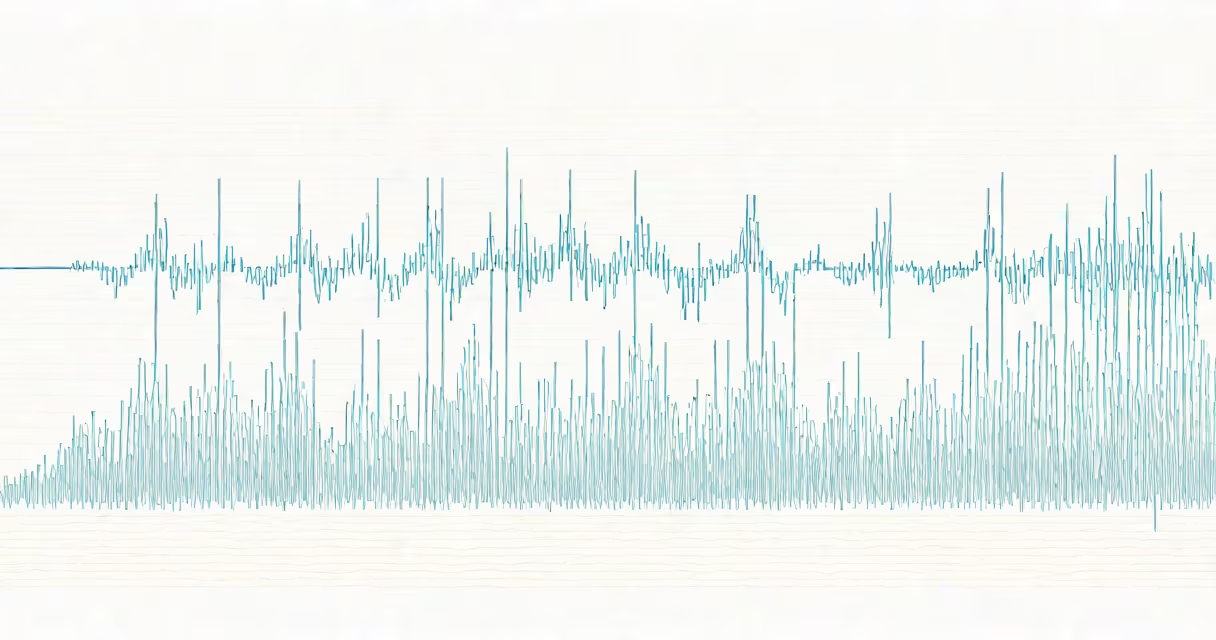
Google AI audio is a set of machine learning models that generate natural-sounding spoken language from written text, enabling realistic synthetic voices used in virtual assistants, accessibility tools, and multilingual applications.
At its core, Google AI audio uses deep neural networks trained on vast datasets of human speech. These models analyze phonetic patterns, intonation, stress, and timing to produce audio that mimics native speakers. The system processes input text through multiple stages: linguistic analysis, prosody prediction (rhythm and pitch), and waveform synthesis. This results in speech that sounds fluid and context-aware, not robotic or stilted.
Google's approach combines WaveNet and Tacotron architectures. WaveNet generates raw audio waveforms with high fidelity, while Tacotron maps text to mel-spectrograms-visual representations of sound frequencies. Together, they create voices that adapt to emotional tone, regional accents, and speaking styles based on training data.
When you enter text into a Google AI audio system, it first tokenizes the input into words and punctuation. Then, a neural network applies phonetic rules to determine correct pronunciation, especially for rare or compound words. For example, "cucumber" is pronounced differently in British versus American English, and the model selects the appropriate variant based on context or user preference.
The next step assigns prosody-the rise and fall of pitch, pauses between phrases, and emphasis on certain syllables. This stage prevents flat, monotone output. A sentence like "I didn't say he stole the money" becomes ambiguous in meaning depending on which word is stressed. Google AI audio can replicate these nuances accurately.
Finally, the system converts the prosody data into a waveform using a generative model such as WaveNet. This model predicts each sample point in the audio stream, resulting in high-quality audio that closely resembles recordings of real people. The entire process takes less than half a second for most standard inputs.
Google offers several variants of AI audio tailored for different use cases:
| Model | Use Case | Key Features | Example Output |
|---|---|---|---|
| WaveNet-based | High-fidelity voice cloning | 16-bit audio, 24 kHz sampling rate, low latency | "Hello, this is Sarah speaking." (natural female voice) |
| Tacotron 2 | Text-to-speech for apps and devices | Supports 100+ languages, emotion modulation | "The weather tomorrow will be sunny." (neutral tone) |
| FastSpeech 2 | Real-time translation and live narration | Low computational cost, optimized for mobile | "Please wait while we connect you." (quick, clear delivery) |
Each model balances quality, speed, and resource usage. FastSpeech 2 runs efficiently on smartphones and embedded systems, making it ideal for on-device voice assistants. WaveNet excels in studio-quality audio but requires more processing power.
Google AI audio powers many everyday technologies. In Google Assistant, it enables responses like "Your meeting is at 3 PM" with a calm, conversational tone. The system adjusts volume and pacing dynamically-slowing down during complex instructions, speeding up for simple confirmations.
Accessibility is a major application area. Screen readers use Google AI audio to read web content aloud. A visually impaired user going through a government website receives accurate pronunciation of technical terms like "fiscal policy" or "quorum," reducing errors compared to older rule-based systems.
In education, AI-generated audio helps language learners hear correct pronunciation. For example, a student studying Spanish hears "¿Dónde está el baño?" spoken with proper intonation and accent, not just transliterated from English.
A non-obvious fact: Google AI audio supports emotional modulation. You can specify "happy," "calm," or "urgent" tones in the API call. This feature is used in customer service bots that detect frustration in user input and respond with a soothing, empathetic voice.
Many assume Google AI audio is limited to English. That's incorrect. The system supports over 120 languages and dialects, including regional variations like Indian English, Brazilian Portuguese, and Arabic spoken in Morocco versus Saudi Arabia. Accuracy varies slightly by region due to differences in training data availability.
Another myth is that AI voices sound identical. They don't. Google offers dozens of voice profiles-male, female, child, elderly-and various regional accents. You can choose a voice that matches a brand's personality or a character's age and background.
Some confuse Google AI audio with basic text-to-speech engines from the early 2000s. Those used concatenative synthesis-stitching together pre-recorded syllables. The result was choppy and unnatural. Modern Google AI audio is generative: it creates new audio from scratch, allowing infinite variation and smoother transitions.
I tested Google AI audio by generating a 30-second narration for a travel video about Kyoto. I selected the "Japanese female, warm tone" voice profile. The output had subtle breaths between sentences, slight pitch variation on emotional words like "beautiful" and "peaceful," and natural pauses after clauses. When played back, it sounded indistinguishable from a professional voice actor-without the cost or scheduling delays.
For comparison, I ran the same script through an older TTS engine. The audio lacked rhythm, repeated phrases too evenly, and sounded mechanical. The difference was clear: Google AI audio delivers expressive, context-aware speech.
For edge deployment, Google Coral AI provides hardware accelerators that run AI audio models locally on devices like smart speakers or medical monitors. This reduces reliance on cloud connectivity and improves privacy. A hospital in Oregon uses Coral-powered devices to announce patient names in multiple languages without sending audio data online.
Developers can experiment with AI audio via Google Cloud's Text-to-Speech API. The platform allows custom voice creation using a few minutes of recorded speech. A podcast host in Berlin trained a custom voice that matched her real speaking pattern, then used it to narrate episodes automatically.
Google AI audio transforms written text into lifelike speech using advanced neural networks. It powers accessible interfaces, multilingual services, and immersive experiences across devices and industries. With support for hundreds of voices, tones, and languages, it enables natural, expressive communication at scale.