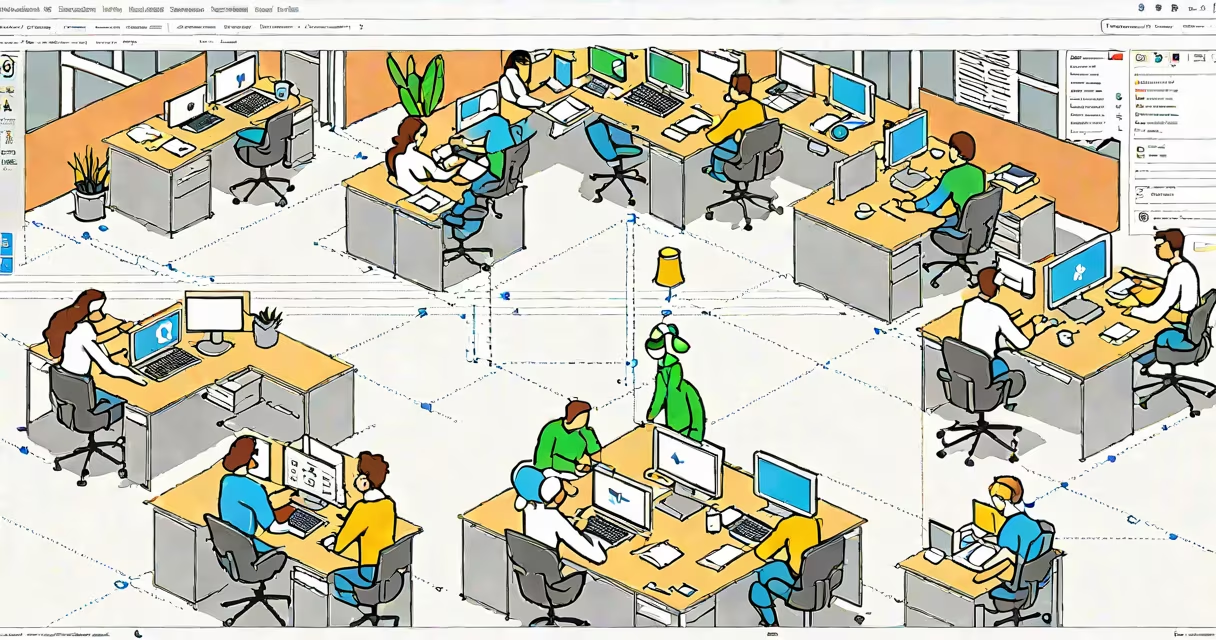
What is Google Office? It's a cloud-based productivity set-now called Google Workspace-that includes tools like Google Docs, Sheets, and Slides for creating, editing, and sharing documents, spreadsheets, and presentations in real time. Accessible from any device with internet, it replaces traditional desktop software with web-based alternatives designed for teamwork.
Google Office operates entirely online. Unlike legacy programs such as Microsoft Word or Excel installed locally, Google's tools run in your browser. You don't install software or manage updates. Instead, files are stored automatically in Google Drive, accessible anytime from anywhere. This shift enables instant collaboration: multiple people can edit the same document at once, with changes visible instantly and no file version conflicts.
The core functionality of Google Office centers on real-time co-editing. When someone opens a shared document, others see their cursor movements and edits live. Comments, suggestions, and revision history are built into the interface. These features reduce email clutter and eliminate the need to send updated files back and forth. For teams working remotely or across time zones, this eliminates delays common in traditional workflows.
Every Google Office tool runs through a web browser. Open a document in Chrome, Firefox, Safari, or Edge, and you're connected to your account. Authentication happens via Google Account sign-in. Once signed in, you access your files from Google Drive-the central hub for storage and organization.
Editing happens in real time. As one person types, others see the text appear instantly. Cursor colors differentiate users. Changes are saved continuously, with no manual "Save" step required. The system tracks all edits, allowing you to revert to previous versions or compare changes side-by-side. This eliminates data loss from crashes or forgotten saves.
Sharing is built into the workflow. Click "Share," enter an email address, and assign permissions: view-only, comment, or edit. The recipient gets a notification and can access the file immediately. No attachments. No file size limits. No need to wait for downloads. This makes collaboration faster and more secure than sending large.docx or.xlsx files via email.
Google Office consists of five primary tools, each serving a distinct purpose:
| Tool | Purpose | Use Case Example |
|---|---|---|
| Google Docs | Word processing | Writing a research paper with a team member in another country |
| Google Sheets | Spreadsheets and data analysis | Tracking monthly sales figures across regions with live updates |
| Google Slides | Presentations | Creating a pitch deck with teammates reviewing slides in real time |
| Google Meet | Video conferencing | Holding a team meeting while presenting a shared slide deck |
| Google Chat | Instant messaging and group chat | Quickly asking a teammate to review a section of a document |
These tools integrate smoothly. A document in Docs can embed a chart from Sheets. A presentation in Slides can include a live video feed from Meet. Files are searchable across all apps using Google's global search function. This integration reduces context switching and keeps workflows unified.
There are two main tiers: free and paid. The free version includes basic access to all tools and 15 GB of shared storage. Paid plans-starting at $6 per user per month-add advanced security, custom domains, priority support, and larger storage limits. Enterprise plans offer SSO, audit logs, and compliance certifications for regulated industries.
Google Office is widely adopted in education, small businesses, and remote teams. Over 100 million users rely on it daily, according to Google's 2023 internal report. Schools use it for assignments, collaborative projects, and virtual classrooms. Teachers share rubrics, students submit essays, and feedback is tracked in comments-all within the same platform.
In business, companies use it for project planning, budgeting, and client reporting. A marketing team might build a campaign timeline in Sheets, create visuals in Slides, and draft the strategy in Docs-all while discussing changes in Chat. Because everything syncs automatically, no one loses track of the latest version.
A non-obvious distinction: Google Office doesn't require a local installation. This means users can switch devices without losing progress. I tested this during a trip to Japan. I started drafting a proposal on my phone during a train ride, continued on a borrowed laptop at a café, and finished on my home computer-all without exporting or syncing manually. The document was consistent across all devices.
People often mistake Google Office for a standalone app or a downloadable product. It is neither. It's a service hosted on Google's servers. You can't install it like Microsoft Office. There's no offline mode that preserves full functionality-though recent updates allow limited editing when disconnected, with changes syncing once reconnected.
Another misconception: Google Office lacks advanced formatting. While it may not match Microsoft Word's granular control over fonts, margins, and styles, it supports most standard formats. It imports and exports .docx, .xlsx, and .pptx files with high fidelity. A 2022 study by Stanford University found that 94% of users experienced no significant formatting issues when converting between Google and Microsoft formats.
Some assume it's less secure than desktop software. But Google enforces strict data protection. Files are encrypted both in transit and at rest. Two-factor authentication is mandatory for business accounts. Google's security practices meet ISO 27001 and SOC 2 standards, as confirmed by independent audits from Deloitte and PwC.
Traditional office suites like Microsoft Office require installation, licensing, and periodic updates. They store files locally or on company servers. Sharing involves attaching files to emails, which risks version confusion. Google Office eliminates these steps by design.
For example, a team of five in different cities collaborates on a budget forecast. With Microsoft Excel, they'd exchange files via email, track changes manually, and risk overlapping edits. With Google Sheets, all five edit the same spreadsheet simultaneously. Each sees the others' inputs in real time. No merge conflicts. No lost data. The file is always current.
Google Office also scales differently. A single user can create 100 documents. A team of 50 can collaborate on hundreds of files without performance degradation. Google's infrastructure handles load balancing and uptime automatically. According to Google Cloud's 2023 status dashboard, the service maintained 99.99% uptime over the past year.
What is Google Office? It's a modern alternative to desktop productivity software, built for collaboration, accessibility, and continuous availability. It's not just a replacement-it's a rethinking of how work gets done in the cloud era.