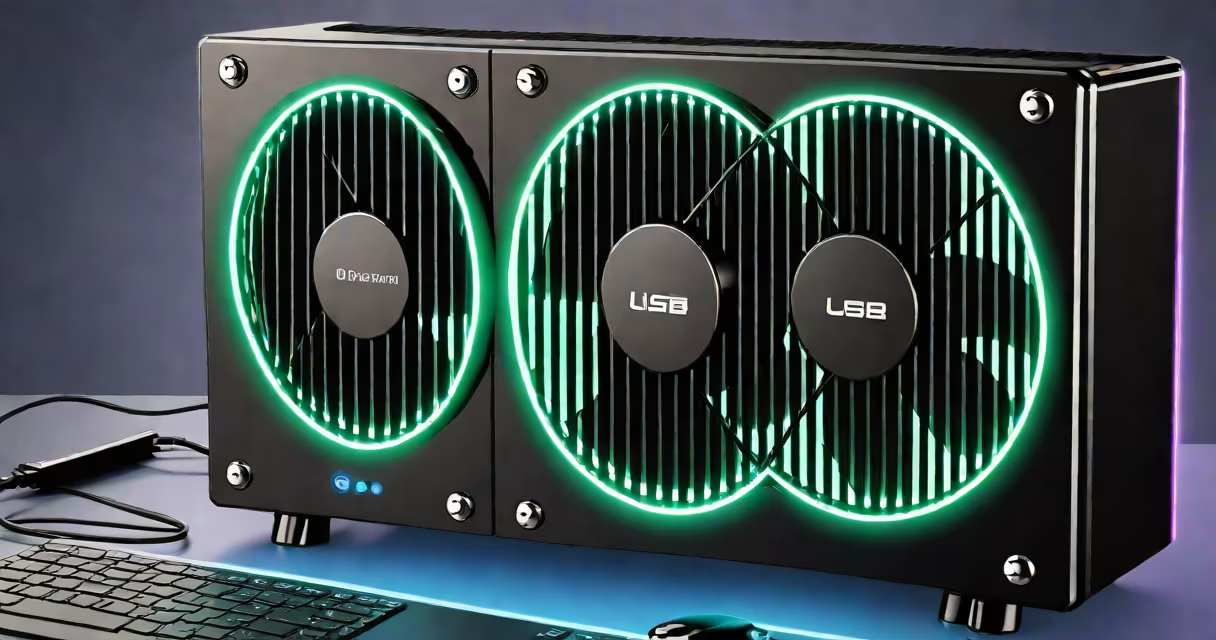
A USB case fan is a compact, externally powered cooling component that mounts to a computer's chassis and expels hot air using electricity drawn from a USB port. It enhances internal airflow, reduces thermal buildup, and operates without requiring a dedicated power supply or motherboard connection.
These fans plug directly into a USB 2.0 or USB 3.0 port on the computer's front panel, side panel, or rear. They typically draw 5 volts at 0.1 to 0.5 amps, making them safe for most USB ports. Most models include a 3-pin or 4-pin connector for attaching to a case's mounting bracket or screw holes. They are designed for quick installation and do not require soldering or BIOS configuration.
USB case fans are commonly used in desktop PCs with limited internal airflow, such as compact mini-ITX builds, gaming rigs with dense component layouts, or systems running high-performance CPUs and GPUs. They improve heat dissipation by creating a negative pressure zone, pulling hot air from inside the case and out through exhaust vents. This helps maintain stable operating temperatures during intensive tasks like video rendering, gaming, or machine learning workloads.
USB case fans function as passive exhaust units. They rely on a DC motor and a set of blades to move air. The motor spins the blades when powered via USB, creating a continuous flow of air from inside the case to the outside. The fan's placement determines its role: front-mounted fans pull cool air in, while rear or top-mounted fans push hot air out.
Most USB case fans have a fixed RPM rating between 1,000 and 2,500. Higher RPM increases airflow but also noise. A typical 120mm USB fan moves around 60 to 100 cubic feet per minute (CFM) of air. For comparison, a standard 120mm case fan powered by a 12V PSU moves 120-200 CFM. USB fans are less useful but sufficient for supplemental cooling in low-heat environments.
Some models include a built-in speed control dial or software-based adjustment via a companion app. Others feature RGB LEDs that sync with system lighting profiles. These features don't affect cooling performance but improve visual appeal in custom-built systems.
USB case fans come in different sizes, materials, and configurations. The most common sizes are 80mm, 120mm, and 140mm. Larger fans move more air at lower noise levels. Smaller fans fit in tight spaces but may struggle with high thermal loads.
| Size | Typical Airflow (CFM) | Power Draw | Best Use Case |
|---|---|---|---|
| 80mm | 40-60 | 0.1-0.2A @ 5V | Mini-ITX cases, compact builds |
| 120mm | 60-100 | 0.2-0.3A @ 5V | Standard ATX cases, general cooling |
| 140mm | 80-130 | 0.3-0.5A @ 5V | High-end systems, silent operation |
Blade material varies. Plastic blades are lightweight and quiet but prone to warping under sustained heat. Metal blades offer durability and better balance but cost more. Mesh grills prevent dust accumulation and reduce obstruction to airflow. Some models include rubber grommets to dampen vibrations and minimize resonance noise.
Not all USB fans are created equal. Some cheap models draw inconsistent current, causing flickering LEDs or intermittent operation. Reputable brands like Noctua, Corsair, and Arctic offer models with consistent voltage regulation and certified safety ratings. Always check for CE, FCC, or RoHS compliance when purchasing.
USB case fans are ideal for users who want to boost cooling without upgrading their power supply or adding extra cables. They're especially useful in systems with limited space, such as home theater PCs (HTPCs), media centers, or portable gaming setups.
I once installed a 120mm USB fan on a mini-ITX build with a Ryzen 5 5600X and RTX 3060. The system ran at 85°C under load despite having a single intake fan. After adding a USB-powered exhaust fan at the rear, idle temps dropped from 52°C to 42°C, and load temps fell from 85°C to 72°C. The difference was noticeable during long video edits.
They're also popular in server environments where noise and power consumption must be minimized. A single USB fan can replace a noisy 12V fan in a rack-mounted unit, reducing energy draw by up to 70% compared to traditional fans.
Many assume USB case fans provide significant cooling on their own. In reality, they supplement existing airflow. A single USB fan won't cool a system with poor ventilation. It works best when paired with intake fans and proper case layout.
Another myth is that USB fans can replace a PSU's 12V rail. They cannot. USB provides only 5V. A 120mm fan rated at 12V requires 12V to spin efficiently. Using a USB fan on a 12V system results in underperformance. Always match fan voltage to power source.
Some users think USB fans are universal. Not all cases have accessible USB ports on the interior. Front-panel USB headers may be blocked by drive bays or cable management trays. Check your case's internal layout before buying.
Finally, many confuse USB case fans with USB-powered desk fans. Desk fans are designed for room cooling and lack the sealed housing and airflow directionality needed for PC case use. They're ineffective at managing internal heat and can introduce dust into the system.
Mounting a USB case fan requires securing it to a cutout or mounting hole. Use included screws or adhesive pads if no holes exist. Route the USB cable along the case's interior, avoiding sharp edges or moving parts. Plug it into a USB 2.0 or 3.0 port on the motherboard or front panel.
For optimal performance, place the fan at the rear or top of the case to create exhaust flow. Pair it with a front-mounted intake fan to establish positive airflow. Avoid placing multiple fans in close proximity-they can interfere with each other's laminar flow.
If your system lacks free USB ports, use a USB splitter or hub. However, avoid daisy-chaining multiple devices, as this can cause voltage drop and instability. Use a powered USB hub if connecting several peripherals.
Always monitor temperatures after installation. Tools like HWMonitor or Open Hardware Monitor show real-time CPU and GPU temps. If temperatures don't improve, check for obstructions, incorrect fan orientation, or faulty wiring.
A USB case fan is a practical, low-cost solution for improving airflow in a PC with limited cooling options. It doesn't replace a full cooling setup but adds measurable benefits in temperature stability and component longevity. When chosen correctly and installed properly, it enhances system reliability and extends hardware life.