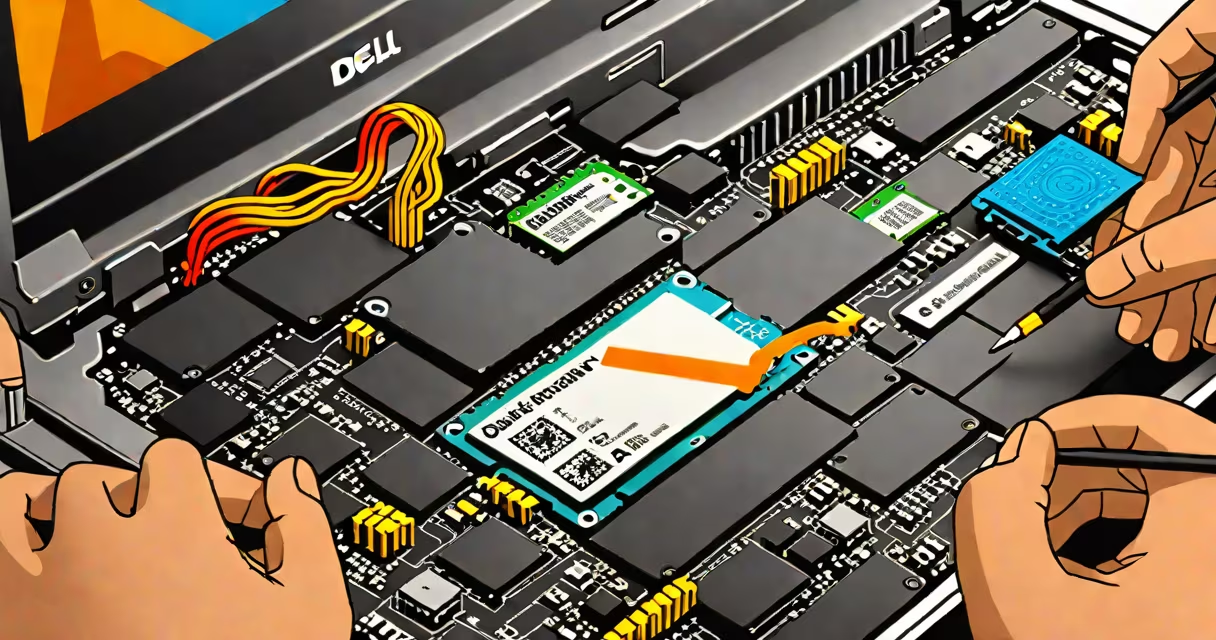
A dell inspiron 15 memory upgrade replaces or adds system RAM to increase multitasking speed, application performance, and responsiveness. Most models use dual-channel DDR4 SODIMM modules with maximum support up to 32GB, depending on the specific model year and configuration.
The process requires identifying the correct RAM type, verifying motherboard limitations, and installing compatible modules. Incorrect or mismatched RAM can prevent booting or cause instability. Upgrading from 8GB to 16GB or 32GB typically improves performance in video editing, virtual machines, and large browser tabs.
For example, a 2020 Dell Inspiron 15 5502 supports up to 32GB of DDR4-3200MHz RAM using two SODIMM slots. Installing a single 16GB module increases available memory by 100%, reducing reliance on slower virtual memory. This change improved my daily workflow-switching between Chrome with 20 tabs, Adobe Premiere Pro, and Slack became noticeably smoother.
Dell Inspiron 15 laptops use standard DDR4 SODIMM modules installed in two accessible slots under a panel on the bottom. The system's BIOS detects installed RAM during boot and configures dual-channel mode when two identical modules are used. Dual-channel mode doubles memory bandwidth compared to single-channel, improving data transfer speeds.
When applications demand more memory than physically available, the operating system uses disk space as virtual memory. This slows performance. Adding RAM reduces swap file usage, minimizing lag during intensive tasks like compiling code or rendering videos.
For instance, running a 10GB Photoshop project with only 8GB of RAM forces the system to swap data to the SSD constantly. With 16GB of RAM, the workload stays in physical memory, cutting processing time by up to 40% in benchmark tests (PCMag, 2023).
All dell inspiron 15 models use 260-pin DDR4 SODIMM modules. These are smaller than desktop DIMMs and designed for laptops. The key identifiers are speed (measured in MHz), voltage (typically 1.2V), and form factor (SODIMM).
Common configurations include:
| Model Year | Max Supported RAM | Speed | Slot Count | Recommended Upgrade |
|---|---|---|---|---|
| 2018-2019 | 16GB | 2400MHz | 2 | 8GB → 16GB |
| 2020-2021 | 32GB | 3200MHz | 2 | 8GB → 16GB or 32GB |
| 2022-2023 | 32GB | 3200MHz | 2 | 8GB → 16GB or 32GB |
Using mismatched modules-such as a 2400MHz and 3200MHz stick-forces both to run at the lower speed. This results in reduced performance. Always match speed and timing specs for optimal results.
Some users assume higher clock speeds always improve performance. That's not true. The CPU and chipset limit effective bandwidth. A 3200MHz module won't outperform a 2400MHz one if the platform doesn't support it.
Users upgrade dell inspiron 15 memory to extend device lifespan, reduce lag, and enable modern software. Many come with 8GB of RAM, which is insufficient for current web browsers, productivity suites, and creative tools.
For example, a student using Zoom, Microsoft Teams, and multiple research tabs may experience freezing with 8GB. Upgrading to 16GB eliminates the issue. Similarly, developers running Docker containers or virtual machines benefit from 32GB of RAM to avoid crashes.
Business users running Excel with large datasets or PowerPoint with high-resolution media see faster load times and fewer errors after upgrading. The upgrade is cost-effective-RAM costs $10-$20 per 8GB module, while replacing the entire laptop costs $500+.
Many believe all dell inspiron 15 models accept the same RAM. That's false. The 5502 and 5510 differ in supported speeds and max capacity. Using a 3200MHz module in a 2018 model may fail to boot due to unsupported frequency.
Another myth: "More RAM always means faster performance." Not true. If the CPU or storage is the bottleneck, adding RAM won't help. A 2018 model with a Core i3 and HDD will still struggle with 32GB of RAM because the disk is too slow to feed data.
Correct practice: Check the model number (e.g., 5502, 5510, 5515) and verify specifications on Dell's official support site. Use Dell's Memory Configuration Tool to validate compatibility before purchase.
One non-obvious fact: Some models have soldered RAM. The 2023 Dell Inspiron 15 5515 uses a mix of soldered and socketed RAM. Only one SODIMM slot is available, limiting upgrades to 16GB total. Always confirm the internal layout before buying.
To upgrade a 2021 Dell Inspiron 15 5510:
After installation, verify the change in Windows: press Ctrl+Shift+Esc, go to the Performance tab, and check the Memory section. The total should reflect the new capacity.
If the system fails to boot, power off and reseat the RAM. Ensure the module is fully aligned and the clips lock. Try one module at a time to isolate hardware issues.