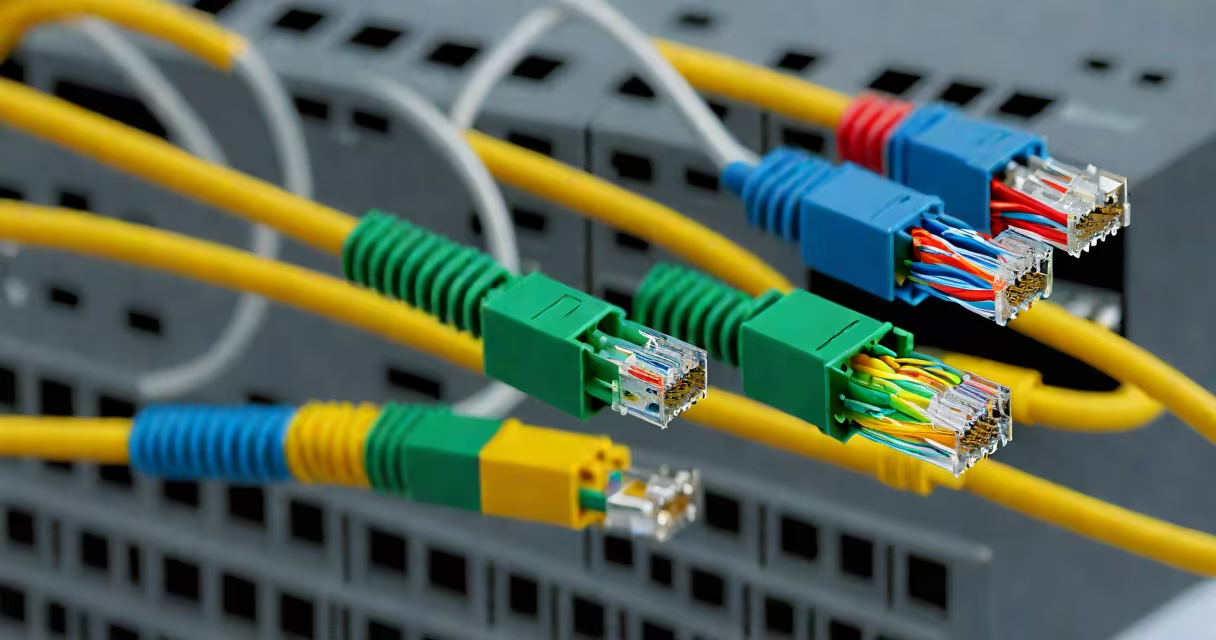
A cross cable LAN, also known as a crossover Ethernet cable, connects two similar devices-like two computers or two switches-directly without a router or hub. It swaps the transmit and receive pairs on opposite ends to enable communication.
Unlike standard Ethernet cables, which use the same pinout on both ends (straight-through), a crossover cable reverses specific wire pairs. This reversal helps each device's send signal connects to the other's receive signal, enabling direct data transfer.
The term "cross cable" is often used interchangeably with "crossover cable," though technically, "crossover" is the correct term in networking standards. Modern Ethernet ports support Auto-MDI/MDI-X, which automatically detects and adjusts for cable type, making crossover cables less essential-but still useful in legacy setups.
Cross cable LAN relies on the physical layer of the OSI model. Ethernet uses four twisted-pair wires in a Cat5e or higher cable. Two pairs handle data transmission (TX), and two handle reception (RX).
In a standard straight-through cable, pins 1-2 on one end connect to 1-2 on the other. In a crossover cable, pins 1-2 on one end connect to 3-6 on the other, and vice versa. This swap allows two devices to communicate directly.
For example, when connecting two PCs via a crossover cable, PC A sends data through pins 1 and 2 (TX), which are linked to pins 3 and 6 (RX) on PC B. Without this swap, the signals wouldn't align, and communication would fail.
Two primary wiring schemes define crossover cables: T568A and T568B. Most modern cables follow T568B, but crossover cables must have different configurations on each end.
| Pin | End A (T568B) | End B (T568A) |
|---|---|---|
| 1 | White/Orange | White/Green |
| 2 | Orange | Green |
| 3 | White/Green | White/Orange |
| 4 | Blue | Blue |
| 5 | White/Blue | White/Blue |
| 6 | Green | Orange |
| 7 | White/Brown | White/Brown |
| 8 | Brown | Brown |
Using a crossover cable with mismatched wiring (e.g., T568B on both ends) results in a failed connection. Always verify the configuration when building or testing cables.
Modern gigabit Ethernet (1000BASE-T) uses all four pairs for data. Even with Auto-MDI/MDI-X, a crossover cable still functions correctly because the port auto-negotiates the correct pair assignment.
Cross cable LAN was essential in the early 2000s for peer-to-peer file sharing, gaming, and setting up small networks without infrastructure. Today, it's mainly used in:
For example, when transferring a 10 GB video file between two laptops, using a crossover cable avoids the bottleneck of Wi-Fi and provides stable, wired speeds up to 1 Gbps.
Many IT professionals still carry crossover cables for field work. During a server outage, a technician once restored access to a backup system by connecting a laptop directly to a NAS using a crossover cable-bypassing a failed switch.
One widespread misconception is that crossover cables are obsolete due to Auto-MDI/MDI-X. While modern ports do auto-detect and adjust, this doesn't eliminate the need for crossover cables in certain scenarios.
For instance, older network interface cards (NICs) or industrial devices may lack Auto-MDI/MDI-X support. Using a straight-through cable in such cases results in no link light and failed communication.
Another error is assuming that any Ethernet cable can be used as a crossover. A standard Cat5e cable with T568B on both ends is a straight-through cable. Reversing the wiring manually requires a crimping tool and tester. Incorrectly wired cables cause intermittent failures.
Also, crossover cables are not interchangeable with USB or serial cables. They are designed specifically for Ethernet signaling and cannot be used for data transfer between a computer and a mobile device.
Suppose you want to transfer a 5 GB game install file from a desktop to a laptop without Wi-Fi. Here's how to do it:
This setup achieves transfer speeds around 900 Mbps-faster than most home Wi-Fi networks.
Always test the cable with a network cable tester before deployment. A faulty crossover cable can cause dropped connections or slow performance.
Do not use a cross cable LAN when connecting a computer to a router, switch, or modem. These are upstream devices that expect a straight-through cable. Using a crossover cable here causes a link failure.
Also avoid using crossover cables in environments with strict network policies. Many corporate networks disable direct peer-to-peer connections to prevent data leaks or unauthorized access.
If you're unsure whether a cable is crossover, check the color pattern. A standard straight-through cable has matching wire colors on both ends. A crossover cable shows swapped colors-especially on pins 1-2 and 3-6.
While Auto-MDI/MDI-X has reduced the need for crossover cables, they remain valid tools in specific technical contexts. Understanding their function, wiring, and proper use prevents misconfiguration and downtime.
When working with legacy systems, industrial equipment, or isolated networks, a properly wired cross cable LAN remains a dependable solution for direct device communication.