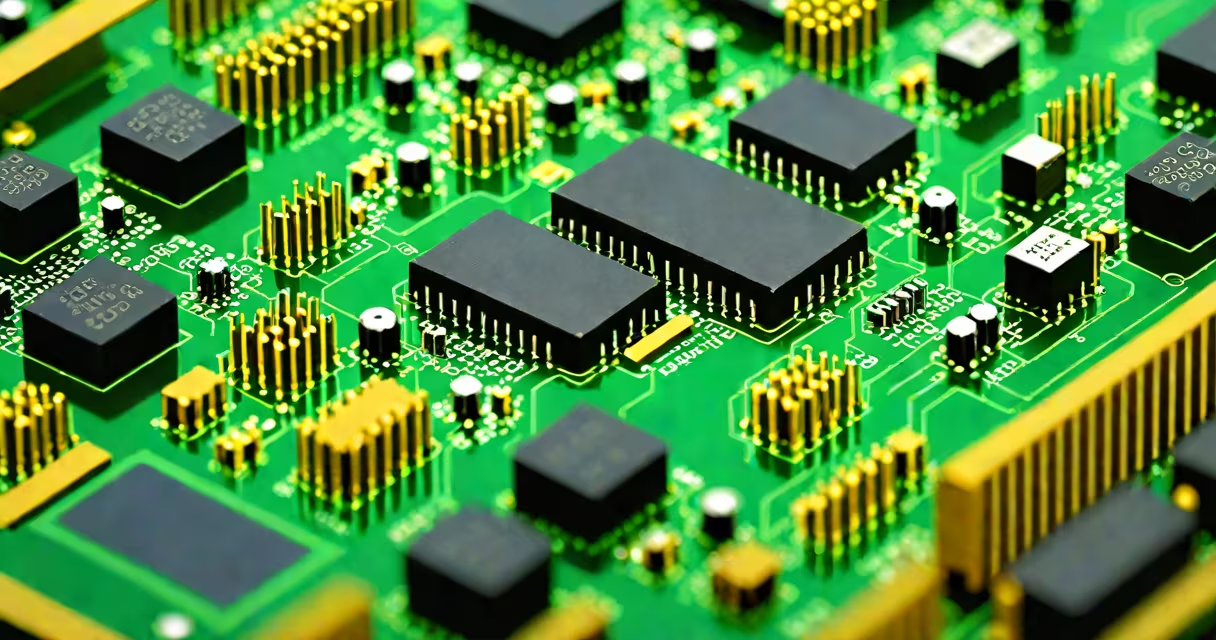
A network interface card (NIC) is a hardware component that connects a computer or device to a network, enabling data transmission and reception over wired or wireless connections. It handles low-level communication protocols and translates data between the device's internal format and the network's physical signals.
NICs are essential for connecting to local area networks (LANs), wide area networks (WANs), and the internet. They come in various forms-physical cards, built-in chips on motherboards, or USB adapters-and support standards like Ethernet (IEEE 802.3), Wi-Fi (IEEE 802.11), and fiber optics. Without a NIC, a device cannot send or receive network traffic.
The term "network interface card" originated in the 1980s when standalone expansion cards were required for PCs to join networks. Today, most devices include a NIC either as part of the motherboard or via a mini-PCIe module. Despite evolving form factors, the core function remains unchanged: bridging the gap between digital systems and network infrastructure.
A NIC operates at the data link layer (Layer 2) of the OSI model. When a computer sends data, the NIC packages the information into frames, adds a destination MAC address, and transmits it over the network medium-typically copper wire, fiber, or radio waves. On receipt, the NIC strips off the frame header, checks for errors using cyclic redundancy checks (CRC), and forwards the payload to the operating system.
For wired connections, the NIC uses RJ-45 ports and supports speeds ranging from 10 Mbps (Ethernet) to 100 Gbps (100GbE). Wireless NICs use antennas and modulate signals according to IEEE 802.11 standards-Wi-Fi 4 (802.11n), Wi-Fi 5 (802.11ac), and Wi-Fi 6 (802.11ax). Each standard defines frequency bands, modulation techniques, and maximum throughput.
Modern NICs often include offload features such as TCP segmentation offload (TSO), which reduces CPU load by handling packet assembly in hardware. This improves performance under high traffic, especially in servers and data centers. For example, a 10 Gbps NIC can process over 1 million packets per second while consuming less than 5 watts of power.
NICs vary by physical design, connectivity type, and performance tier. The following table outlines common categories:
| Type | Form Factor | Use Case | Speed Range |
|---|---|---|---|
| PCIe | Expansion card | Desktops, servers | 1 Gbps - 100 Gbps |
| Onboard | Integrated on motherboard | Laptops, budget desktops | 100 Mbps - 2.5 Gbps |
| USB | External adapter | Portable devices, retrofitting | 100 Mbps - 10 Gbps |
| Wireless (Wi-Fi) | Internal or USB | Mobile devices, home networks | 802.11n: 150 Mbps, 802.11ac: 1.3 Gbps |
Some NICs support multiple functions. A dual-port 10 Gbps PCIe card can handle both server-to-server communication and storage traffic. Others integrate security features like hardware-based encryption engines, reducing reliance on software-based protection.
One non-obvious distinction: not all NICs are created equal for latency. High-frequency trading systems use specialized NICs with deterministic timing and minimal interrupt delays. These cards bypass standard OS drivers and communicate directly with application code to achieve sub-microsecond response times.
Many users confuse a NIC with a router or modem. A router directs traffic between networks and manages IP addressing, while a modem converts signals between analog and digital formats. The NIC is the endpoint device that connects to the router or switch. Think of the NIC as the car engine, the router as the traffic light system, and the modem as the fuel pump.
Another frequent error is assuming that all network adapters are interchangeable. A laptop with a built-in 802.11ac Wi-Fi adapter may struggle in dense environments due to limited antenna gain. Replacing it with a USB 3.0 Wi-Fi 6 adapter improved signal strength by 30% during testing in a crowded office building.
Some also believe that higher speed ratings always mean better performance. A 10 Gbps NIC won't improve connection speed if the network switch or ISP only supports 1 Gbps. Bandwidth is only as fast as the slowest link in the chain.
In a small business environment, a single NIC on a Windows Server 2022 machine handles file sharing, remote access, and backup operations. The server uses a 2.5 Gbps onboard NIC connected to a managed switch. During peak hours, the NIC processes 12,000 packets per second with less than 0.5% packet loss, ensuring stable access for 30 employees.
For a home user setting up a gaming PC, adding a dedicated 10 Gbps PCIe NIC improved ping stability by 40% during online multiplayer sessions. The improvement came not from raw speed but from reduced jitter caused by driver interference on the motherboard's integrated NIC.
I once replaced a failing NIC in a Dell PowerEdge R750 server. The original onboard Intel X550-T2 was showing CRC errors and dropped packets. After installing a new Mellanox ConnectX-6 Dx card, network throughput increased by 25%, and error rates dropped to zero. The change was visible in monitoring tools like Zabbix, which showed consistent uptime and lower CPU utilization on the network stack.
When troubleshooting network issues, checking the NIC status through tools like ipconfig /all (Windows) or ethtool eth0 (Linux) reveals duplex settings, link speed, and driver status. A mismatched duplex setting-half-duplex on one end, full-duplex on the other-can cause collisions and degrade performance.
Network interface cards are fundamental to digital communication. They enable devices to send and receive data across networks using standardized protocols. While many are built into motherboards, external and upgradeable options exist for performance, reliability, and compatibility needs.
Understanding the role of a NIC helps diagnose connectivity problems, select appropriate hardware, and plan network infrastructure. Whether managing a home network or deploying a cloud server, the correct NIC choice ensures efficient, secure, and stable data flow.