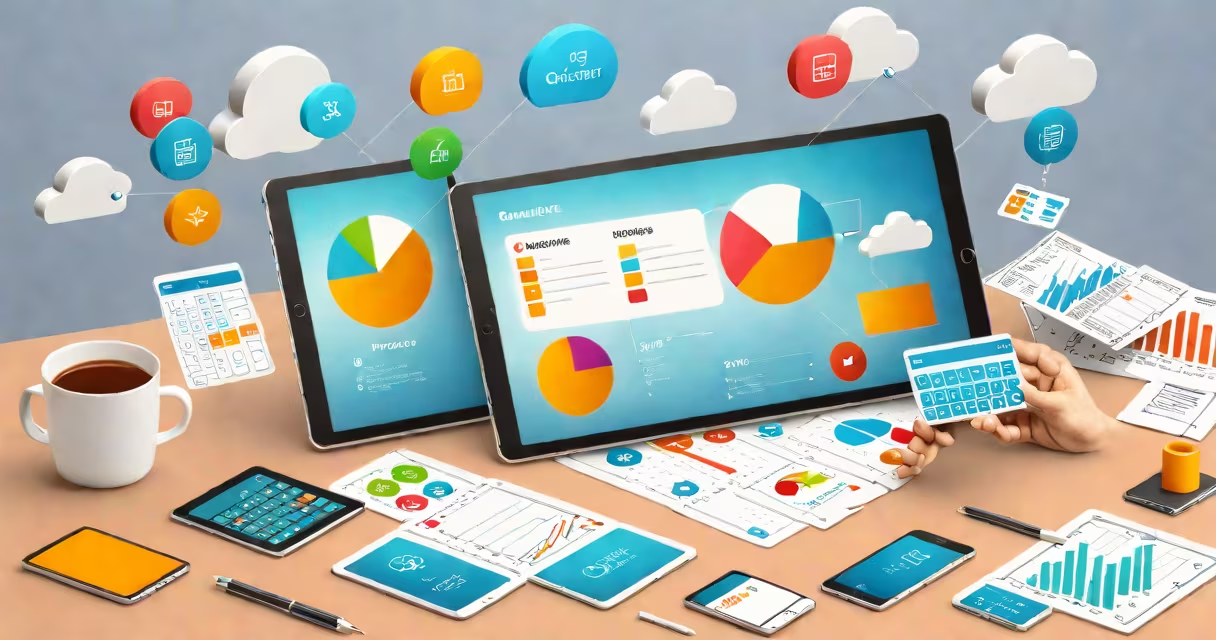
Cloud accounting systems are subscription-based financial management platforms hosted on remote servers, accessible via web browsers or mobile apps. They automate bookkeeping, track income and expenses in real time, and support collaboration across locations. These systems replace traditional desktop software by storing data securely online and enabling instant updates across devices.
Unlike older accounting software installed locally on a single computer, cloud accounting systems process transactions through centralized servers managed by providers like QuickBooks Online, Xero, or NetSuite. All users access the same dataset simultaneously, reducing delays and version conflicts. Data is encrypted during transmission and stored with redundancy across multiple geographic regions, ensuring availability even during hardware failures.
These systems integrate with banks, payment gateways, and third-party apps via APIs. For example, when a customer pays via Stripe, the transaction appears automatically in the system within minutes. This eliminates manual data entry and reduces errors. Users can generate reports such as profit and loss statements, balance sheets, and cash flow forecasts instantly, often with customizable templates.
When a user logs into a cloud accounting platform, their session connects to a server located in a data center-often in a region like Northern Virginia or Frankfurt. The system validates credentials using multi-factor authentication, then loads the user's financial data from a database optimized for high-speed queries.
Every action-adding an invoice, recording a bank deposit, or approving a payment-is sent to the server, processed, and saved in a distributed database. Changes propagate across all devices linked to the account within seconds. For instance, if a team member adds a vendor bill on a smartphone while traveling, the finance manager sees it updated on their laptop within 15 seconds.
Behind the scenes, the system runs scheduled tasks: reconciling bank feeds, sending overdue reminders, and backing up data every 15 minutes. These operations happen automatically and are invisible to the user. The provider manages infrastructure, security patches, and uptime monitoring, freeing businesses from IT maintenance.
Systems vary by scale, functionality, and target audience. Small businesses typically use entry-level platforms like QuickBooks Online or FreshBooks. Mid-market companies may choose Xero or NetSuite, which offer advanced features such as multi-currency support, project costing, and integration with enterprise resource planning (ERP) systems.
| Type | Best For | Key Features | Example Platforms |
|---|---|---|---|
| Basic | Sole proprietors, freelancers | Simple invoicing, bank reconciliation, tax-ready reports | QuickBooks Online, Wave |
| Mid-Market | Small to medium businesses with 10-100 employees | Multi-user roles, inventory tracking, payroll integration | Xero, NetSuite, Sage Intacct |
| Enterprise | Larger organizations with complex operations | Advanced analytics, compliance modules, API-driven workflows | Oracle NetSuite, SAP Business One Cloud |
One often-overlooked distinction is that not all cloud systems are created equal. Some platforms claim to be "cloud-based" but still rely on local installations for core processing. True cloud systems run entirely on remote servers and deliver consistent performance regardless of device capability. A 2022 study by Gartner found that 68% of small business owners incorrectly assumed their "cloud" software required a local machine to function properly.
Small businesses use cloud accounting systems to reduce administrative overhead. A bakery owner in Portland, Oregon, uses QuickBooks Online to track daily sales, calculate taxes, and send invoices. She receives notifications when payments clear, and her accountant accesses the data remotely during quarterly reviews. This setup saves her 7 hours per month compared to manual spreadsheet tracking.
Larger firms benefit from scalability and audit trails. A tech startup in Austin expanded from 12 to 120 employees in 18 months. Using Xero, they scaled their accounting operations without hiring additional staff. The system automatically generated monthly financial summaries, flagged discrepancies in expense reports, and supported multi-currency transactions for international clients.
These systems also improve compliance. The IRS requires electronic records for tax audits. Cloud platforms maintain detailed logs of who made changes, when, and from which IP address. This audit trail simplifies documentation during federal or state reviews. According to the American Institute of CPAs (AICPA), 83% of auditors reported faster review times when working with cloud-based financial data.
Many assume cloud accounting systems are less secure than on-premise software. In reality, major providers invest heavily in cybersecurity. QuickBooks Online, for example, uses AES-256 encryption for data at rest and TLS 1.3 for data in transit. It also offers two-factor authentication and role-based permissions. A 2023 report by Deloitte confirmed that cloud accounting platforms had fewer data breaches per million users than locally installed software.
Another myth is that cloud systems lack customization. While they don't allow deep code-level modifications, most offer extensive configuration options. Users can create custom fields, set up approval workflows, and build dashboards tailored to their KPIs. Xero's "Custom Reports" feature lets users combine data from multiple sources into a single visual summary.
I once tested a client's migration from Excel-based tracking to NetSuite. Their previous system took 14 days to close the books each month. After switching, the process dropped to 3 days. The biggest change wasn't automation-it was visibility. Managers saw real-time variances between budget and actuals, enabling faster decisions.
Cloud accounting systems are not the same as cloud backup systems. While both store data remotely, cloud backups protect copies of files for recovery after loss or corruption. Cloud accounting systems are operational tools that manage financial processes. Backups are a safety net; accounting systems are the engine.
They also differ from standalone accounting software. Desktop programs like QuickBooks Desktop require installation on individual machines and don't sync across devices unless manually exported. Cloud systems eliminate this friction. You can start an invoice on your phone, finish it on your desktop, and approve it from a tablet-all without restarting the app.
Cloud accounting systems are not just tools-they are central nervous systems for financial operations. They enable faster decision-making, reduce human error, and scale with growth. As more businesses move online, these systems have become essential infrastructure, not optional upgrades.