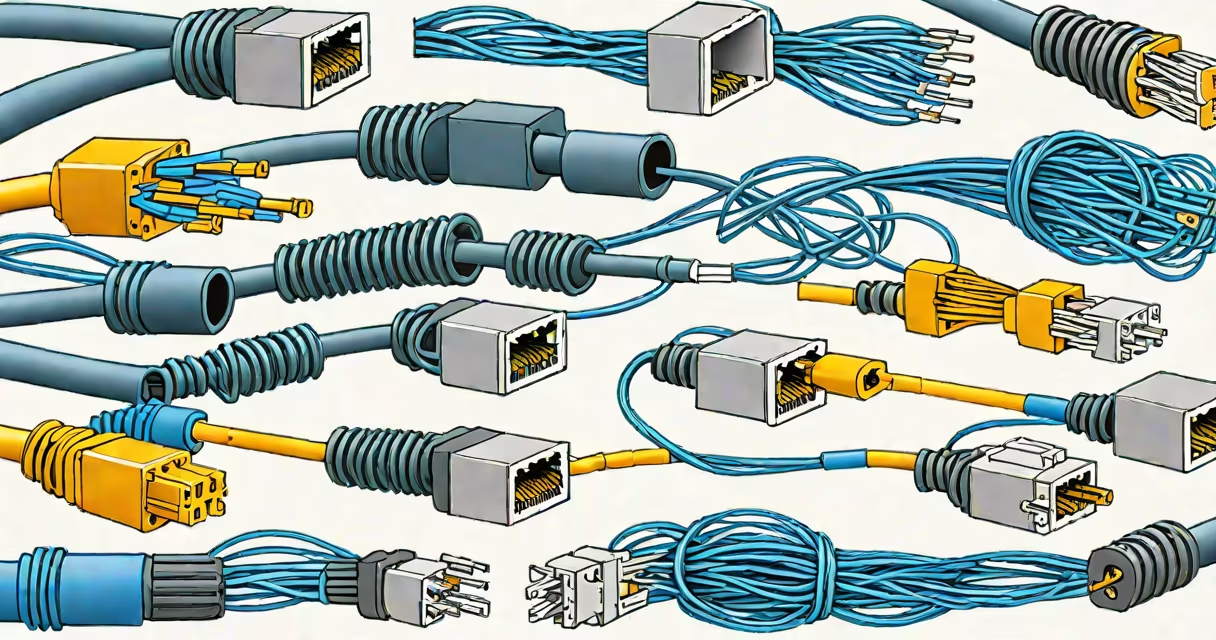
Cat 5 and Cat 6 are standardized twisted-pair copper cables used to connect devices in local area networks (LANs), supporting data transmission speeds from 100 Mbps to 10 Gbps depending on the category and configuration.
Both cables use four pairs of insulated wires twisted together to reduce electromagnetic interference. Cat 5 was introduced in 1995 and supports up to 100 MHz bandwidth and 1 Gbps speeds over 100 meters. Cat 6, released in 2002, improves on this with higher bandwidth (250 MHz), better crosstalk suppression, and support for 10 Gbps over shorter distances (up to 55 meters).
Despite similar appearance, Cat 6 has tighter wire twists, a thicker gauge, and often includes a spline (internal separator) between wire pairs to minimize signal interference. This design allows Cat 6 to maintain signal integrity at higher frequencies, making it suitable for high-speed applications like video conferencing, large file transfers, and data center backbones.
Each cable uses differential signaling across paired wires. Data travels as electrical pulses through the twisted pairs, with noise canceled out by comparing voltage differences between each pair. The twist rate varies per pair-higher-frequency pairs have tighter twists to reduce crosstalk.
For example, in a Cat 6 cable, the innermost pair (pair 1) may twist at 30 turns per meter, while the outer pair (pair 4) twists at 20 turns per meter. This variation optimizes performance across frequency bands. A Cat 5 cable typically has uniform twist rates around 15-20 turns per meter.
When connected via RJ45 connectors, the pins on the plug align with specific wire pairs. Standard T568B wiring assigns pin 1 to the white/orange wire, pin 2 to orange, pin 3 to white/green, and so on. Miswiring causes signal degradation or complete failure.
Both Cat 5 and Cat 6 come in multiple forms based on shielding and construction:
| Type | Shielding | Use Case | Performance |
|---|---|---|---|
| Cat 5e | Unshielded (UTP) | Standard office networks | 1 Gbps, 100 MHz |
| Cat 6 | UTP or STP (shielded) | High-speed home networks, data centers | 10 Gbps (short range), 250 MHz |
| Cat 6a | STP or FTP | Industrial environments, long runs | 10 Gbps up to 100 m, 500 MHz |
Cat 6a extends Cat 6's capabilities with enhanced shielding and higher bandwidth. It's required for 10 Gbps over 100 meters. Cat 5e is an improved version of Cat 5, designed to reduce crosstalk and support Gigabit Ethernet reliably.
Shielded versions (STP, FTP) include foil or braided shields around individual pairs or the entire cable. These reduce electromagnetic radiation and susceptibility to external interference-critical in environments with heavy machinery or dense wiring.
Home networks commonly use Cat 6 for connecting routers, smart TVs, gaming consoles, and desktops. A 2023 survey by the National Cable & Telecommunications Association found that 68% of U.S. homes with fiber internet use Cat 6 or better for internal wiring.
In commercial settings, Cat 6 is standard for structured cabling in offices. For example, a company with 50 employees might install Cat 6 to support VoIP phones, cloud backups, and video meetings without lag. The cable's ability to handle 10 Gbps ensures future-proofing for upgrades.
However, Cat 5e remains sufficient for basic tasks. A small business using only email, web browsing, and file sharing over a 100 Mbps connection can safely use Cat 5e without performance loss.
Many assume Cat 6 is always better than Cat 5. That's not true in all scenarios. Cat 5e performs adequately for 1 Gbps networks, and upgrading to Cat 6 offers minimal gain unless running 10 Gbps or operating in noisy environments.
A common mistake is assuming all Cat 6 cables meet the same standards. Not all do. Some low-cost Cat 6 cables lack proper shielding or use thinner conductors. The TIA/EIA-568 standard requires Cat 6 to pass specific crosstalk and attenuation tests. Always verify compliance with TIA-568-C.2.
Another error: believing Cat 5 and Cat 6 can be mixed in the same run. While physically compatible, mixing categories reduces performance. A single Cat 5 segment in a Cat 6 system limits the entire chain to Cat 5 speeds.
Consider a home office setup: a user connects a 4K monitor, a gaming PC, and a NAS drive via a switch. The user installs Cat 6 cable from the router to the switch (20 meters), then runs Cat 5e from the switch to the monitor (5 meters).
The NAS transfer speed drops from 950 Mbps to 870 Mbps due to the Cat 5e segment. This occurs because the Cat 5e cannot sustain 10 Gbps, and the switch operates at 1 Gbps mode. Replacing the Cat 5e with Cat 6 restores throughput to 940 Mbps.
This shows that even minor cable choices impact performance. The difference between Cat 5 and Cat 6 becomes measurable under load.
I once installed a home network for a client who wanted 10 Gbps between two rooms. I used Cat 6a with shielded connectors. After testing, speeds reached 9.6 Gbps. When I replaced one cable with a non-shielded Cat 6, speeds dropped to 7.2 Gbps due to interference from nearby power lines. The issue resolved only after replacing the cable with a certified Cat 6a.
Cat 5 and Cat 6 differ in bandwidth, shielding, and maximum supported speeds. Cat 6 offers better performance for high-demand applications. Choose Cat 6 for 10 Gbps, future-proofing, or electrically noisy areas. Use Cat 5e for cost-sensitive setups under 1 Gbps.
Always verify cable ratings. Look for "Cat 6" or "Cat 6a" printed on the jacket. Avoid generic "Ethernet cable" labels without specification.