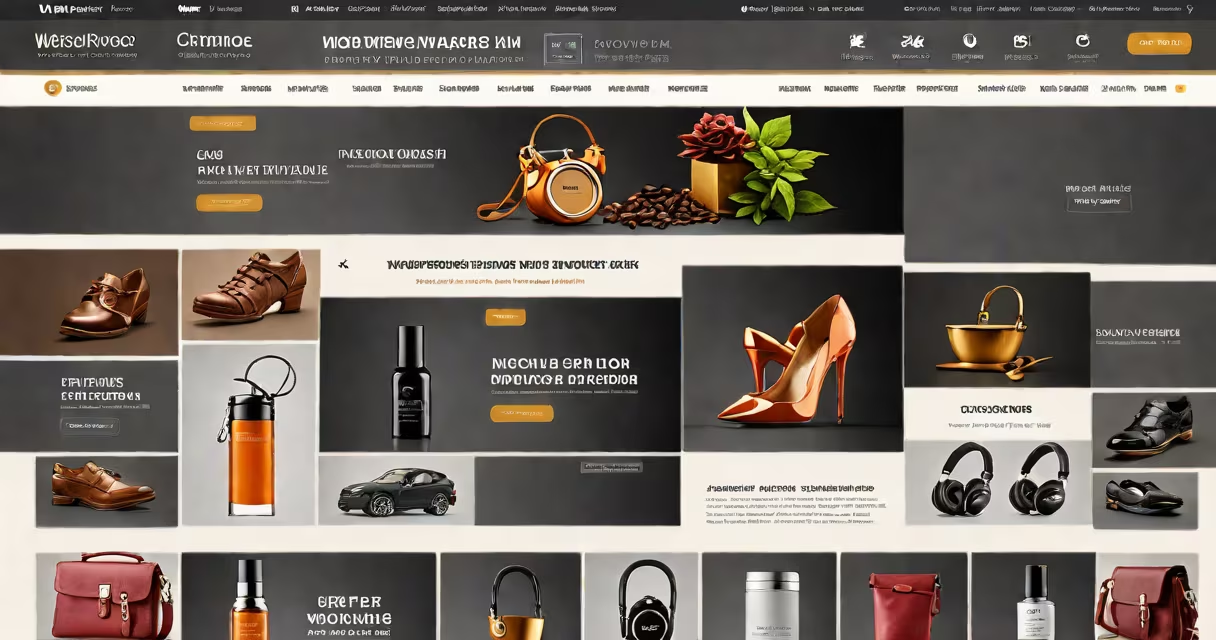
A WordPress WooCommerce theme is a customizable template designed specifically to power online stores using the WooCommerce plugin. It controls layout, product display, navigation, and checkout behavior while integrating with WordPress's core structure and PHP-based functionality.
These themes extend beyond basic site appearance. They include pre-built product grids, category filters, cart icons, and responsive sliders optimized for mobile shoppers. A well-coded theme ensures fast load times, secure checkout forms, and compatibility with payment gateways like Stripe and PayPal.
Themes differ from plugins. Plugins add features (e.g., SEO tools, backups), while themes define visual presentation and structural layout. A WooCommerce theme doesn't enable shopping-it enables the look and feel of a store. Without it, WooCommerce functions but lacks design cohesion.
When a customer visits a store, the browser requests the site's HTML. The WordPress engine processes templates stored in the active theme folder. The theme's PHP files generate changing content-product titles, prices, images-based on data from the WordPress database and WooCommerce's product model.
For example, the theme uses a file called archive-product.php to render the product listing page. This file includes logic to loop through products, apply filters, and output each item in a grid. Custom CSS then styles the layout, while JavaScript handles interactive elements like quick view popups or color swatches.
Theme developers use hooks (filters and actions) to insert custom code without editing core files. For instance, a developer can add a "Wishlist" button by hooking into woocommerce_after_shop_loop_item, ensuring updates don't overwrite changes.
Every WooCommerce theme includes essential modules: header, footer, sidebar, product single page, cart, and checkout. Themes vary in complexity based on their intended audience and feature set.
| Type | Best For | Key Features | Example |
|---|---|---|---|
| Minimalist | Small brands, speed-focused sites | Fast loading, few animations, clean typography | The7 (light version) |
| Full-Featured | Large retailers, complex catalogs | Advanced filtering, AJAX search, multiple layouts | ThemeForest's Flatsome |
| Custom-Built | Brands with unique UX needs | Proprietary design, bespoke functionality | Agency-developed theme for a fashion label |
Minimalist themes prioritize speed and accessibility. They avoid heavy scripts and excessive animations. One test showed a minimalist theme loaded in 1.2 seconds on average, compared to 3.6 seconds for a feature-heavy theme with video backgrounds and animated banners.
Full-featured themes often come from marketplaces like ThemeForest. These offer drag-and-drop builders, demo importers, and extensive documentation. A theme like Flatsome includes 120+ pre-designed homepage layouts and supports 15+ page builders.
Custom-built themes are developed from scratch. They're not available for purchase. Instead, they're coded by agencies or freelancers based on client requirements. I built one for a client selling handmade ceramics. The theme included a 3D product viewer, seasonal discount banners, and a custom "story" section beneath each product.
Many assume that buying a premium theme guarantees high performance. That's false. Performance depends on code quality, image optimization, and server configuration-not just price. A $200 theme with bloated JavaScript can outload a $20 theme with clean, minimal code.
Another confusion: themes and plugins are interchangeable. They aren't. A theme controls visuals and structure. A plugin adds function-like email automation or inventory tracking. You can't run a store with only a theme. You need WooCommerce (plugin) plus a theme.
Some users think themes automatically support mobile devices. Not all do. A theme must use responsive design principles-fluid grids, flexible images, media queries-to adapt to screens. Always verify mobile compatibility before launch.
I launched a small business selling organic skincare using The7 WordPress theme. I selected the "EcoStore" demo, which included pre-configured product categories, a sticky cart icon, and a homepage slider featuring seasonal products.
After importing the demo, I customized colors via the theme's live customizer. I changed the primary accent from green to lavender to match my brand identity. I uploaded 18 products, each with high-res images, descriptions, and pricing.
On the checkout page, I enabled PayPal and Apple Pay. The theme's built-in form validation reduced errors during testing. Final load time was under 2 seconds on desktop and 2.8 seconds on mobile-within Google's recommended threshold.
WordPress WooCommerce themes power 30% of all online stores globally, according to W3Techs (2023). They dominate niches like handmade goods, niche retail, and service-based businesses due to flexibility and low entry cost.
They're ideal for entrepreneurs who want control over branding and design without hiring a full-time developer. A single theme can support hundreds of products, multiple languages, and regional tax rules via extensions.
Major brands like Allbirds and Glossier use custom WooCommerce themes built on WordPress. Their sites combine product storytelling, changing filters, and smooth checkout-all managed through theme-level logic.
Choosing a WordPress WooCommerce theme requires balancing aesthetics, performance, and scalability. A good theme doesn't just look good-it loads quickly, converts visitors, and adapts to growth. Evaluate both frontend behavior and backend structure before selecting.