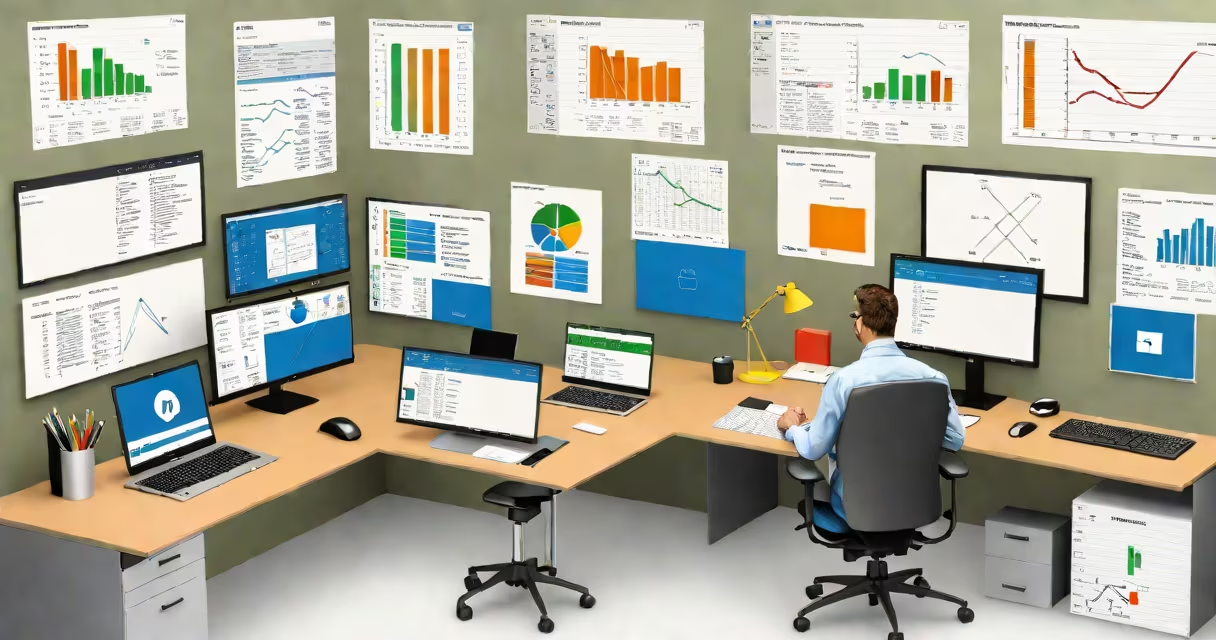
Microsoft Office is a set of productivity software used for creating documents, analyzing data, designing presentations, managing emails, and collaborating across teams. It includes programs like Word, Excel, PowerPoint, Outlook, and Teams, each tailored to specific work tasks.
Office applications are designed to handle everyday digital workflows. Word handles text editing and formatting for reports, letters, and resumes. Excel manages numerical data through spreadsheets, formulas, and charts. PowerPoint creates visual presentations for meetings, pitches, and training sessions. Outlook organizes email, calendars, and contacts. Teams enables real-time collaboration via chat, video calls, and file sharing.
These tools are standard in schools, small businesses, and large enterprises. A teacher uses Word to draft lesson plans, Excel to track student grades, and PowerPoint to deliver class lectures. A marketing manager builds campaign reports in Word, analyzes sales figures in Excel, and presents results using PowerPoint. These functions are embedded in daily operations across industries.
Each application runs on Windows, macOS, iOS, Android, and web browsers. Files saved in .docx, .xlsx, or .pptx formats maintain consistency across platforms. Cloud integration through OneDrive allows access from any device with internet connectivity.
For example, a project team in New York edits a budget spreadsheet in Excel while a colleague in London reviews it in real time. Changes sync instantly across devices. This smooth flow reduces delays and prevents version conflicts. The system relies on Microsoft's backend infrastructure to ensure reliability and security.
Users can also customize interfaces. Ribbon menus in Word and Excel offer quick access to formatting tools, while keyboard shortcuts speed up repetitive actions. Advanced features like macros in Excel automate complex calculations, and conditional formatting highlights trends in data.
The core applications serve distinct purposes. Word is optimized for long-form text, supporting styles, headers, footers, citations, and collaboration tracking. Excel focuses on structured data, offering pivot tables, VLOOKUP functions, and changing chart generation. PowerPoint emphasizes visual storytelling with slide transitions, animations, and speaker notes.
| Application | Primary Use | Common File Extension |
|---|---|---|
| Word | Writing reports, resumes, and formal letters | .docx |
| Excel | Tracking budgets, analyzing datasets, forecasting trends | .xlsx |
| PowerPoint | Creating slideshows for meetings, pitches, and training | .pptx |
| Outlook | Managing email, scheduling appointments, organizing contacts | .pst (local), .ost (cached) |
| Teams | Hosting virtual meetings, sharing files, group messaging | Integrated with cloud storage |
These tools are not interchangeable. Using Excel to write a research paper leads to poor formatting and limited editing features. Attempting to build a financial model in Word results in fragile calculations and no automated updates. Each program solves a specific problem efficiently.
Over 1.2 billion people use Microsoft Office monthly, according to Microsoft's 2023 commercial report. It dominates corporate environments due to compatibility, training availability, and integration with enterprise systems. Government agencies, healthcare providers, and educational institutions rely on it for secure, standardized workflows.
A university department uses Word to draft syllabi, Excel to grade exams, and PowerPoint to teach modules. Faculty members share templates across departments, ensuring uniformity. Students submit assignments in .docx format, which professors open without conversion issues. This consistency reduces friction during academic processes.
Businesses use Excel to forecast quarterly revenue. A finance analyst inputs historical sales data, applies trendlines, and generates projections. The model recalculates automatically when new numbers are added. Without such automation, manual updates would take hours and risk errors.
Many assume Microsoft Office is free. It is not. While basic versions exist through school or work licenses, standalone purchases require a subscription or one-time payment. Free alternatives like Google Workspace or LibreOffice lack full feature parity, especially in advanced data modeling and compliance tools.
Another misconception is that Office is only for desktop users. Modern Office supports mobile apps with near-complete functionality. You can edit a Word document on a tablet, view an Excel dashboard on a phone, or join a Teams meeting from a browser. Performance varies slightly, but core capabilities remain intact.
A non-obvious distinction: Microsoft Office and Microsoft 365 are not the same. Office refers to the software set. Microsoft 365 is a cloud-based subscription service that includes Office apps, email, cloud storage, and security features. Users who buy Office 2024 get perpetual access. Those on Microsoft 365 receive automatic updates and cross-device synchronization.
I once observed a small business switch from a legacy version of Office to Microsoft 365. They used Excel to manage inventory but struggled with syncing data between locations. After enabling cloud sync and setting up shared workbooks, they reduced duplicate entries by 70%. The change wasn't just technical-it improved team coordination.
A nonprofit organization prepares its annual budget using Microsoft Office. The finance lead opens Excel and creates a worksheet with categories: staff salaries, event costs, travel, and supplies. They enter projected expenses for each category and apply SUM formulas to calculate totals.
Next, they insert a pie chart to visualize spending distribution. The chart updates automatically when values change. They save the file to OneDrive and share it with the board via a link. Board members review it in their browsers, leave comments, and approve changes.
Finally, the lead drafts a summary letter in Word. They insert the chart as an image, add a cover page, and format the document with the organization's branding. The final PDF is sent to donors and stakeholders. All steps were completed within one day using integrated Office tools.