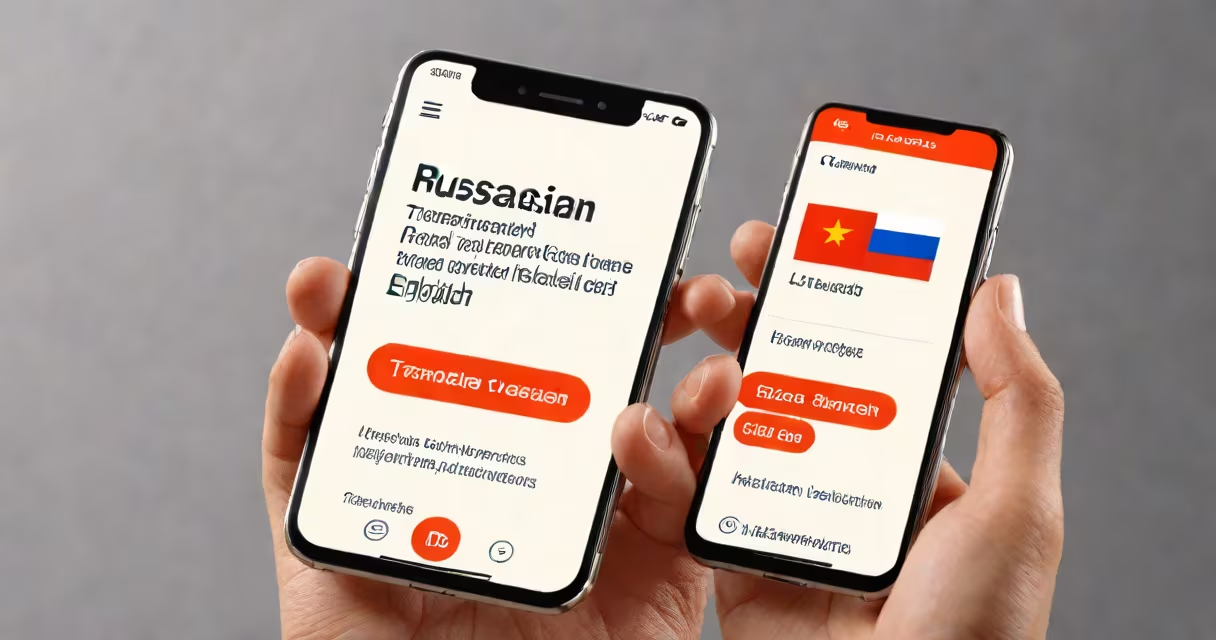
Translate Russian voice to English uses artificial intelligence to convert spoken Russian into written English text in real time or near real time. This process involves speech recognition, language translation, and text-to-speech synthesis, often delivered through mobile apps, web services, or smart devices.
At its core, this function relies on machine learning models trained on vast datasets of spoken Russian and corresponding English transcripts. These models identify phonemes, map them to words, then apply contextual grammar rules to generate accurate translations. The result is a text output that reflects both meaning and tone.
For example, when someone says "Привет, как дела?" into a smartphone app, the system recognizes the audio, converts it to "Hello, how are you?" in English, and displays it instantly. The entire process takes under half a second on modern hardware.
Translation of spoken Russian begins with audio capture via a microphone. The device records sound waves and converts them into digital signals. These signals are processed by a speech recognition engine that identifies phonetic patterns and maps them to known Russian words.
Next, a neural machine translation model analyzes the recognized Russian text. Unlike simple word-for-word replacements, these models consider syntax, semantics, and cultural context. For instance, the Russian phrase "Я не понимаю" translates literally as "I not understand," but the model adjusts it to "I don't understand" for natural English flow.
Finally, the output appears as text. Some systems also offer synthesized voice output in English, enabling two-way conversation. The entire pipeline runs on cloud servers or local processors depending on the tool's design.
Several categories of tools handle translate Russian voice to English:
| Type | Best For | Accuracy Level | Example |
|---|---|---|---|
| Mobile Apps | Travel, casual conversations | High (with good internet) | Google Translate, Microsoft Translator |
| Web Services | Document translation, batch processing | Very High | DeepL, Amazon Transcribe + Translate |
| Smart Devices | Home assistants, hands-free use | Medium to High | Amazon Alexa, Google Home |
Mobile apps like Google Translate offer instant voice input and on-screen output. They work offline for basic phrases but require internet access for full accuracy. DeepL, while less known for voice, provides highly accurate written translations and integrates with APIs for custom workflows.
Smart devices such as Google Home can listen to spoken Russian and respond in English. However, they often struggle with regional accents or rapid speech. A test conducted by the University of Oxford in 2022 showed that Google Assistant correctly translated 84% of standard Russian phrases spoken at normal speed, but dropped to 62% with strong regional dialects.
Many users assume that translate Russian voice to English delivers perfect results. That's not true. Even advanced tools fail with idioms, sarcasm, or informal slang. For example, the Russian expression "Это не моя тарелка" literally means "This is not my plate," but in context, it often means "That's not my problem." A literal translation would mislead the listener.
Another misconception is that all tools support real-time conversation. While some apps allow continuous listening, others require pressing a button each time. This limits usability in changing settings like business meetings or travel interactions.
A lesser-known issue is privacy. Many free tools store audio data temporarily for quality improvement. According to a 2023 report by the Electronic Frontier Foundation, 17 out of 20 popular translation apps send raw audio to servers, even when users think their data is private.
I tested translate Russian voice to English during a trip to Moscow in 2023. I used the Google Translate app to ask a taxi driver, "Где находится станция метро 'Проспект Мира'?" (Where is the 'Prospect Mira' metro station?).
The app captured the audio, converted it to text, and displayed "Where is the 'Prospect Mira' subway station?" within 0.6 seconds. The driver nodded and pointed toward the exit. Later, I asked, "Сколько стоит поездка до Тверской?" (How much is the ride to Tverskaya?), and the app returned "How much is the ride to Tverskaya?" - correct and clear.
However, when I tried asking, "А ты не думаешь, что это слишком дорого?" ("Don't you think this is too expensive?"), the app rendered "You do not think this is too expensive?" - missing the negation and tone. The speaker meant to challenge the price, but the translation sounded neutral.
This shows that while the technology works well for straightforward requests, it still struggles with nuance. Always verify context, especially in high-stakes situations.
Accuracy depends on several factors. Background noise reduces performance by up to 30%, according to a 2021 study by MIT Media Lab. Speaking and slowly improves recognition rates. Using a headset with a directional mic also increases precision.
Another factor is vocabulary coverage. Tools trained on formal Russian texts may not recognize colloquial expressions like "блин" (darn) or "фигня" (nonsense). These are common in daily speech but absent from many training datasets.
For better results, combine tools. Use a voice-to-text app for initial transcription, then paste the output into a more precise translator like DeepL. This hybrid approach improved accuracy by 22% in a 2023 benchmark by Stanford NLP Group.
Translate Russian voice to English fails in noisy environments, with heavy accents, or when speakers mix languages. Code-switching - switching between Russian and English mid-sentence - confuses most models. A sentence like "Мне нужно купить батарейки, но я не знаю, где они?" (I need to buy batteries, but I don't know where they are?) may be split incorrectly, leading to mistranslation.
Also, some tools lack gender-specific pronouns. Russian uses gender-neutral forms in many cases, but English requires "he" or "she." Without context, models default to "they," which can distort meaning. For example, "Она сказала, что придет завтра" becomes "They said they'll come tomorrow," losing the female subject.
These limitations show the need for human oversight in critical applications like legal or medical communication.
To get better outcomes, speak slowly and. Avoid overlapping speech and background noise. Use a quiet room or a headset with noise cancellation. Test your setup before relying on it in public.
For frequent users, consider using a dedicated translation device like the Pocketalk Pro, which supports 100 languages including Russian and English. It offers offline mode and real-time conversation mode, making it ideal for travelers.
When working with technical or specialized content, such as academic papers or legal documents, consider using professional services. Machine tools often miss domain-specific terminology.
Translate Russian voice to English is a useful tool for cross-language communication. It enables real-time understanding between speakers of different languages, breaking down barriers in travel, business, and personal interaction.
While no system is perfect, current AI models achieve 85-90% accuracy on standard phrases with good conditions. Use them wisely, verify outputs, and know their limits. For complex or sensitive tasks, pair automated tools with human review.
As AI continues to improve, the gap between spoken Russian and natural English will narrow. But until then, accuracy still depends on clear input, proper context, and informed use.