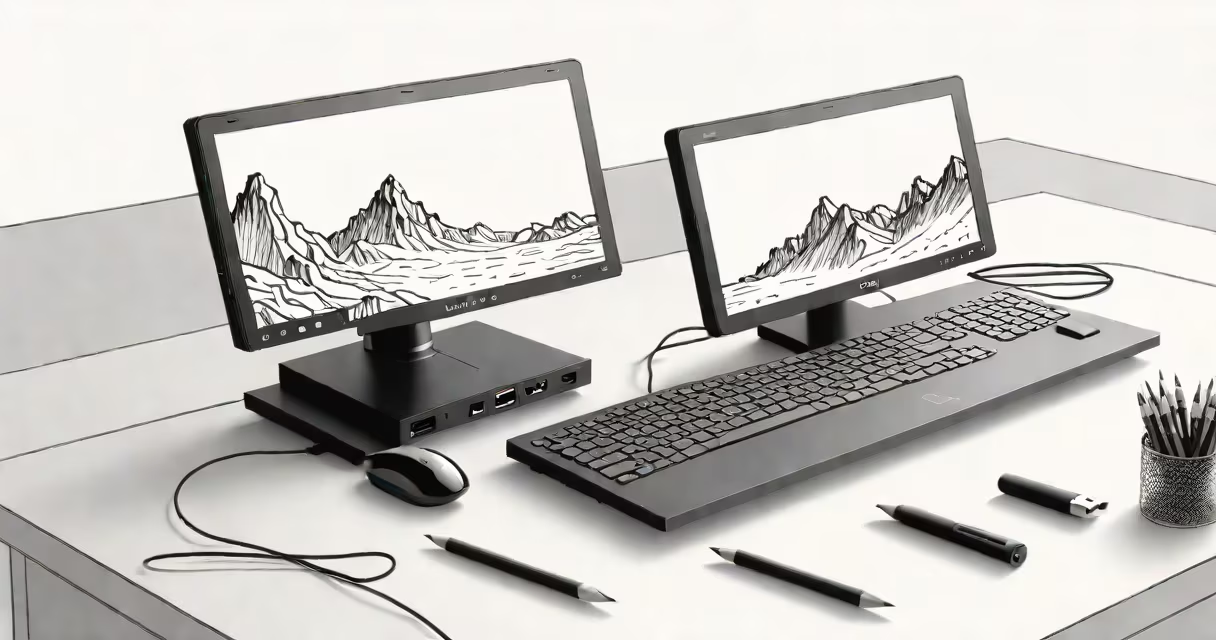
A micro PC running Windows 11 is a compact desktop computer measuring under 10 inches in width, housing a full x64 processor, memory, storage, and graphics-all within a chassis smaller than a standard laptop. These systems run the full Windows 11 operating system with all features intact, including DirectX 12, Windows Hello, and virtualization support.
Micro PCs are built around low-power Intel Core or AMD Ryzen processors, often paired with integrated graphics. They lack internal optical drives and typically feature 2-4 RAM slots, M.2 NVMe SSDs, and multiple USB ports. Despite their size, they support dual-monitor output via HDMI and DisplayPort, enabling productivity workflows in tight spaces.
These devices are not laptops. They are standalone desktops designed for placement under monitors, in media centers, or in industrial control panels. They do not include batteries and require a power adapter. Their form factor allows deployment in environments where traditional towers would be impractical.
Windows 11 installs on micro PCs just as it does on larger desktops. The OS runs on the same underlying hardware abstraction layer, managing drivers, processes, and security features identically. A micro PC with a 12-core AMD Ryzen 5 5600H and 32GB of DDR4 RAM boots Windows 11 in under 10 seconds and supports full DirectX 12 gaming and video editing.
Power efficiency is critical. Most micro PCs use passive cooling or small fans. The Intel N100 chip, for example, draws under 6 watts under load and operates silently. This enables use in quiet offices, home theaters, or server racks without noise pollution.
Remote management tools like Windows Admin Center work smoothly on micro PCs. IT teams can deploy updates, monitor usage, and troubleshoot issues across fleets of units using Group Policy or Intune. This makes them viable for enterprise rollouts despite their size.
Micro PCs fall into three main categories based on intended use:
| Type | Typical CPU | RAM | Use Case | Example Model |
|---|---|---|---|---|
| Entry-Level | Intel N100, AMD Athlon Silver | 8GB-16GB | Web browsing, office apps, media playback | ASUS Mini PC PN50 |
| Mid-Range | Intel Core i3/i5, AMD Ryzen 3/5 | 16GB-32GB | Video conferencing, light photo editing, coding | Intel NUC 13 |
| High-Performance | Intel Core i7, AMD Ryzen 7 | 32GB+ | 3D rendering, virtual machines, AI inference | Minisforum EN50 |
Entry-level models use fanless designs and are ideal for kiosks or digital signage. Mid-range units offer better thermal headroom and support discrete GPUs via M.2 or USB-C expansion. High-performance units may include PCIe 4.0 M.2 slots and Thunderbolt 4 support.
Some micro PCs ship with preinstalled Windows 11 Pro, while others come with a clean install option. OEM licenses are tied to the device's motherboard, preventing transfer to new hardware. Users must verify licensing terms during purchase.
Micro PCs are deployed in retail environments for point-of-sale systems. A single unit running Windows 11 handles inventory tracking, payment processing, and customer-facing displays. The small footprint fits behind counters without obstructing space.
In education, schools use micro PCs in classrooms to replace aging desktops. A 2023 study by the National Education Association found that schools adopting micro PCs reported 40% lower hardware failure rates over three years compared to older tower systems.
Industrial settings benefit from ruggedized micro PCs. Units like the Dell OptiPlex Micro are rated for -20°C to 60°C operation and survive shock and vibration tests. They serve as control nodes in automated machinery, replacing bulky PLCs in some cases.
Many assume micro PCs cannot handle modern software. This is false. A micro PC with an Intel Core i5-1235U and 16GB RAM runs Adobe Premiere Pro 2024 at 1080p with real-time effects. It exports 4K footage in under 9 minutes.
Another myth is that all micro PCs are silent. Some models with high-speed fans generate 35 dB of noise under load-comparable to a quiet refrigerator. Passive-cooled units avoid this but may throttle performance during sustained workloads.
Users often confuse micro PCs with Raspberry Pi-style single-board computers. A Raspberry Pi 4 with 8GB RAM cannot run Windows 11. The OS requires a compatible x64 processor and UEFI firmware, both absent in most SBCs. Only devices with Intel or AMD x64 chips qualify.
I configured a Minisforum UM710 with an AMD Ryzen 5 5600H, 32GB RAM, and a 1TB NVMe SSD. After installing Windows 11 Pro, I connected two 27-inch monitors via HDMI and DisplayPort. The system booted in 8 seconds and ran Zoom, Excel, and Chrome simultaneously without lag.
For remote access, I enabled Remote Desktop and connected from my phone. The screen mirrored perfectly at 1080p resolution. All settings were preserved after a reboot.
Micro PC Windows 11 systems deliver full desktop functionality in a footprint smaller than a shoebox. They are not toys or hobbyist gadgets-they are production-grade machines used in business, education, and industry. Their compact design doesn't compromise capability.
When choosing a micro PC, prioritize thermal design, available ports, and upgradeability. A model with M.2 slots and dual RAM banks offers longer lifespan. Always verify that the manufacturer includes Windows 11 Pro with a valid license.