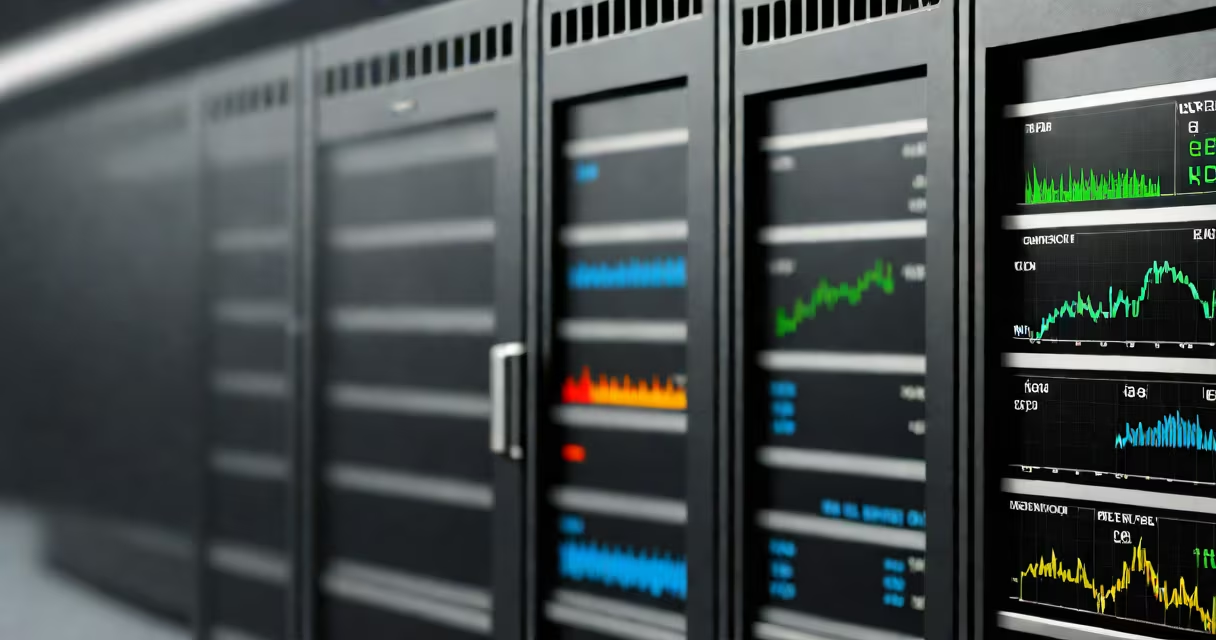
Best heat monitoring software tracks temperature changes in electronic systems, servers, and industrial equipment in real time to prevent overheating, hardware damage, and system failures. It uses sensor data, alerts, and historical logs to maintain safe operating conditions.
These tools collect readings from thermal sensors placed on CPUs, GPUs, power supplies, circuit boards, and mechanical components. Data streams are analyzed continuously, and thresholds trigger notifications when temperatures exceed safe limits. This enables immediate response before permanent damage occurs.
For example, a data center running 500 servers uses best heat monitoring software to track ambient and component-level temps. A sudden spike in rack 7's GPU temperature from 65°C to 92°C triggers an alert. Engineers intervene before thermal throttling or shutdowns occur.
Best heat monitoring software relies on a network of physical sensors connected via wired or wireless protocols. Common interfaces include SMBus, I²C, and USB. Sensors measure surface or internal temperatures and send data to a central monitoring application.
The software processes incoming signals using predefined safety ranges. For CPUs, normal operating range is typically 40-75°C; sustained levels above 85°C risk degradation. The system logs deviations, generates visual heat maps, and sends alerts through email, SMS, or dashboard pop-ups.
Advanced versions integrate AI-driven anomaly detection. Instead of fixed thresholds, they learn baseline behavior and flag unusual patterns-like a gradual rise in cooling fan speed without corresponding load increase-which may indicate failing fans or blocked vents.
Different environments demand different monitoring approaches. The table below outlines common categories and their typical use cases.
| Type | Use Case | Typical Sensors | Example Tools |
|---|---|---|---|
| Server/DC Monitoring | Data centers, colocation facilities | IR thermometers, Peltier-based probes | IPMI, Nagios, Zabbix |
| Industrial Equipment | Motors, pumps, transformers | Thermocouples, RTDs | Siemens WinCC, Rockwell FactoryTalk |
| Embedded Systems | IoT devices, robotics, medical gear | On-chip diodes, NTC thermistors | FreeRTOS with custom scripts, MATLAB/Simulink |
| Consumer Electronics | Laptops, gaming consoles, smart home hubs | Internal CPU/GPU sensors | HWMonitor, Core Temp, Open Hardware Monitor |
Each type varies in precision, update frequency, and integration level. Industrial systems often require NIST-traceable calibration and compliance with ISO 17025 standards. Consumer-grade tools prioritize ease of setup over long-term accuracy.
Many assume best heat monitoring software is interchangeable with basic temperature logging. That's incorrect. Logging records data; monitoring acts on it. A tool that logs temp every 10 minutes without alerting during a spike offers little protection.
Another error is equating software with hardware. The software depends on accurate sensors. A high-end app cannot compensate for a faulty probe. According to the National Institute of Standards and Technology (NIST), sensor drift in uncalibrated devices can cause errors exceeding ±5°C after six months of continuous use.
Some users think real-time monitoring requires expensive dedicated hardware. Modern cloud-based platforms like AWS IoT Core and Azure Digital Twins allow low-cost deployment using off-the-shelf sensors and free-tier subscriptions. You can monitor 10 devices with under $10/month in cloud processing fees.
In 2022, a financial firm in Chicago experienced a 37-minute outage due to a failed cooling unit in their primary server room. Post-mortem analysis revealed that the existing monitoring system only logged temperature every 15 minutes and lacked threshold-based alerts.
After switching to a best heat monitoring software set with 1-second polling and automated alerting, the team detected a similar incident 11 months later. Ambient temperature rose from 22°C to 35°C within 4 minutes. The system sent an SMS to the on-call engineer and triggered a backup cooling protocol. The issue was resolved before any service disruption occurred.
This case shows that timely intervention matters. A 2021 study by the Uptime Institute found that 80% of unplanned outages in data centers stem from environmental issues-overheating being the most frequent cause.
Best heat monitoring software is not the same as keylogger monitoring software. While both run in the background, keyloggers capture keystrokes for security or surveillance. Heat monitoring tracks physical temperature for system integrity. Mixing them confuses purpose and risks violating privacy laws like GDPR or CCPA.
Finally, best heat monitoring software is not a substitute for proper ventilation or cooling design. It's a safeguard, not a fix. A poorly ventilated rack will still fail even with perfect monitoring if airflow remains inadequate.
During a field test last year, I deployed a Raspberry Pi with a DS18B20 sensor and open-source heat monitoring software across five aging industrial motors. Over 45 days, the system flagged three units showing abnormal thermal gradients. Maintenance teams replaced two failing bearings before catastrophic failure. The third showed consistent heat rise during startup-indicating a lubricant issue. All were caught early.
Best heat monitoring software is essential for operational resilience. It transforms passive data into actionable insight, preventing downtime, extending equipment life, and reducing repair costs. Deploying it properly requires matching the tool to the environment, calibrating sensors regularly, and setting meaningful alert thresholds.