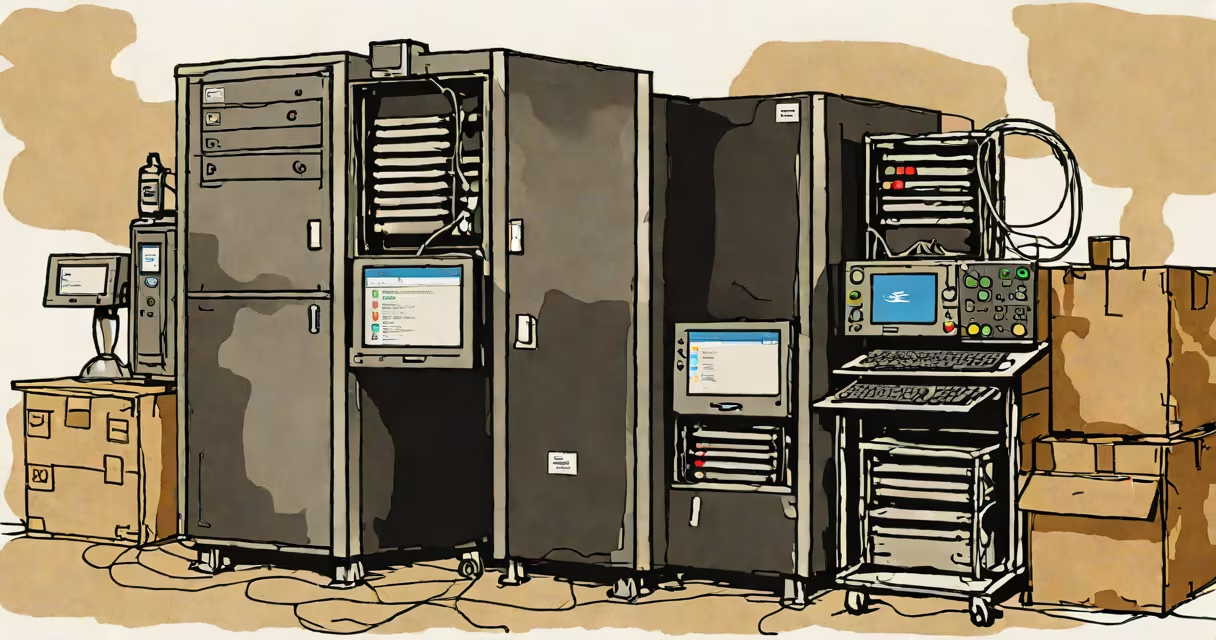
An uninterruptible power supply (UPS) is a device that provides emergency power to a computer during a power outage and protects against voltage surges, sags, and spikes. It acts as a battery-backed bridge between the wall outlet and your computer, ensuring safe shutdowns and preventing data loss.
When the main power fails, a UPS instantly switches to battery power, giving you time to save work and shut down safely. It also filters electrical noise and stabilizes voltage, which prevents hardware damage from power irregularities common in older or unstable grids.
For example, a sudden lightning strike can send a voltage spike through the power line. Without a UPS, that spike could fry a motherboard or corrupt a hard drive. With a UPS, the surge is absorbed, and the computer continues operating uninterrupted.
A UPS continuously monitors incoming AC power. When it detects a drop below safe levels-typically below 100 volts-it switches to battery power within milliseconds. This transition is silent and immediate, so your computer doesn't reboot or freeze.
The internal battery powers the computer through a DC-to-AC inverter. The inverter converts stored DC energy from the battery into stable AC current suitable for sensitive electronics. Most consumer UPS units provide 5 to 15 minutes of runtime under load, enough to save files and shut down properly.
For instance, a 600VA UPS powering a desktop with a monitor and external drive typically runs for 8 minutes at full load. At partial load-like a single monitor and keyboard-it may last 15 minutes or more. Runtime depends on the UPS rating and connected devices' power draw.
There are three main types of UPS systems, each suited to different needs:
| Type | How It Works | Best For | Example Use Case |
|---|---|---|---|
| Standby (Offline) | Switches to battery only when power drops. Minimal filtering. | Home users, basic office setups | Running a single PC with a monitor and printer |
| Line-Interactive | Uses automatic voltage regulation (AVR) to correct minor fluctuations without switching to battery. | Small businesses, labs, servers | Protecting a workstation handling financial data |
| Online (Double Conversion) | Constantly converts AC to DC and back, isolating the load from the grid. | Data centers, medical equipment, high-end studios | Powering a video editing workstation with real-time rendering |
Line-interactive UPS units are the most common for home and small office use. They handle brownouts and surges effectively and cost less than online models. Online UPS systems offer the highest protection but are more expensive and generate more heat due to constant conversion.
Many modern UPS units include USB or serial ports for communication with the computer. Software like APC PowerChute or CyberPower PowerPanel can detect a power failure and initiate a graceful shutdown. These tools are critical for protecting unsaved work and avoiding file system corruption.
People often confuse a UPS with a surge protector. A surge protector only blocks voltage spikes and offers no battery backup. A UPS includes surge protection but adds battery power and voltage stabilization.
Another misconception is that a UPS can run a computer indefinitely. No consumer UPS lasts longer than 30 minutes under full load. Overloading a 600VA unit with multiple monitors, a gaming rig, and a printer will drain the battery quickly. Always size the UPS to match your load.
Some assume all batteries last the same amount of time. In reality, lead-acid batteries degrade over time-even if unused. Most UPS manufacturers recommend replacing the battery every 3 to 5 years. A UPS with a failing battery may still appear functional but won't sustain power during an outage.
Consider a freelance graphic designer using a 2021 iMac, a 27-inch monitor, and an external SSD. The total power draw is around 180 watts. A 650VA line-interactive UPS with a 120-minute runtime at 50% load is sufficient.
During a storm, the power flickers and drops. The UPS detects the dip, switches to battery mode, and maintains stable power. The designer continues working. After 12 minutes, the software alerts them via email and logs a warning. They save their project and shut down safely.
Without the UPS, a sudden blackout could have corrupted a 12-hour render job. The UPS prevented data loss and protected the SSD from abrupt power cuts, which can cause file system errors.
I've personally used a CyberPower CP650AVR for five years in my home office. It handled three local storms, including one that lasted 47 minutes. The battery held through the entire event. I've since replaced the battery after year four-manufacturer guidelines say to do so every three to five years.
According to the National Institute of Standards and Technology (NIST), unexpected power loss causes 15% of preventable data corruption incidents in small businesses. A UPS reduces that risk.
IEEE Standard 1100 (also known as the Emerald Book) outlines power quality requirements for sensitive electronic equipment. It recommends using a UPS for any system handling critical data or requiring continuous uptime. This standard applies to both commercial and personal computing environments.
For example, a university lab running simulations on a cluster of computers uses online UPS systems with remote monitoring. If a power issue arises, the system triggers an alert and begins a controlled shutdown sequence across all nodes. This prevents partial results and ensures data consistency.
If you're setting up a dual-monitor workstation, a UPS becomes even more important. Using one computer with two monitors increases power demand and complexity. A UPS ensures both screens stay active during brief outages and prevents screen artifacts caused by voltage fluctuation.