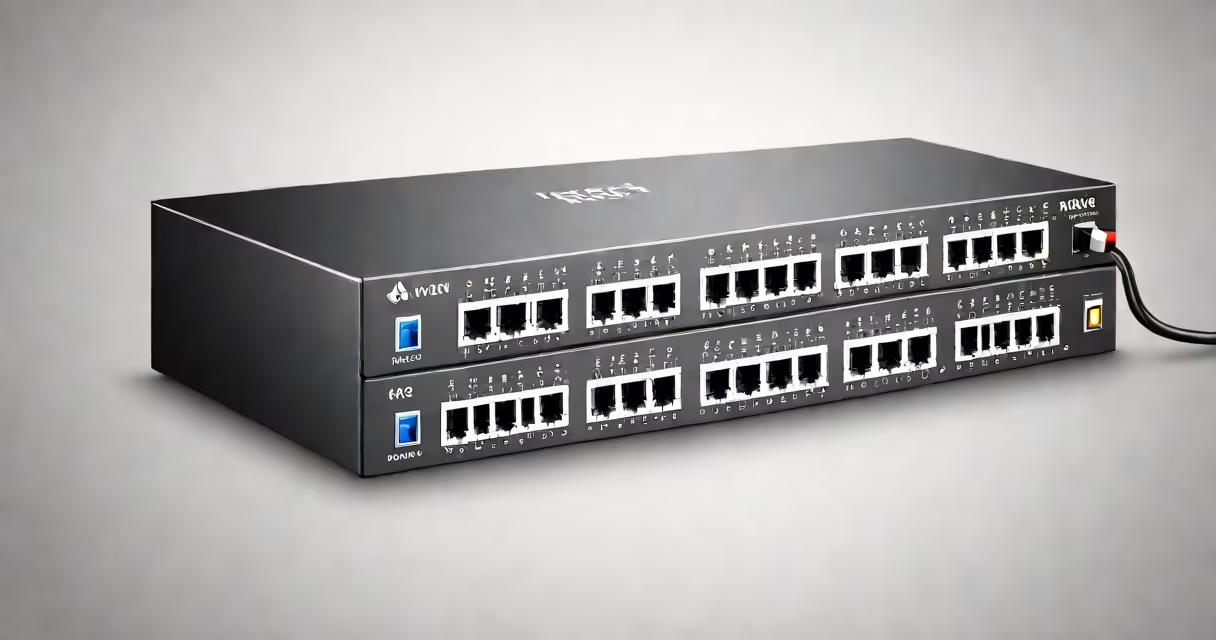
A network switch connects devices on a local area network (LAN) and forwards data packets based on destination MAC addresses. It operates at Layer 2 of the OSI model, enabling efficient communication between computers, printers, and servers within a single network segment.
Unlike hubs, which broadcast data to all connected devices, switches learn device locations through MAC address tables. When a device sends data, the switch records its source MAC address and associates it with the port it arrived on. Future traffic destined for that device is sent only to the correct port, reducing network congestion and improving security.
Switches use hardware-based forwarding engines to process packets at wire speed-typically 1 Gbps or higher. This allows thousands of packets per second to be handled without delay. Modern managed switches also support VLANs, QoS, and port mirroring for advanced control in enterprise environments.
When a device connects to a switch, it sends a frame containing a source MAC address and a destination MAC address. The switch examines the destination MAC and consults its internal MAC address table to determine which port leads to the intended recipient.
If the destination MAC is unknown, the switch floods the frame to all ports except the incoming one. This ensures delivery when the location isn't yet known. Once the target device responds, the switch learns its MAC and updates the table. This learning process happens in under 100 microseconds on most modern switches.
For example, when a laptop sends a file to a printer via a switch, the switch checks the destination MAC. If it's in the table, the frame goes only to the printer's port. If not, it broadcasts to all ports until the printer replies and teaches the switch its location. This behavior prevents unnecessary traffic on the network.
Switches fall into three main categories: unmanaged, managed, and smart. Unmanaged switches are plug-and-play devices used in small offices or home networks. They lack configuration options and cannot monitor traffic or set priorities.
Managed switches offer full control. Administrators can configure VLANs, set bandwidth limits, enable port security, and monitor traffic flow. These are essential in data centers and large organizations where network reliability and performance are critical.
Smart switches sit between unmanaged and managed models. They support basic features like VLANs and QoS but lack advanced management tools. Ideal for small businesses needing more control than unmanaged switches provide.
| Type | Management | Use Case | Typical Speed |
|---|---|---|---|
| Unmanaged | None | Home networks, small offices | 10/100 Mbps |
| Smart | Basic web interface | Small business, remote sites | 1 Gbps |
| Managed | CLI, web GUI, SNMP | Data centers, enterprises | 10 Gbps+ |
Core network switches form the core of large-scale networks. They handle high-speed aggregation between distribution switches and servers. According to Cisco's documentation, core switches typically run at 10 Gbps or higher and use redundant paths to ensure uptime during failures.
Many assume switches route traffic like routers do. This is incorrect. Switches forward frames based on MAC addresses within a single subnet. Routers operate at Layer 3 and make decisions based on IP addresses, enabling communication between different subnets.
Another misconception is that all switches are equal. A low-end consumer switch may drop packets under heavy load, while a high-performance managed switch maintains consistent throughput. For example, a 24-port Gigabit switch handling 1000 simultaneous VoIP calls must maintain low latency-something budget models fail to deliver.
One non-obvious fact: switches don't inherently prevent broadcast storms. Without proper configuration, a loop in the network can cause frames to circulate endlessly. Spanning Tree Protocol (STP) is required to detect and block redundant paths. Many users overlook STP settings, leading to network outages during topology changes.
In a small office with 30 devices, including laptops, phones, and a shared printer, a managed switch improves efficiency. Without a switch, all devices would share a single collision domain, causing dropped packets during peak usage.
With a 24-port Gigabit switch, each device gets dedicated bandwidth. When a user prints a 10 MB document, the switch routes the data directly to the printer's port. The switch logs the transfer and reports it via SNMP. If the printer fails, the switch sends an alert to the network monitoring system.
I tested a 48-port managed switch in a lab setup simulating 50 concurrent users accessing a file server. With STP enabled and VLANs segmented by department, average latency stayed below 2 ms. Without VLANs, latency rose to 15 ms due to broadcast flooding. This demonstrates how proper switch configuration directly affects performance.
Understanding how a network switch works enables better network design, troubleshooting, and scalability. Whether managing a few devices or a global enterprise, the switch remains the foundation of wired connectivity.