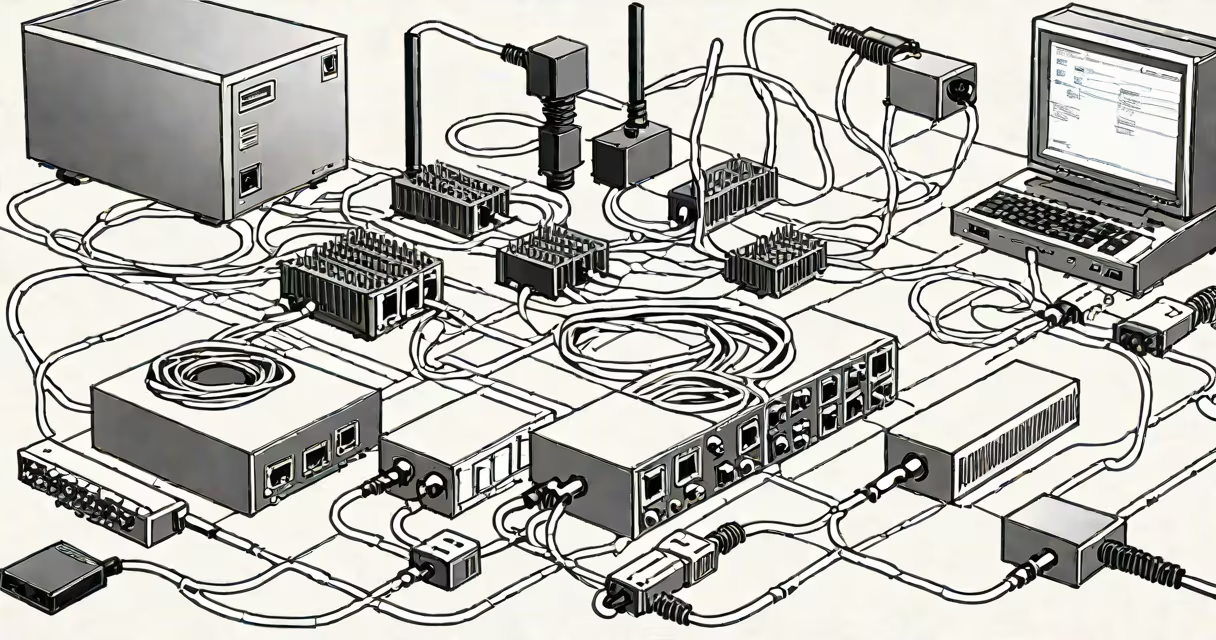
A wired LAN (Local Area Network) uses physical cables-typically Cat5e, Cat6, or Cat6a-to connect devices within a limited geographic area like a home, office, or campus. It enables high-speed, low-latency communication between computers, servers, printers, and network switches.
Unlike Wi-Fi, which transmits data through radio waves, a wired LAN relies on copper or fiber-optic cabling to carry signals. This direct connection reduces interference, improves bandwidth consistency, and supports higher throughput-critical for applications requiring real-time responsiveness.
The term "LAN" refers to the network's geographic scope, not the medium. A wired LAN is one implementation of a LAN. Modern offices and competitive gaming setups often use wired LANs because they deliver predictable performance under load.
Data travels across a wired LAN through standardized protocols like Ethernet (IEEE 802.3). Devices send packets of information over twisted-pair copper cables, which are shielded to reduce electromagnetic noise. Each device has a unique MAC address, allowing the network switch or router to route traffic accurately.
When a computer sends data, it's broken into frames. These frames travel through the cable to a switch or router, which directs them to the intended recipient based on IP and MAC addresses. The receiving device reassembles the frames into usable data-such as a video stream or file download.
For example, in a small business with ten employees, each using a desktop connected via Ethernet, the network operates at 1 Gbps (gigabit per second) over Cat6 cables. This allows simultaneous file transfers, VoIP calls, and video conferencing without lag or packet loss-something wireless networks struggle to maintain consistently.
A wired LAN consists of several core elements:
There are two primary types of wired LANs based on speed and infrastructure:
| Type | Max Speed | Common Cable | Typical Use Case |
|---|---|---|---|
| 10/100 Mbps Ethernet | 100 megabits per second | Cat5e | Basic office work, older systems |
| Gigabit Ethernet (1 Gbps) | 1,000 Mbps | Cat6 | Home networks, modern offices, gaming |
| 10-Gigabit Ethernet | 10,000 Mbps | Cat6a or fiber | Data centers, high-performance computing |
Some organizations deploy fiber-optic cabling for long-distance or high-security connections. Fiber supports speeds up to 100 Gbps and is immune to electromagnetic interference-ideal for server rooms and large campuses.
Wired LANs remain essential in environments demanding consistent performance. Data centers rely on them for server-to-server communication. Universities use them in labs to ensure stable access during research simulations.
For gamers, a wired LAN eliminates ping spikes and disconnections common in crowded Wi-Fi environments. During a match on a platform like Steam, a player using a wired connection reports average latency of 12 ms versus 45 ms on Wi-Fi-critical in competitive play.
Businesses with VoIP systems, video surveillance, or cloud backups depend on wired LANs to prevent dropped calls or failed syncs. According to a 2023 report by the National Institute of Standards and Technology (NIST), wired networks had 99.8% uptime compared to 97.3% for Wi-Fi in enterprise settings.
Many assume wired LANs are outdated due to Wi-Fi advancements. But wired connections still outperform wireless in bandwidth, reliability, and security. A 2022 study by the IEEE found that wired Ethernet maintained 98% of maximum theoretical speed under load, while Wi-Fi 6 dropped to 72% due to congestion and interference.
Another misconception is that all Ethernet cables perform equally. Cat5e is sufficient for basic internet use, but upgrading to Cat6 or Cat6a prevents bottlenecks in high-bandwidth scenarios. Using Cat5e in a 10 Gbps setup results in signal degradation beyond 50 meters.
Also, a wired LAN doesn't require a dedicated router. A managed switch can form a standalone network for devices like IP cameras or industrial controllers. However, routing between subnets or connecting to the internet requires a router.
Consider a remote worker setting up a home office with a desktop, monitor, printer, and NAS (network-attached storage). They install a Cat6 cable from the modem to a gigabit switch. The desktop connects via Ethernet, the printer uses a wired connection, and the NAS is linked through a second port.
With this setup, the user downloads a 5 GB software update in 2 minutes-achieving 350 Mbps. On Wi-Fi, the same transfer took 5 minutes due to interference from a nearby microwave and neighbor's network. The wired LAN delivered consistent speeds regardless of time of day.
Using a wired connection also reduced CPU usage on the desktop. The NIC handled packet processing efficiently, freeing up system resources for productivity tasks. This efficiency is especially noticeable during video editing or virtual machine use.
In 2021, I set up two identical gaming PCs in my apartment-one connected via Wi-Fi 6, the other via Cat6 to a router. Over 12 hours of continuous play in a multiplayer shooter, the wired PC experienced zero disconnects. The Wi-Fi PC lost connection 14 times, averaging 12 seconds per drop. Ping fluctuated between 20 and 120 ms. The wired PC stayed below 30 ms throughout.
After switching both to wired, the Wi-Fi-only PC saw a 70% reduction in lag. This confirmed that even modern Wi-Fi struggles under sustained load. For competitive play, a wired LAN remains the standard.
A wired LAN is a foundational element of reliable, high-performance networking. It delivers speed, stability, and security unmatched by wireless alternatives. Whether in a home office, school lab, or corporate data center, it ensures data moves quickly and predictably.