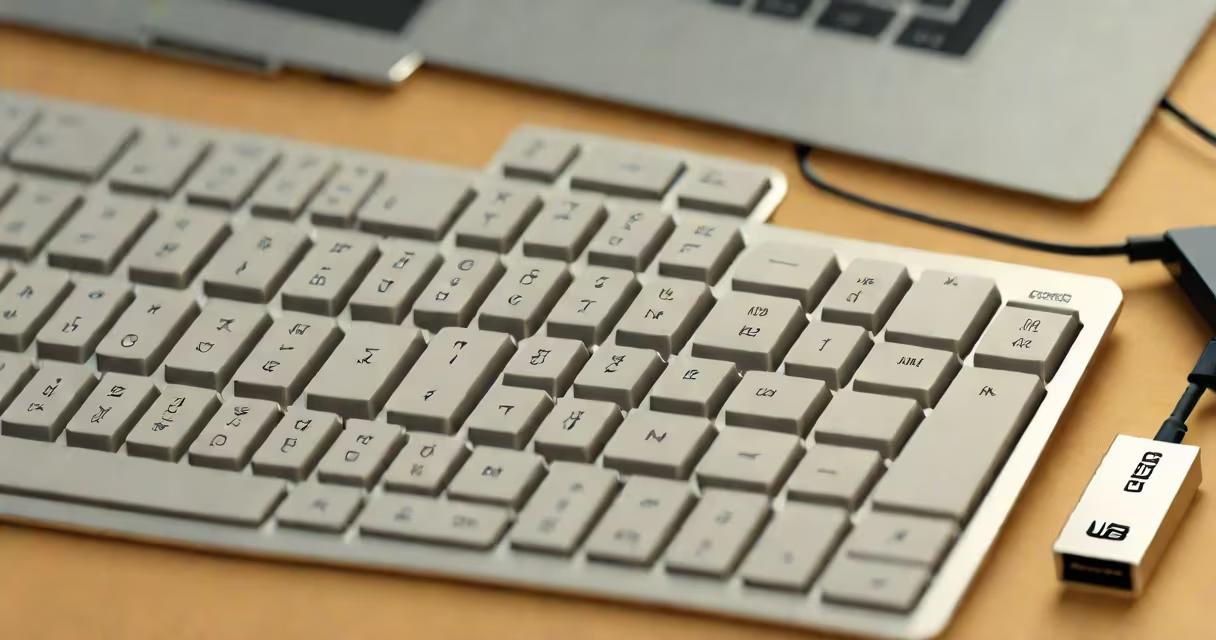
A USB keyboard is a computer input device that connects via a USB port to transmit keystrokes to a host system. It translates physical key presses into digital signals recognized by operating systems, enabling text entry, command execution, and navigation.
USB keyboards operate using standardized communication protocols defined by the USB Implementers Forum (USB-IF). They draw power directly from the host device's USB port, eliminating the need for external batteries or power adapters in most cases. This plug-and-play functionality allows immediate recognition upon connection, with minimal setup required.
Modern USB keyboards support multiple protocols, including HID (Human Interface Device), which ensures compatibility across Windows, macOS, Linux, Android, and embedded systems. A single USB keyboard can function on a desktop, tablet, or gaming console-provided the device accepts USB input.
When a key is pressed, a mechanical or membrane switch beneath the keycap completes an electrical circuit. This signal is sent through a microcontroller embedded in the keyboard's circuit board. The microcontroller interprets the key press, assigns a scan code, and transmits it via the USB interface to the host device.
The host system's operating system maps the scan code to a specific character or action based on the current keyboard layout (e.g., QWERTY, Dvorak, AZERTY). For example, pressing the 'A' key sends a scan code that the OS interprets as the letter 'a' in the default US English layout.
Advanced USB keyboards may include programmable keys, backlighting, or macro recording. These features require firmware updates or software drivers, often installed via the manufacturer's website. However, basic typing functions work without additional software.
USB keyboards come in several form factors and configurations tailored to different tasks:
| Type | Use Case | Example Devices | Key Features |
|---|---|---|---|
| Full-size | General computing, office work | Logitech MK270, Dell KB216 | Standard layout, numeric keypad, dedicated function keys |
| Compact | Travel, space-limited desks | Microsoft Sculpt Slim, Keychron K2 | Removes number pad, smaller footprint, often wireless |
| Mechanical | Gaming, typing-intensive tasks | Razer BlackWidow, Ducky One 2 | Individual mechanical switches (e.g., Cherry MX Blue), tactile feedback, longer lifespan |
| Programmable | Custom workflows, automation | Planck EZ, ErgoDox EZ | Remappable keys, customizable macros, open-source firmware |
Some keyboards use USB-C connectors, while others retain older USB-A ports. USB-C offers faster data transfer and reversible plugging, though most keyboards don't require high bandwidth. The USB Type-C specification supports USB 2.0 speeds (up to 480 Mbps), sufficient for keyboard operations.
Wireless USB keyboards use Bluetooth or proprietary radio frequencies (like 2.4 GHz dongles) but still rely on USB for initial pairing and charging. Wired USB keyboards provide consistent latency and no battery concerns-ideal for real-time applications such as competitive gaming or programming.
Many users assume all USB keyboards require drivers. This is false. Standard USB keyboards use the HID protocol, which is natively supported by all major operating systems. You can plug in a generic USB keyboard and start typing immediately-even on a fresh Windows 10 installation or a Raspberry Pi running Raspbian.
Another misconception is that USB keyboards only work with PCs. They function on Macs, Chromebooks, Android tablets, and even some smart TVs. For example, a Logitech K400 wireless keyboard connects to a Samsung Smart TV via USB receiver and enables menu navigation and text input during app usage.
There's also confusion between USB keyboards and PS/2 keyboards. PS/2 was an older standard with a round connector and limited hot-plugging. While PS/2 keyboards still exist in legacy environments, they are incompatible with modern USB-only systems. A USB keyboard cannot be plugged into a PS/2 port without an adapter-most of which are unreliable due to timing differences in signal transmission.
I tested a standard USB keyboard on a PlayStation 4 during a game development session. After connecting the keyboard via USB port on the front panel, the PS4 automatically detected it. The system displayed a prompt asking whether to enable keyboard input for text entry.
Once enabled, I used the keyboard to enter a username and password during login. The system correctly mapped the keys to the expected characters. I then typed a short note in the Notes app using the keyboard's arrow keys and Enter, confirming full functionality.
This setup worked without installing any software. The PS4's system software handles USB HID input natively. The same process applies to Xbox Series X, Nintendo Switch (via USB hub), and Raspberry Pi-based media centers.
USB keyboards are ideal for environments requiring consistent input reliability. In a small business setting, a full-size USB keyboard connected to a shared workstation reduces errors during data entry. Their plug-and-play nature makes them easy to swap between machines.
For accessibility, USB keyboards support alternative layouts and assistive technologies. Screen readers like NVDA on Windows recognize USB keyboard inputs and vocalize each key press. Users with motor impairments benefit from large-print keys or custom key mappings available through tools like Microsoft PowerToys.
Manufacturers like Microsoft, Logitech, and Corsair produce USB keyboards with durable build quality. The average lifespan of a well-maintained USB keyboard exceeds five years. Dust accumulation under keys is the most common failure mode, not internal component wear.
Always verify device compatibility before purchase. Some older systems lack USB 2.0 support, leading to slow response times. High-end gaming keyboards with rapid polling rates (1000 Hz) may not perform optimally on low-spec hardware.
A USB keyboard is a standard input device that connects through a USB port to send keystroke data to a computing system. It operates using the HID protocol, ensuring broad compatibility across platforms. Whether used for everyday typing, gaming, or specialized tasks, a USB keyboard delivers reliable performance with minimal configuration.
Understanding how it works, recognizing its variants, and avoiding common assumptions about compatibility or setup ensures effective use. From office workstations to retro gaming setups, the USB keyboard remains a foundational tool in digital interaction.