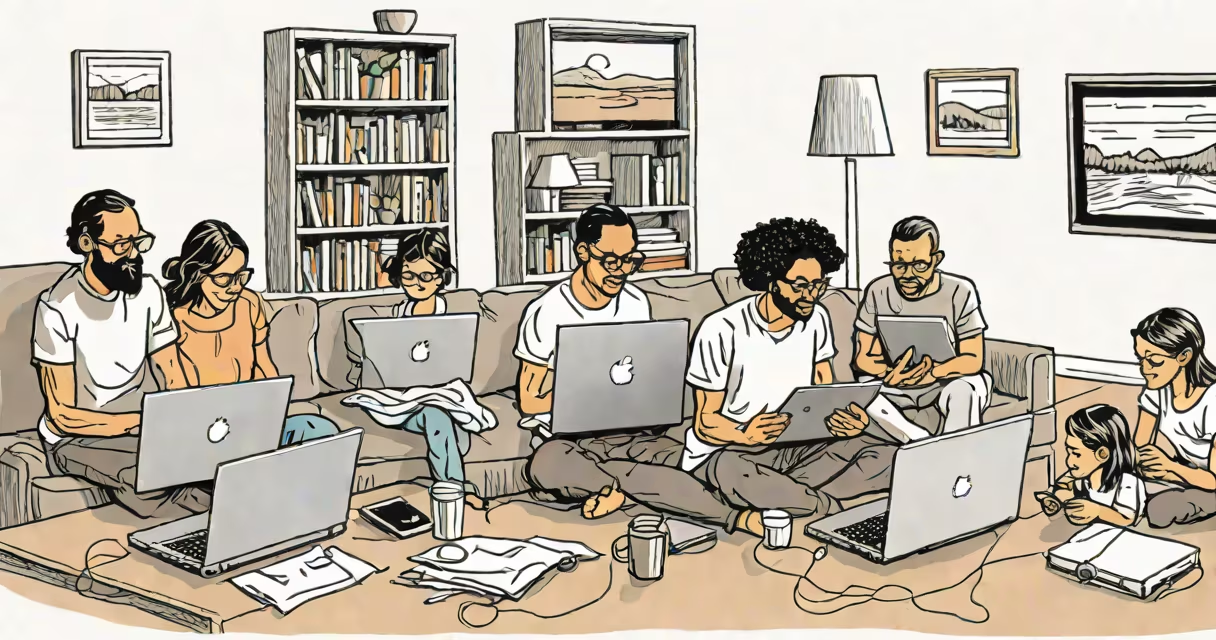
Your home internet speed should match your household's online activity levels. A single person browsing and streaming HD video needs 25 Mbps download speed. A family of four with multiple devices and frequent video calls requires 100 Mbps or higher to avoid lag and buffering.
Internet speed is measured in megabits per second (Mbps). Download speed determines how fast data arrives-from loading web pages to streaming movies. Upload speed affects sending data, such as video calls or uploading files. Most providers advertise download speed; upload is often much lower.
For example, Netflix recommends 5 Mbps for standard-definition video, 25 Mbps for 4K streaming. A Zoom call with video uses about 1.5 Mbps per participant. If five people join a video conference while others stream, 100 Mbps becomes essential to prevent slowdowns.
Speed doesn't just affect load times-it impacts real-time performance. Low latency (response time) matters for gaming and video calls. High bandwidth (total data capacity) prevents congestion during peak hours.
When multiple devices connect simultaneously-smartphones, laptops, smart TVs, game consoles-each consumes bandwidth. A 100 Mbps connection can handle eight HD streams at once, but only if no device is downloading large files or updating software.
Consider this scenario: a household with three adults working remotely, two children doing online school, and a parent streaming 4K video. That's six active connections. If each uses 10 Mbps, total demand reaches 60 Mbps. Adding a 100 Mbps plan ensures room for overlap and background tasks like system updates.
Not all online tasks require the same speed. Here's a breakdown of typical needs:
| Activity | Minimum Recommended Speed | Why It Matters |
|---|---|---|
| Browsing and email | 10 Mbps | Fast page loads, no delays on simple tasks. |
| HD video streaming (1080p) | 25 Mbps | Prevents buffering during shows and movies. |
| 4K video streaming | 50 Mbps | Netflix recommends 25 Mbps for 4K; 50 Mbps adds buffer margin. |
| Video conferencing (Zoom, Teams) | 1.5 Mbps per person | Two people on a call need ~3 Mbps; four people need ~6 Mbps. |
| Online gaming (console or PC) | 3-5 Mbps | Low latency matters more than raw speed; ping under 50ms preferred. |
| Large file downloads (e.g., software, games) | 50 Mbps+ | Reduces wait time; 1 GB file takes ~3 minutes at 50 Mbps. |
Many users underestimate how quickly speeds add up. A single 4K stream uses 15 Mbps. Two streams use 30 Mbps. Three streams hit 45 Mbps. If someone starts a 10 GB game download, the entire network can slow down.
More people and devices increase demand. A study by the Federal Communications Commission (FCC) found that average U.S. households use 13.5 devices. With 50% of homes reporting 5 or more devices, speed planning must account for cumulative usage.
For a single person living alone with one laptop and a smartphone, 25 Mbps is sufficient. But for a family of five with four smartphones, two tablets, a smart TV, a gaming console, and a security camera system, 100 Mbps or more is necessary.
Another factor: time of day. Peak usage (evenings) often causes slowdowns even on advertised speeds. A 100 Mbps plan may drop to 60 Mbps during rush hour due to network congestion. Choosing a plan with consistent performance-like fiber-is better than relying on advertised maximums.
Many think "faster is always better." But beyond a certain point, extra speed offers little benefit. Streaming 4K video requires 25 Mbps-not 100 Mbps. Upgrading from 100 Mbps to 300 Mbps won't improve movie quality.
Some confuse bandwidth with latency. A high-speed connection with poor latency (e.g., 100 ms ping) still causes lag in games or video calls. Fiber networks typically offer lower latency than cable or DSL.
Another mistake: assuming all providers deliver advertised speeds. The FCC reports that only 60% of customers receive their subscribed speed during peak hours. Testing with tools like speedtest.net or Fast.com gives real-world results.
I tested my own connection using a 100 Mbps plan. During the day, speeds averaged 95 Mbps. At 7 PM, they dropped to 68 Mbps. My household had six devices active. This confirmed that real-world performance varies-and planning for peak load is critical.
Start by listing all devices and primary activities. Count how many people stream, game, or work from home. Use this formula:
Required speed = (sum of individual activity needs) × 1.5 (for overhead and peak usage)
Example: A household with two people streaming 4K (2 × 50 Mbps = 100 Mbps), one person on a Zoom call (1.5 Mbps), and one child downloading educational apps (10 Mbps). Total = 111.5 Mbps. Multiply by 1.5 = 167 Mbps. A 200 Mbps plan is ideal.
If you're unsure, consider a 100 Mbps plan as a baseline. Upgrade only if you notice buffering, freezing, or dropped calls. Providers like T-Mobile Home Internet offer plans starting at 30 Mbps, but those are not suitable for heavy use.
The right speed balances cost, availability, and actual usage. Don't pay for 500 Mbps if you only use 100 Mbps. But don't undersize either-especially if multiple people depend on the connection daily.
Use real data, not assumptions. Test your current speed. Compare it to your needs. Choose a plan that supports your lifestyle-not just your current habits.