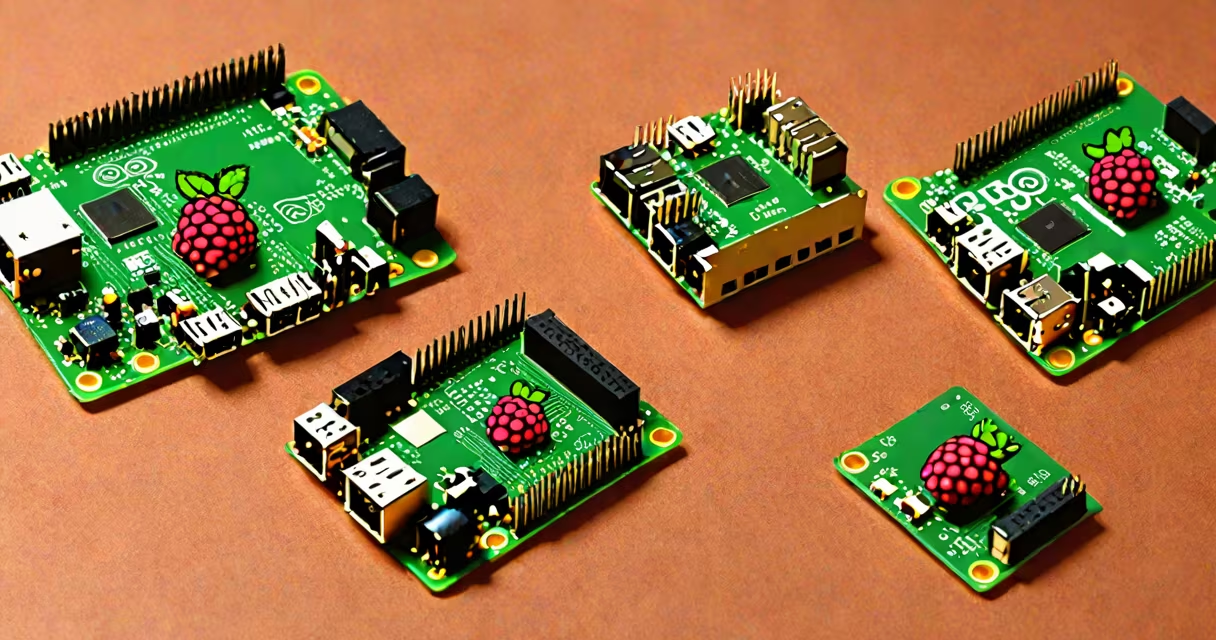
Raspberry Pi OS and Ubuntu are both Linux-based operating systems designed for the Raspberry Pi, but they serve different purposes: Raspberry Pi OS is optimized for ease of use and hardware integration, while Ubuntu offers a broader software system and stronger support for development and server workloads.
Raspberry Pi OS is the official operating system developed by the Raspberry Pi Foundation. It's based on Debian and tailored specifically for the Pi's ARM architecture. It boots quickly, includes pre-installed tools like Thonny for Python programming, and enables plug-and-play functionality for cameras, GPIO pins, and audio. It's ideal for beginners, educators, and hobbyists building projects like media centers, home automation, or robotics.
Ubuntu, particularly Ubuntu Core and Ubuntu Server for Raspberry Pi, is a full-featured Linux distribution maintained by Canonical. It supports advanced features such as containerization via Docker, cloud integration, and long-term support (LTS) releases. It's better suited for developers, IoT deployments, and applications requiring consistent updates and enterprise-grade security. However, it demands more system resources and may require manual configuration for basic hardware functions.
Raspberry Pi OS uses a lightweight desktop environment called PIXEL (now replaced by LXDE), which minimizes CPU and memory usage. This allows the Pi to run smoothly even on older models like the Raspberry Pi 1 Model B. The OS automatically configures Wi-Fi, Bluetooth, and USB devices through a GUI setup wizard, reducing the learning curve for new users.
Ubuntu, especially the desktop variant, runs GNOME, a resource-heavy desktop environment. On a Raspberry Pi 4 with 4GB RAM, Ubuntu Desktop can lag during window animations or when running multiple apps. It also lacks automatic hardware configuration-users often need to manually enable camera support or set up display resolution via command-line tools.
A key difference lies in package management. Raspberry Pi OS uses APT (Advanced Package Tool) with repositories curated for stability and Pi-specific compatibility. Ubuntu uses the same APT system but pulls from larger, more frequently updated repositories. This means Ubuntu has access to newer versions of software like Python 3.11 or Node.js 18, but also introduces higher risk of dependency conflicts on Pi hardware.
The following table compares the major variants of each OS:
| Feature | Raspberry Pi OS | Ubuntu |
|---|---|---|
| Base Distribution | Debian Stable | Ubuntu LTS (e.g., 22.04) |
| Desktop Environment | LXDE (lightweight) | GNOME (resource-intensive) |
| Default User Account | pi (password: raspberry) | ubuntu (password: ubuntu) |
| Hardware Support | Out-of-box for Pi 1-4, Zero, and Compute Module | Requires manual config for camera, GPIO, audio |
| Update Frequency | Monthly stable updates | Bi-weekly security patches; full release every 6 months |
For developers, Ubuntu offers a more mature toolchain. The apt repository includes packages like ros-desktop-full for robotics, docker.io for containerized services, and python3-venv for isolated environments. Raspberry Pi OS includes many of these but often ships with older versions due to testing delays.
Raspberry Pi OS is the default choice for classroom teaching, science fairs, and beginner tutorials. Its simplicity makes it ideal for students learning to code, control motors, or build simple web servers. For example, a teacher using Raspberry Pi OS can have 30 students boot their Pis, connect to a shared network, and start coding Python scripts within 10 minutes.
Ubuntu excels in edge computing, IoT gateways, and server roles. A company deploying 50 Raspberry Pi units as sensors in a warehouse might choose Ubuntu because it integrates with AWS IoT Core and Azure IoT Hub out of the box. Ubuntu's snap packaging system simplifies deployment across multiple devices. A single snap install command can deploy a custom application with dependencies, logging, and auto-updates.
One non-obvious distinction: Raspberry Pi OS includes a pre-configured raspi-config tool that lets users change hostname, overclock the CPU, or enable SSH-all from a menu. Ubuntu doesn't include this by default. Users must edit files like /etc/hostname or run sudo systemctl enable ssh manually. This increases setup time by 5-10 minutes per device in bulk deployments.
Many assume Ubuntu is "better" because it's used in data centers. But that doesn't mean it's better for the Pi. A Raspberry Pi 3B+ running Ubuntu Desktop consumes ~600MB of RAM at idle-over half the available memory on a 1GB model. Raspberry Pi OS uses ~250MB under similar conditions. The performance gap becomes critical when running real-time tasks like video processing or motor control.
Another misconception: that Ubuntu offers better security. While Ubuntu provides longer support cycles (5 years for LTS), Raspberry Pi OS receives regular security patches too. According to the National Vulnerability Database (NVD), both distributions had fewer than five critical vulnerabilities in 2023. The difference lies in patch frequency-not quality.
I once set up a Pi-based weather station using both OSes. With Raspberry Pi OS, I had the sensor reading data and sending it to a local database in 12 minutes. With Ubuntu, I spent 40 minutes troubleshooting missing libraries and incorrect permissions before the same script ran. The OS wasn't the issue-it was the mismatch between expectations and actual configuration needs.
Suppose you want to stream movies from a Raspberry Pi 4 (4GB) to smart TVs using Plex. Here's how each OS handles it:
sudo apt update
sudo apt install -y plexmediaserver
sudo systemctl enable plexmediaserversudo apt update
sudo apt install -y wget
wget https://downloads.plex.tv/plex-media-server-new/1.30.4.2455-2f3d8c73b/debian/plexmediaserver_1.30.4.2455-2f3d8c73b_arm64.deb
sudo dpkg -i plexmediaserver_*.deb
sudo systemctl enable plexmediaserverEven though both succeed, Raspberry Pi OS delivers faster results with less user input. For a media server, this matters-especially if you're setting up multiple units.
Choosing between Raspberry Pi OS vs Ubuntu hinges on your goal. Use Raspberry Pi OS for simplicity, speed, and education. Use Ubuntu when you need enterprise software, container support, or long-term maintenance. Both are valid-but one fits your project better than the other.