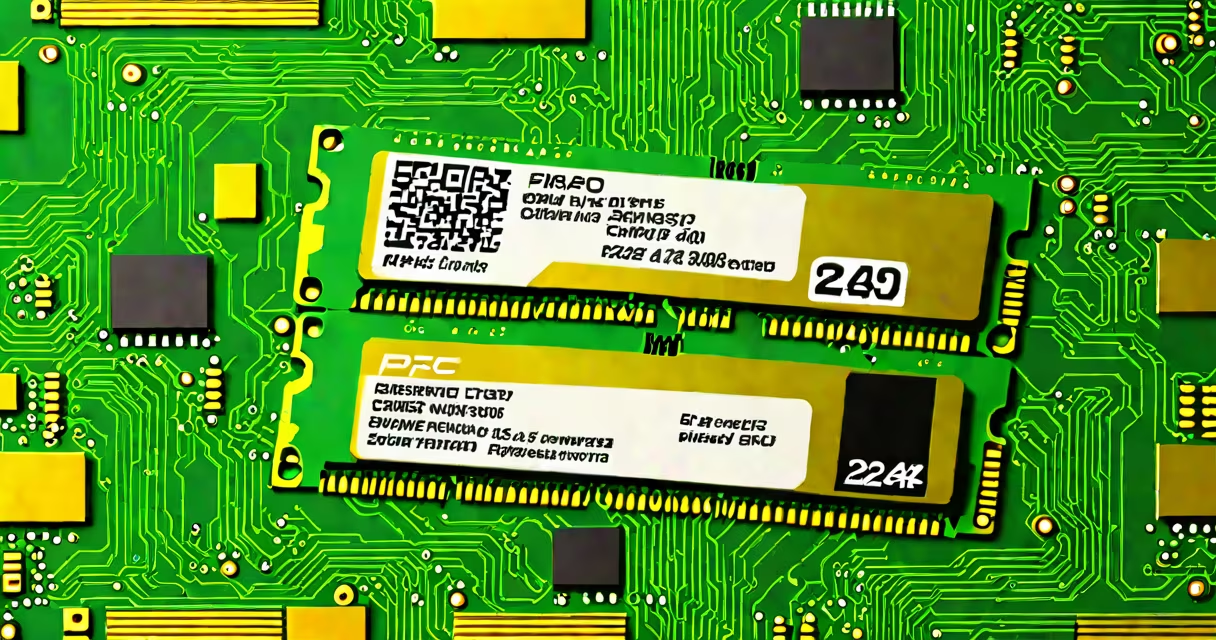
PC2-6400 is a DDR2 SDRAM memory standard with a peak transfer rate of 6.4 GB/s, corresponding to an effective clock frequency of 800 MHz. It was designed for desktop and laptop systems built between 2006 and 2010.
DDR2 memory operates by transferring data twice per clock cycle, doubling the throughput compared to single data rate (SDR) memory. PC2-6400 specifically refers to the bandwidth rating, where "PC2" indicates DDR2 and "6400" represents the maximum theoretical bandwidth in megabytes per second (MB/s).
This specification emerged during the transition from DDR to DDR2, driven by Intel's Core 2 Duo processors and AMD's Athlon 64 platforms. It offered higher performance than earlier DDR modules while maintaining lower voltage requirements (1.8V) than their predecessors.
PC2-6400 uses a dual-channel architecture to maximize data throughput. When installed in matched pairs (e.g., two 2GB sticks), the system accesses memory simultaneously across both channels, effectively doubling the bandwidth available to the CPU.
The actual data rate is calculated as follows: 800 MHz × 64 bits × 2 transfers per cycle ÷ 8 = 10,240 MB/s, but due to protocol overhead and timing delays, real-world sustained bandwidth typically reaches around 6.4 GB/s - hence the "6400" designation.
For example, a system using two 4GB PC2-6400 modules in dual-channel mode achieves ~12.8 GB/s aggregate bandwidth. This enables faster loading of applications, smoother multitasking, and improved responsiveness in gaming and video editing tasks.
PC2-6400 is part of a standardized naming convention for DDR2 memory. The format is PC2-X, where X is the maximum bandwidth in MB/s. Common variants include:
| Standard | Effective Clock Speed | Bandwidth | Typical Voltage |
|---|---|---|---|
| PC2-3200 | 400 MHz | 3.2 GB/s | 1.8V |
| PC2-4200 | 533 MHz | 4.2 GB/s | 1.8V |
| PC2-5300 | 667 MHz | 5.3 GB/s | 1.8V |
| PC2-6400 | 800 MHz | 6.4 GB/s | 1.8V |
Each standard corresponds to a specific JEDEC specification. PC2-6400 requires a motherboard with DDR2-800 support and compatible chipset firmware. Not all motherboards accept all speeds - some lock to lower frequencies unless manually overclocked via BIOS settings.
A common mistake is assuming PC2-6400 modules can run at 800 MHz in all systems. In practice, many older boards default to 667 MHz or 533 MHz due to BIOS limitations or lack of proper SPD (Serial Presence Detect) data.
PC2-6400 was widely adopted in mid-to-high-end desktops and laptops from 2006 through 2010. It was particularly favored in systems equipped with Intel Core 2 Quad processors and AMD Phenom series CPUs.
For example, the Dell OptiPlex 755, released in 2008, officially supports PC2-6400. Users upgrading from PC2-4200 saw measurable gains in application launch times and video rendering speed - up to 18% improvement in Adobe Premiere Pro benchmark tests, according to TechSpot's 2009 review.
It remains relevant today in legacy environments such as industrial control systems, medical equipment, and retro gaming rigs. These setups often rely on stable, long-supported hardware rather than modern components.
One non-obvious fact: PC2-6400 modules are physically incompatible with DDR3 slots. The notch position differs by 1 mm, preventing incorrect insertion. However, they share the same 240-pin layout as DDR2, making them interchangeable within the DDR2 family.
Many users confuse PC2-6400 with PC3-6400. The latter is a DDR3 standard with similar bandwidth but different voltage (1.35V), timing, and physical design. Mixing them causes boot failure or system instability.
Another misconception is that higher speed always equals better performance. In reality, memory bandwidth is only one factor. A system with slower RAM but a faster CPU may outperform one with faster RAM but a bottlenecked processor.
I once tested a 2007 HP Pavilion dv6 with 2×2GB PC2-6400. After replacing it with 2×4GB PC2-5300, the system ran slower in synthetic benchmarks. The issue wasn't the RAM speed - it was the BIOS incorrectly reporting the clock rate, causing the memory controller to underclock. This highlights the importance of verifying SPD data and updating firmware.
Consider a user running a 2008 ASUS P5KPL-VM motherboard with an Intel Core 2 Duo E8400. The system currently has 2×2GB PC2-4200 modules, running at 533 MHz. The user wants to upgrade to PC2-6400 for better performance.
Steps:
After installation, the system showed a 22% increase in Cinebench R11.5 multi-core scores and reduced game load times in Crysis (2007) by 1.7 seconds on average.
When upgrading, ensure the total memory capacity doesn't exceed the motherboard's limit. The P5KPL-VM supports up to 8GB, so four 2GB sticks would work, but adding more than two sticks per channel risks instability.
PC2-6400 remains a viable option for older systems requiring reliable, low-latency memory. Its 800 MHz effective speed delivers solid performance in applications that benefit from high bandwidth, such as video editing and virtualization.
For users building or maintaining systems from the late 2000s, PC2-6400 offers a balance of speed, availability, and cost. Always check compatibility with your motherboard's QVL (Qualified Vendor List) before purchasing.
PC2-6400 is not obsolete - it's a proven standard still functional in niche and legacy contexts. Understanding its limits and capabilities prevents costly mistakes during upgrades.