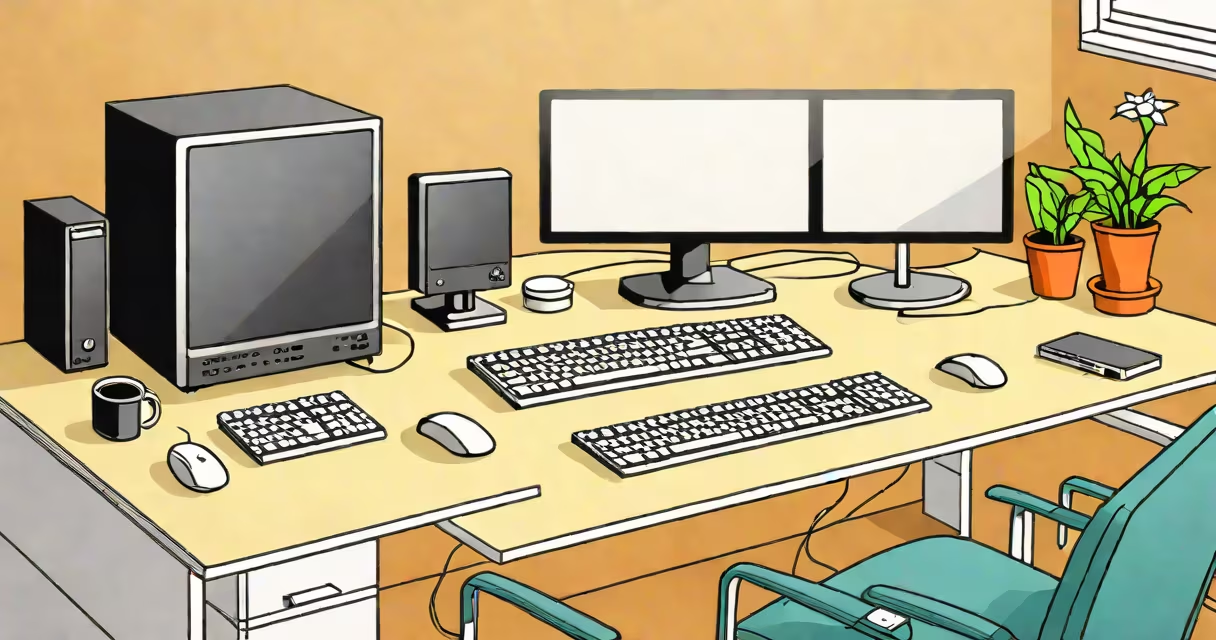
A personal computer (PC) is a general-purpose electronic device designed for individual use, running software applications and processing data through a central processing unit (CPU), memory (RAM), storage, and input/output devices. It typically includes a tower or all-in-one chassis housing internal components, paired with a display, keyboard, and mouse.
PCs operate using a combination of physical parts and software instructions. The CPU executes program logic, RAM provides temporary workspace for active tasks, and storage devices like hard drives or solid-state drives retain data long-term. Input devices send commands to the system, while output devices display results. All components communicate via a motherboard and power supply.
Understanding personal computer basics means knowing how these elements work together. A typical desktop PC runs an operating system such as Windows 11, macOS, or Linux, which manages hardware access and enables user interaction. Without this layer, the hardware remains unusable.
When you turn on a PC, the power supply delivers electricity to the motherboard. The motherboard's firmware, known as the BIOS or UEFI, initializes hardware checks and loads the operating system from storage into RAM. Once loaded, the OS takes control and begins managing processes, files, and user input.
Every action-typing a letter, clicking a button, playing a video-triggers a chain of events. The keyboard sends signals to the CPU via USB or PS/2 ports. The CPU interprets the command, accesses memory, and instructs the graphics card to render text on screen. This entire process happens in milliseconds.
For example, opening a document in Microsoft Word involves the CPU reading the file from a solid-state drive (SSD), loading it into RAM, and sending pixel instructions to the GPU. The monitor displays the result. If any component fails-like a corrupted SSD or insufficient RAM-the system may freeze or crash.
The following table outlines major PC components and their roles:
| Component | Function | Typical Specifications |
|---|---|---|
| CPU | Executes program instructions | Intel Core i5 (6 cores, 3.5 GHz), AMD Ryzen 5 (8 cores) |
| RAM | Temporary memory for active programs | 16 GB DDR4, 3200 MHz |
| Storage | Persistent data retention | 500 GB SSD, 2 TB HDD |
| Motherboard | Connects all components | ATX form factor, supports PCIe 4.0 |
| GPU | Processes visual output | NVIDIA GeForce RTX 3060, 12 GB VRAM |
| Power Supply | Converts AC to DC power | 650W 80 Plus Bronze certified |
Each component must be compatible. For example, a motherboard with an LGA 1700 socket cannot accept an AMD Ryzen processor. Mismatched voltages or pin counts cause failure to boot.
Non-obvious fact: Modern CPUs integrate the GPU on the same die. Many budget systems rely entirely on this integrated graphics rather than a dedicated GPU. This reduces cost but limits performance for gaming or video editing.
Desktop PCs are built for specific purposes. A home office machine may have 8 GB RAM, a 256 GB SSD, and an Intel Core i3 processor. It handles email, web browsing, and document creation efficiently.
A workstation for photo editing might include 32 GB RAM, a 1 TB NVMe SSD, and a high-end GPU like the NVIDIA RTX 4070. These specs allow real-time rendering of large image files without lag.
For gaming, a PC with a Ryzen 7 5800X, 32 GB DDR4 RAM, and an RTX 4090 can run titles at 1440p resolution with 120 frames per second. Cooling solutions like liquid cooling are often required due to heat output.
One real-world example: A student bought a refurbished Dell OptiPlex with an Intel Core i5-10400F, 16 GB RAM, and a 512 GB SSD. They used it for online classes, research, and video calls. After six months, the system slowed due to fragmented storage and background apps. Reinstalling Windows and disabling startup programs restored speed.
Personal computers are frequently mistaken for laptops, tablets, or smartphones. While all are computing devices, they differ in portability, power consumption, and upgradeability.
Laptops integrate components into a single chassis with limited access. You cannot easily replace the CPU or GPU. Tablets and phones use mobile processors optimized for battery life, not raw performance. A smartphone with a Snapdragon 8 Gen 2 performs well for apps but cannot run complex software like Adobe Premiere Pro.
Another confusion: Some assume that "PC" means only Windows machines. In reality, "PC" refers to any x86-compatible architecture, including Apple Macs (since 2020) and Linux-based systems. The term originated from IBM's Personal Computer in 1981 and has since broadened.
Setting up a personal computer begins with assembling components. I once built a custom PC using a Gigabyte B550 motherboard, AMD Ryzen 5 5600X, 32 GB RAM, and a 1 TB SSD. After installing the OS and drivers, I ran a stress test using Prime95 and FurMark. The system remained stable under load, confirming proper cooling and voltage regulation.
Regular maintenance prevents issues. Clean dust from fans and heatsinks every six months. Update drivers and the OS monthly. Back up data to external drives or cloud services. Use antivirus software like Windows Defender or Bitdefender.
If a PC won't start, check the power cable, PSU switch, and motherboard LED indicators. A blinking red light usually indicates a power delivery error. If the system boots but crashes during startup, try booting into Safe Mode to disable non-essential drivers.
Personal computer basics are foundational for anyone using or building a system. Knowing how components interact, how to set up a functional environment, and how to address common failures empowers users to make informed decisions. upgrading an old one, understanding these principles ensures reliability and longevity.