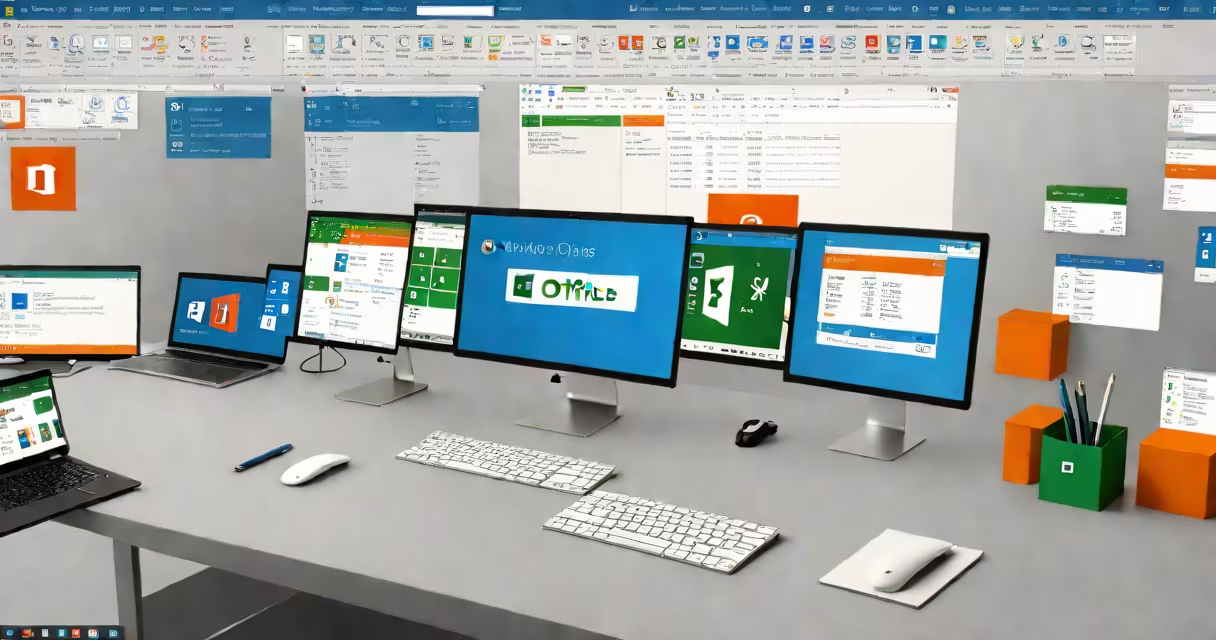
Microsoft Office is a desktop productivity set that includes Word, Excel, PowerPoint, Outlook, and additional tools like OneNote and Teams. It's designed for creating documents, analyzing data, delivering presentations, managing emails, and collaborating across teams.
The standard installation includes five core applications: Word for writing and editing text, Excel for spreadsheets and financial modeling, PowerPoint for slide-based presentations, Outlook for email and calendar management, and OneNote for digital note-taking. These tools are available across Windows, macOS, and web platforms, with feature parity varying by subscription tier.
Office is distributed through licensing models such as Microsoft 365 (formerly Office 365), which offers cloud access, automatic updates, and collaboration features. Standalone licenses exist for older versions like Office 2021 and Office 2019, which provide perpetual use but no cloud integration. The specific apps included depend on the version and subscription plan.
Word is used for drafting letters, reports, resumes, and long-form documents. It supports advanced formatting, track changes, and integration with reference managers. For example, a university student writing a 15-page research paper uses Word's citation tool to auto-generate references in APA format.
Excel handles numerical data. It enables calculations using formulas, data visualization via charts, and complex analysis with pivot tables. A small business owner uses Excel to track monthly sales, apply conditional formatting to show underperforming products, and generate a forecast model based on historical trends.
PowerPoint creates visual presentations. Users build slides with animations, embedded videos, and speaker notes. A marketing team prepares a client pitch deck using animated transitions between product features and live data feeds pulled from a connected dashboard.
Outlook manages email, calendars, contacts, and tasks. It syncs across devices and integrates with Exchange Server. A project manager schedules team meetings, sets reminders, and assigns follow-up tasks using Outlook's task list and recurring event features.
OneNote functions as a digital notebook. It allows freeform note organization, audio recording during meetings, and tagging for later retrieval. A remote team uses OneNote to document brainstorming sessions, attach meeting recordings, and link related files from SharePoint.
| App | Primary Use | Common File Extension | Example Workflow |
|---|---|---|---|
| Word | Document creation and editing | .docx | Writing a grant proposal with tracked changes and comments |
| Excel | Data analysis and reporting | .xlsx | Creating a budget spreadsheet with changing charts and formulas |
| PowerPoint | Presentation design | .pptx | Developing a training module with embedded video clips and interactive quizzes |
| Outlook | Email and calendar management | .pst (local), .ost (cached) | Scheduling a cross-departmental meeting with automated RSVP tracking |
| OneNote | Collaborative note-taking | .one | Recording a workshop with handwritten annotations and audio playback |
Microsoft 365 Personal and Family subscriptions include all core apps plus cloud storage (OneDrive), real-time co-authoring, and access to Microsoft Teams. This version is updated monthly and runs on up to five devices per account. A teacher using Microsoft 365 for education gains access to Class Notebook, a tool designed for lesson planning and student feedback.
Office 2021 and Office 2019 are one-time purchase versions. They lack cloud services and do not receive feature updates beyond security patches. These versions are suitable for users who prefer offline work and don't require collaboration tools. A freelance graphic designer using Office 2021 on a Macbook Pro relies on local file saving and manual backup procedures.
Enterprise editions like Microsoft 365 Business Standard include additional administrative controls, compliance features, and integration with Azure Active Directory. These are used by organizations requiring data governance and audit trails. A hospital IT department deploys Microsoft 365 Business to ensure HIPAA-compliant handling of patient records.
Many assume all Office apps are free. Only the web versions of Word, Excel, and PowerPoint are free to use via browser at office.com. Full desktop functionality requires a paid subscription or license. Free access does not include offline editing or advanced features like macros or data validation.
Another misconception is that Teams is part of the core Office set. While Teams is included in Microsoft 365 plans, it is a standalone application focused on chat, video conferencing, and team collaboration. It is not installed by default in basic Office packages. A user who installs Office 2021 will not have Teams unless added separately.
A less obvious point: not all Office apps are available on mobile devices. Word, Excel, and PowerPoint have full-featured apps on iOS and Android. Outlook and OneNote are available, but with reduced functionality compared to desktop. Teams is available but lacks certain admin controls on mobile. A field technician using a tablet cannot manage group policies or set up shared mailboxes through the mobile app.
A high school science teacher prepares a unit on climate change. She uses Word to draft a student handout with diagrams and citations. She builds a dataset in Excel showing global temperature rise from 1900 to 2023, applying trendline analysis and exporting a chart to PowerPoint. She inserts the chart into a slide, adds narration, and exports the presentation as a video file for students to watch offline.
She sends the materials via email using Outlook, attaching the Word document and the exported video. Students access the files through a shared OneNote class notebook, where they add personal reflections and ask questions. The teacher reviews responses in real time using the web version of OneNote, which syncs across devices.
This workflow demonstrates how multiple Office apps integrate across tasks. The teacher did not need to switch between platforms-everything ran within the Microsoft system. She used both desktop and web versions depending on device availability.