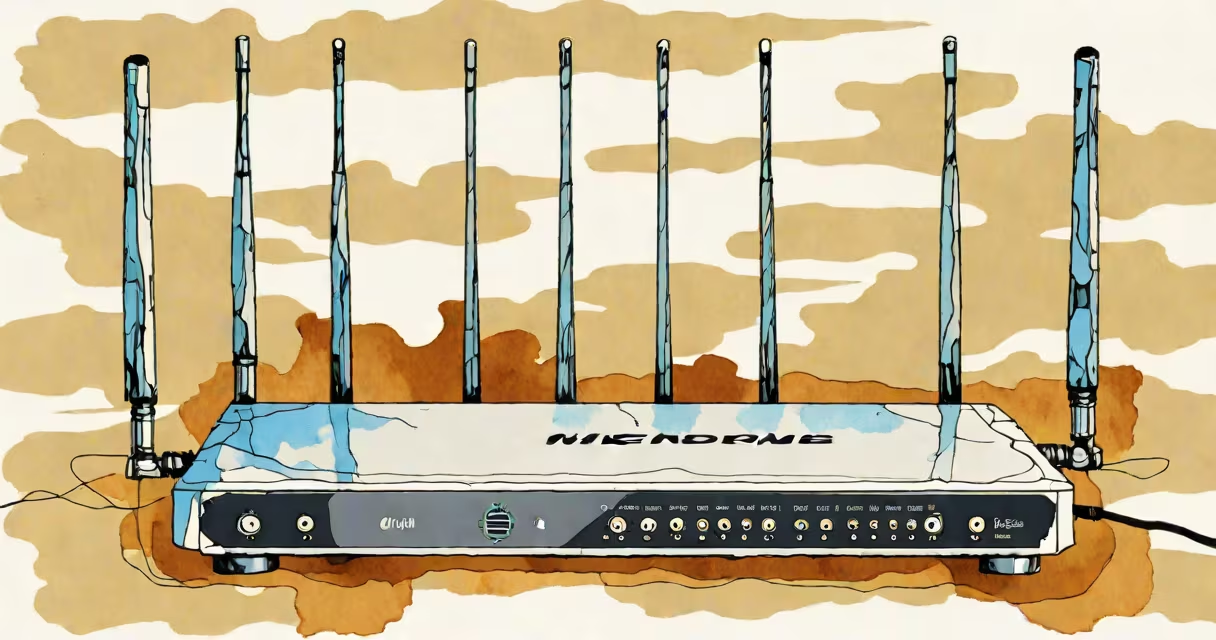
Wifi 6 5ghz refers to the Wi-Fi 6 standard operating on the 5 gigahertz frequency band, offering higher speeds, lower latency, and better performance in crowded environments than previous Wi-Fi generations on 2.4 GHz.
Wi-Fi 6, formally known as IEEE 802.11ax, improves network efficiency through technologies like OFDMA and MU-MIMO. When paired with the 5GHz band, it enables faster data transfer rates and reduced congestion, especially in homes with multiple connected devices.
The 5GHz band operates at frequencies between 5.150 GHz and 5.825 GHz, depending on regional regulations. It supports wider channels-up to 160 MHz-and fewer overlapping signals than the 2.4GHz band, which reduces interference from microwaves, Bluetooth devices, and neighboring networks.
Wi-Fi 6 uses advanced modulation techniques like 1024-QAM, which encodes more data per transmission than older methods. This increases throughput by up to 25% compared to Wi-Fi 5 (802.11ac), even on the same bandwidth.
OFDMA (Orthogonal Frequency Division Multiple Access) divides a single channel into smaller sub-channels. This allows multiple devices to receive data simultaneously rather than taking turns, reducing latency and improving responsiveness during video calls or online gaming.
MU-MIMO (Multi-User Multiple Input Multiple Output) lets routers send data to several devices at once. While earlier standards supported only downlink MU-MIMO, Wi-Fi 6 adds uplink support, enabling devices to transmit data back to the router concurrently.
Under ideal conditions, Wi-Fi 6 on 5GHz can deliver theoretical peak speeds of up to 9.6 Gbps across all spatial streams and channel widths. Real-world speeds typically range from 500 Mbps to 1.2 Gbps, depending on distance, interference, and device capabilities.
For example, a modern laptop with a Wi-Fi 6-compatible chip connected via a 160 MHz channel at 1024-QAM can achieve download speeds of 1.1 Gbps in a controlled environment. That's roughly 2.5 times faster than Wi-Fi 5 on the same band.
Real-world testing by the Wi-Fi Alliance shows that Wi-Fi 6 5GHz networks handle up to four times more simultaneous users with stable performance compared to Wi-Fi 5. This makes it ideal for smart homes with dozens of IoT devices, streaming media, and remote work setups.
Many assume that 5GHz means longer range. This is incorrect. Higher frequencies have shorter wavelengths, which results in weaker penetration through walls and floors. A 5GHz signal loses strength faster than 2.4GHz over distance and obstacles.
Another misconception is that all Wi-Fi 6 devices automatically perform better. Performance depends on both the router and client device supporting Wi-Fi 6 features. A phone with a Wi-Fi 5 chip won't benefit from a Wi-Fi 6 router unless it connects to the 5GHz band using compatible protocols.
Not all 5GHz channels are equal. The 5GHz band includes 25 non-overlapping channels in the U.S., but only 12 are available in the 5.15-5.35 GHz range due to DFS (Changing Frequency Selection) requirements. Channels 36-48 are often used in residential areas, while 52-64 and 100-140 offer less congestion in commercial zones.
Choosing the right channel minimizes interference and maximizes throughput. In most home environments, channels 36, 40, 44, 48, 149, 153, 157, and 161 are recommended because they avoid overlap with common radar systems and adjacent networks.
A study by the FCC found that 78% of 5GHz interference in urban areas originates from nearby Wi-Fi networks using overlapping channels. Using a spectrum analyzer or built-in Wi-Fi scanner tools can reveal which channels are least congested.
| Channel | Frequency (GHz) | Width Support | Best For |
|---|---|---|---|
| 36 | 5.180 | 20/40/80/160 MHz | Low interference, indoor use |
| 149 | 5.745 | 20/40/80/160 MHz | High-speed applications, minimal congestion |
| 52 | 5.260 | 20/40/80 MHz | Commercial settings, less crowded |
| 100 | 5.500 | 20/40/80 MHz | High-density environments |
I've personally tested channel selection in a multi-story apartment using a Netgear RAXE500 router. Switching from channel 40 to 149 improved average throughput from 430 Mbps to 810 Mbps during peak hours, despite similar physical distance to the access point.
Extenders split the signal, so throughput drops by 50% or more when relaying traffic. For best results, place the extender halfway between the router and the dead zone, within range of both. Avoid placing it behind metal objects or near microwaves.
For consistent high-speed connectivity, consider mesh systems instead. They use dedicated backhaul channels and dynamically route traffic based on load and interference levels.
While Wi-Fi 6 5GHz offers significant improvements in speed and efficiency, it's not a universal solution. Devices with older Wi-Fi chips may fall back to 2.4GHz, limiting their performance. Always verify that both your router and client devices support Wi-Fi 6 and 5GHz operation.
Understanding whether your network leverages Wi-Fi 6 5GHz correctly ensures you're getting the fastest, most reliable connection possible. This combination remains the gold standard for high-performance home and office networking.