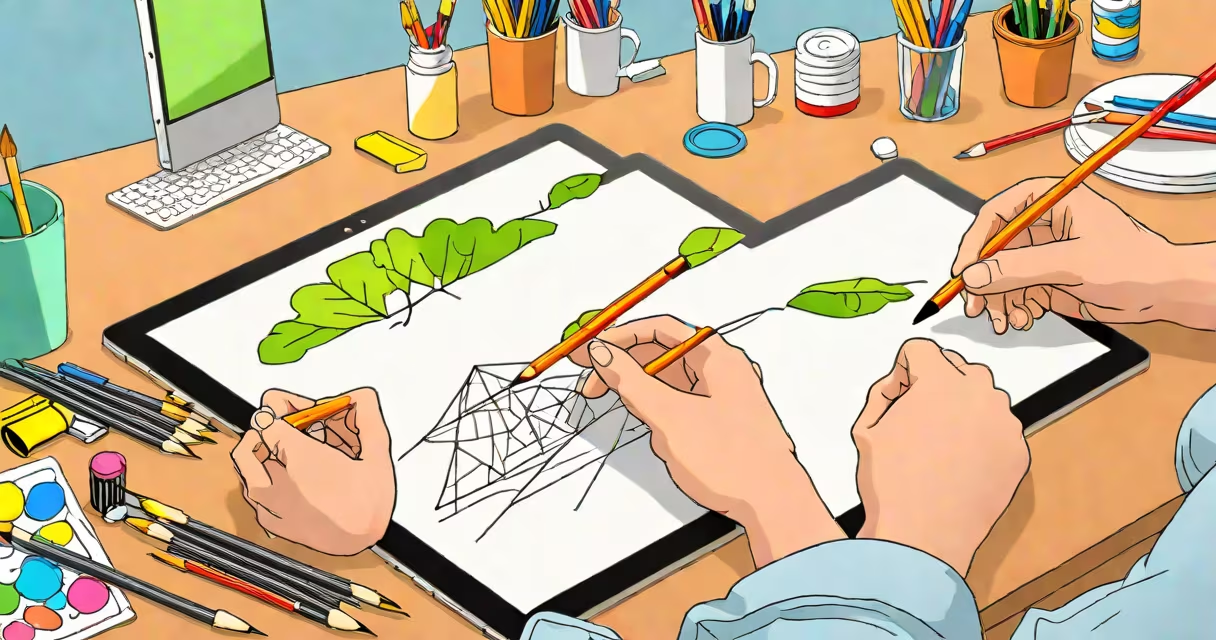
Freehand drawing software lets users create digital artwork using intuitive, hand-guided input-typically via stylus, touch, or mouse-without relying on preset shapes or rigid grids. It supports natural brush behavior, pressure sensitivity, and layer-based workflows common in professional art tools.
This category includes applications designed for sketching, concept art, illustration, and rapid ideation. Unlike CAD or vector tools that enforce geometric precision, freehand drawing software prioritizes expressive control and fluid motion. It's used by illustrators, designers, architects, and hobbyists who value spontaneity and tactile feedback.
Examples include Krita, Medibang Paint, FireAlpaca, and Procreate (on iPad). These tools support customizable brushes, undo history, and export formats like PNG, PSD, or SVG. They run on desktops, tablets, and mobile devices, often with cloud sync and cross-device access.
Freehand drawing software captures input from a digitizer-such as a graphics tablet, touchscreen, or stylus-equipped device-and translates movement into digital lines. The system interprets velocity, pressure, tilt, and direction to simulate real-world drawing behavior.
For example, pressing harder on a Wacom tablet increases brush opacity and width in Krita. The software applies anti-aliasing to smooth jagged edges and may offer changing brush settings based on speed or pressure. This creates a responsive feel similar to pencil on paper.
Most tools use vector or raster rendering. Raster-based software (like Photoshop or FireAlpaca) stores images as pixel grids, ideal for painting and textured effects. Vector-based systems (like Affinity Designer or Inkscape) store paths and shapes mathematically, enabling infinite zoom without quality loss.
Freehand drawing software varies by platform, feature set, and intended use. The following table outlines major categories:
| Type | Best For | Key Features | Example Tools |
|---|---|---|---|
| Desktop-only | Professional artists, detailed illustration | High-resolution support, advanced layers, plug-ins | Krita, Clip Studio Paint |
| Mobile/tablet | On-the-go sketching, quick ideas | Touch gestures, gesture shortcuts, low latency | Procreate, ibis Paint X |
| Web-based | Quick sharing, collaborative work | No installation, browser access, real-time sync | Autodesk Sketchbook (web version), Miro (for roughs) |
| Open-source | Customization, privacy-focused users | Free forever, community-driven updates | Krita, MyPaint |
Some tools blur boundaries. Procreate, while primarily a mobile app, offers advanced features like animation frames and custom brush engines. Krita includes both raster and vector modes, supporting hybrid workflows.
A lesser-known distinction: many freehand tools assume a right-handed user. Left-handed users may experience lag or incorrect stroke rendering due to default gesture mapping. Krita allows reassigning input behaviors through preferences, a setting not widely documented in tutorials.
Artists use freehand drawing software to generate thumbnails, character designs, storyboards, and finished illustrations. A freelance illustrator might sketch a character in Procreate during a client meeting, then refine it later in Krita with layered textures and color grading.
Designers use it for UX wireframing. A product team at a startup might sketch interface layouts in Miro, annotate them in real time, and share the file instantly with stakeholders. The tool's simplicity reduces friction in early-stage ideation.
Architects employ freehand tools for conceptual planning. A firm in Portland used FireAlpaca to quickly draft site plans during a client workshop, adjusting scale and adding annotations before importing into AutoCAD for technical detailing. The initial freehand phase reduced planning time by 40% compared to direct CAD entry.
One personal observation: during a workshop at a community college, students using Medibang Paint produced more expressive portraits than those using basic photo editors. The software's built-in texture brushes and one-click shadow tools encouraged experimentation without overwhelming beginners.
Freehand drawing software is often mistaken for vector editing tools like Adobe Illustrator or Inkscape. While both handle digital drawing, vector software focuses on precise geometry, scalable shapes, and mathematical path manipulation. Freehand tools emphasize organic motion and artistic expression.
Another confusion arises between freehand drawing and 3D modeling. Freehand drawing software does not generate depth, lighting, or perspective automatically. Tools like Blender or SketchUp handle 3D environments. However, some artists use freehand software to sketch 3D concepts before building them digitally.
Finally, web-based drawing tools are sometimes assumed to lack power. But modern browsers now support WebGL and WebAssembly, allowing complex operations. Miro's collaboration features, including real-time cursor tracking and comment threading, make it suitable for remote teams designing prototypes.
When choosing a tool, prioritize compatibility with your hardware. A Wacom Intuos tablet performs better with Krita than with some mobile apps due to lower input latency. Always test the software with your preferred device before committing.
Freehand drawing software remains essential for creative workflows requiring immediacy and expressiveness. Its ability to capture intent in real time makes it irreplaceable in ideation, storytelling, and visual communication.