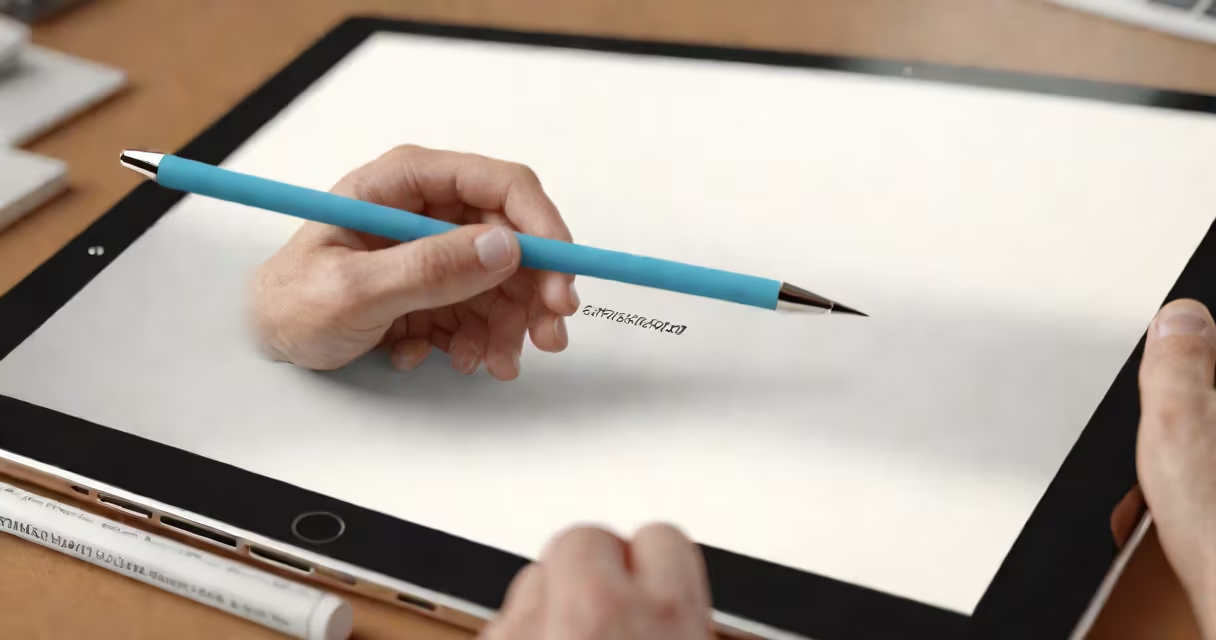
Digital illustration classes are structured courses teaching how to create visual artwork using digital tools like tablets, software such as Adobe Photoshop or Procreate, and styluses. These classes cover foundational skills like composition, color theory, and perspective, applied through digital workflows rather than traditional media.
They're designed for beginners and advanced learners alike, offering step-by-step instruction in creating concept art, character designs, storyboards, and editorial illustrations. Students work within digital environments to produce assets used in video games, animated films, web graphics, and branding.
Unlike traditional art lessons, digital illustration classes emphasize software-specific techniques-such as layer management, brush customization, and non-destructive editing-while maintaining core artistic principles. Many programs include peer review, instructor feedback, and portfolio development components.
Classes typically run in weekly sessions, either live or pre-recorded. Instructors demonstrate techniques in real time, often using screen-sharing or live drawing. Students complete assignments that build toward a final project, such as a full character sheet or a scene from a comic.
Each session includes a mix of theory and hands-on practice. For example, a lesson on lighting might begin with a breakdown of how light behaves in different environments, then move into applying gradients and shadows in Photoshop using blending modes like Multiply and Overlay.
Progress is tracked through graded assignments, peer critiques, and milestone reviews. Some platforms offer certifications upon completion, which can support job applications in creative fields.
Most digital illustration classes focus on mastering specific software and hardware setups. The most widely taught tools include:
| Tool Type | Examples | Primary Use |
|---|---|---|
| Software | Adobe Photoshop, Procreate, Clip Studio Paint | Creating and editing vector and raster images |
| Hardware | Wacom Intuos, iPad with Apple Pencil, Huion H610 | Input devices for drawing and painting digitally |
| File Formats | PNG, JPEG, PSD, SVG | Exporting final artwork for web, print, or animation |
Students learn to manage layers, adjust opacity, use clipping masks, and export files at correct resolutions. A single class may cover how to set up a custom brush in Procreate to mimic watercolor texture, including grain, bleed, and dry brush effects.
One non-obvious distinction: many beginners assume digital tools automatically produce clean lines. In reality, control comes from consistent pressure sensitivity and hand-eye coordination developed through repetition. A class might assign 10-minute daily gesture drawings to train muscle memory and improve fluidity.
Graduates of digital illustration classes often pursue roles in game design, animation studios, advertising agencies, and freelance illustration. The demand for digital artists remains steady-U.S. Bureau of Labor Statistics projects a 4% growth in fine arts jobs from 2022 to 2032, with digital specialists in higher demand due to remote collaboration needs.
For example, a student who completes a course on character design might go on to contribute to indie game development teams, producing sprites and concept art for protagonists. Another might specialize in editorial illustration, creating visuals for magazines like *The New Yorker* or *National Geographic*.
Many employers value portfolios over formal degrees. A strong collection of 15-20 pieces created during a class-each showing progression in technique, style, and storytelling-can serve as a professional calling card.
Some assume these classes are just "how to use Photoshop." That's incorrect. While software proficiency is essential, the curriculum centers on visual literacy: understanding form, balance, narrative, and audience context.
Another misconception is that digital art lacks authenticity. This overlooks the fact that digital tools allow for rapid iteration and experimentation. A single sketch can be duplicated, altered, and tested across multiple styles in minutes-a process impossible with physical media.
I once observed a student in a live workshop struggle with facial proportions until they switched from freehand drawing to using grid overlays and reference points. Once they applied basic anatomy principles-like the rule of thirds for eye placement-the result improved dramatically. That moment highlighted how digital tools amplify learning when paired with sound artistic fundamentals.
Look for programs that provide structured feedback, clear learning objectives, and access to community forums. Free introductory videos on YouTube don't count as classes-they lack assessment and continuity.
Reputable providers include Skillshare, Domestika, and Coursera, which partner with institutions like the California Institute of the Arts and the School of Visual Arts. These platforms often feature instructors with industry experience, such as concept artists who've worked on *Avatar: The Last Airbender* or *Spider-Man: Into the Spider-Verse*.
When evaluating a course, check whether it includes real-world projects. For instance, a class titled "Illustration for Children's Books" should require students to adapt a short story into a series of illustrated spreads, complete with character consistency and page layout planning.
After completing a class, consider building a public portfolio on platforms like ArtStation or Behance. These sites are frequently scoured by recruiters and hiring managers in creative industries.
Digital illustration classes aren't just about making pictures-they're about communicating ideas, efficiently, and expressively using modern tools and timeless artistic principles.