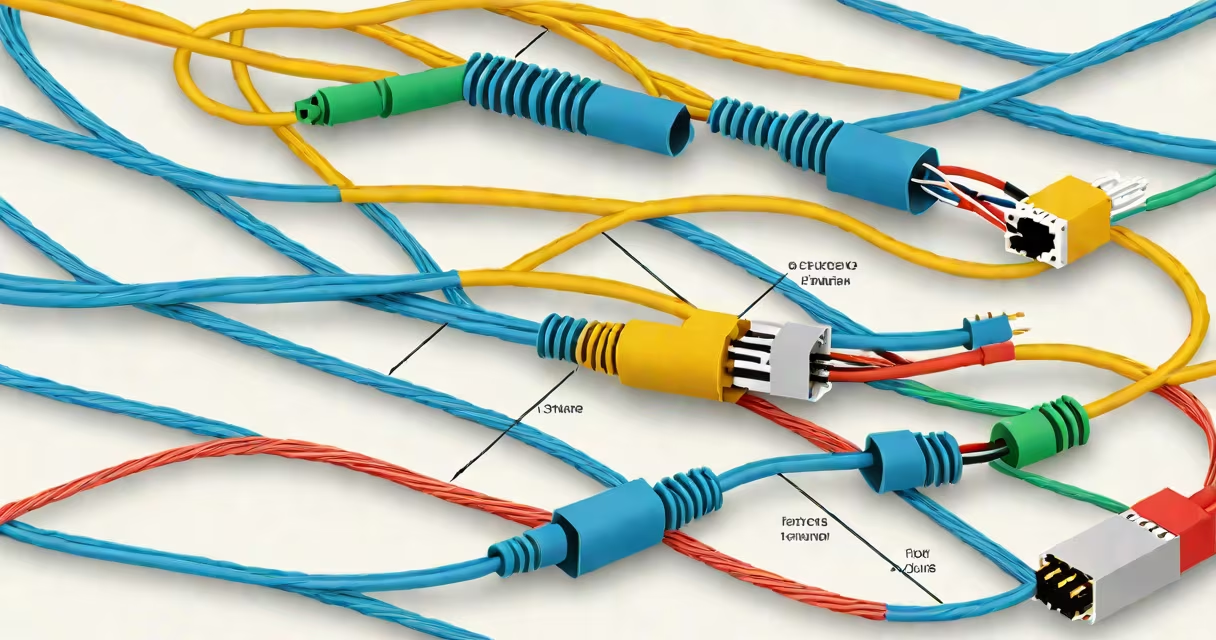
A crossover and straight through cable are types of Ethernet cables with different internal wire arrangements. A crossover cable swaps transmit and receive pairs between ends, enabling direct device-to-device communication. A straight through cable maintains identical pinouts at both ends, connecting devices like computers to switches or routers.
Both cables follow the TIA/EIA-568 standard for twisted-pair wiring. The physical construction is nearly identical-four twisted pairs of copper wire enclosed in a jacket-but their internal wiring differs. This difference determines whether the cable can connect two similar devices (e.g., two PCs) or requires a network intermediary (e.g., a switch).
Modern network hardware often auto-senses the connection type via Auto-MDIX, reducing the need for crossover cables. However, understanding the distinction remains essential for troubleshooting legacy systems, configuring direct connections, or setting up isolated test environments.
Each Ethernet port uses four wires: two for sending data (TX), two for receiving (RX). In a straight through cable, pins 1-2 (TX) on one end connect to pins 1-2 on the other, and pins 3-6 (RX) match similarly. This alignment allows a computer's TX to send to a switch's RX, and vice versa.
In a crossover cable, the transmit and receive pairs are swapped. Pins 1-2 on one end connect to pins 3-6 on the other, and vice versa. This reversal enables two devices-like two computers-to communicate directly without a switch or router. Without this swap, both devices would try to send on the same pair and fail to receive.
For example, connecting a laptop to a gaming console using a crossover cable lets them share files over a local network. But plugging the same cable into a PC and a wall jack fails because the wall jack expects a straight through signal. Misusing the cable type causes no link light and no connectivity.
Two primary wiring standards define cable pinouts: T568A and T568B. Most modern installations use T568B due to higher compatibility with existing infrastructure. Both standards specify the same color sequence for each wire, but T568A and T568B differ in the positions of green and orange pairs.
| Cable Type | Wiring Standard | Common Use |
|---|---|---|
| Straight Through | T568B on both ends | PC to switch, router to modem |
| Crossover | T568B on one end, T568A on the other | PC to PC, switch to switch, router to router |
Some older networks used T568A on one end and T568B on the other for crossover purposes. Today, the most common crossover setup uses T568B on one end and T568A on the other. This swap ensures TX on one device connects to RX on the other.
Non-standard wiring-such as reversing only two wires-can cause intermittent failures. Always verify the correct pinout using a cable tester. A single miswired pair results in a failed link, even if the cable appears intact.
Use a straight through cable to connect dissimilar devices: a desktop computer to a network switch, a router to a modem, or a printer to a network hub. These setups rely on the switch or router to manage data flow and handle signal direction.
Use a crossover cable when linking two identical devices directly. For example, connecting two laptops for file sharing during a presentation, or linking two servers for backup synchronization. Without a crossover cable, the connection fails unless the devices support Auto-MDIX.
Historically, crossover cables were essential for building small peer-to-peer networks. Today, most consumer-grade network interface cards (NICs) and switches support Auto-MDIX, which automatically detects and adjusts the TX/RX pairing. This feature eliminates the need for crossover cables in many cases.
However, Auto-MDIX doesn't work on all devices. Older routers, industrial control systems, or certain network appliances may still require manual crossover configuration. In such cases, using the wrong cable type leads to a "no link" status, even if the physical connection is solid.
Many assume that all Cat5e or Cat6 cables are interchangeable. That's false. A Cat6 cable can be either straight through or crossover depending on internal wiring. The category rating only indicates bandwidth and performance, not pinout configuration.
Another misconception is that crossover cables are obsolete. While Auto-MDIX reduces reliance, crossover cables remain necessary in specific scenarios. For example, when setting up a direct connection between a Raspberry Pi and a laptop for debugging, a crossover cable ensures stable communication-even if both devices have Auto-MDIX enabled.
Also, crossover cables are not the same as null modem cables. Null modem cables are used for serial communication between computers (RS-232), not Ethernet. They swap different signals-like RTS/CTS-and operate at much lower speeds. Using a null modem cable in place of a crossover Ethernet cable results in no network connectivity.
One non-obvious fact: some network testers display "crossover" or "straight through" based on the pattern detected. A cable labeled "crossover" may show as "straight through" if both ends use the same standard (e.g., T568B on both sides). The label depends on the intended function, not the physical layout alone.
Suppose you want to transfer a 2GB video file from a desktop to a laptop without using Wi-Fi. You plug a crossover cable into the Ethernet ports of both machines. The laptop shows "Connected" with a green link light. You configure static IP addresses: 192.168.1.1 on the desktop, 192.168.1.2 on the laptop, with subnet mask 255.255.255.0.
On the desktop, you enable file sharing and set permissions. On the laptop, you open File Explorer, enter \\192.168.1.1, and access the shared folder. The transfer completes in under 10 seconds-faster than Wi-Fi in this scenario.
If you had used a straight through cable instead, neither machine would detect the other. The link light would stay off. The system logs would report "no carrier detect." Only replacing the cable with a crossover resolves the issue.
I once set up a temporary network for a trade show demo using two laptops and a crossover cable. Despite both laptops having Auto-MDIX, the connection failed until we switched to a known working crossover cable. The issue was a faulty straight through cable falsely labeled as "crossover." Testing with a cable verifier revealed reversed wire pairs on one end.
Always verify cable type before troubleshooting network issues. Use a cable tester to confirm wiring patterns. If a direct device-to-device connection fails, try a crossover cable-even if Auto-MDIX is enabled. Some devices disable auto-negotiation in favor of fixed settings.
For most home and office setups, straight through cables are sufficient. But when connecting two switches, two routers, or two computers directly, a crossover cable is required unless the hardware supports Auto-MDIX on both ends.
Understanding the difference between crossover and straight through cable prevents wasted time and ensures reliable connectivity. transferring large files, choosing the right cable matters.