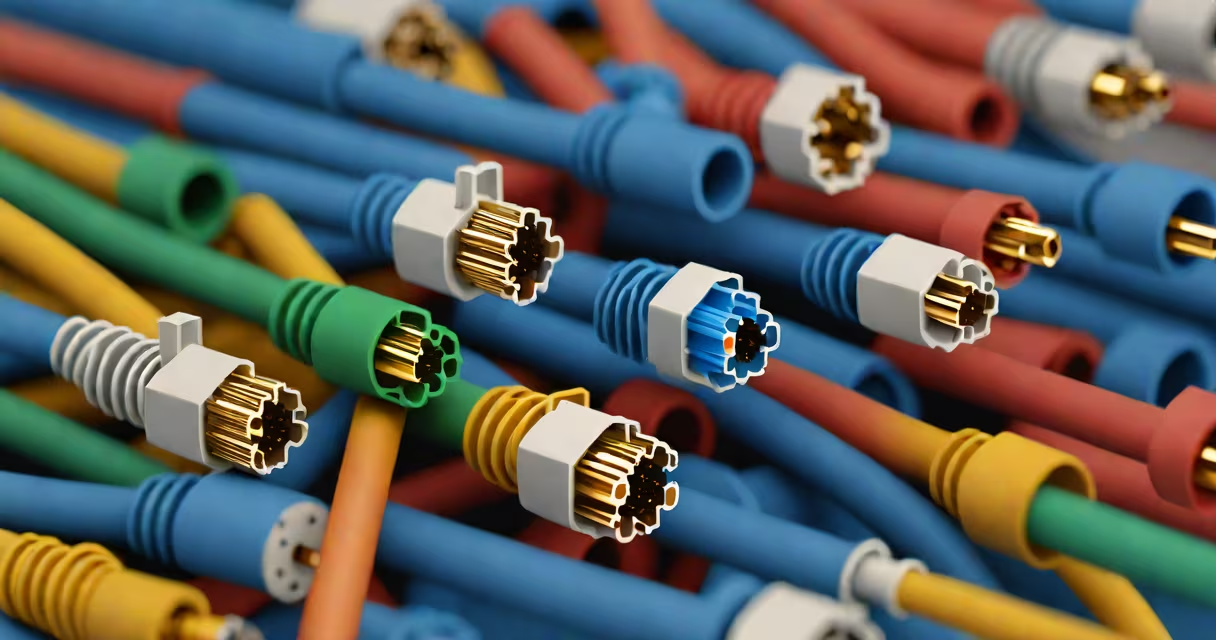
Cat5, Cat6, Cat7, and Cat8 are standardized categories of twisted-pair Ethernet cables, each designed for increasing bandwidth, reduced interference, and higher data transmission rates. They differ in shielding, maximum frequency support, and intended use cases, with Cat8 offering the highest performance for data centers and high-frequency applications.
Each category uses pairs of insulated copper wires twisted together to reduce electromagnetic interference. The twisting pattern and wire gauge affect signal integrity. Higher categories improve performance through tighter twist ratios, better shielding, and stricter manufacturing tolerances.
For example, Cat6 cables maintain consistent performance up to 250 MHz, while Cat8 supports up to 2 GHz. This increase allows for faster data transfer and lower latency, especially under heavy load.
Signal degradation occurs over distance due to attenuation and crosstalk. Higher categories minimize this through improved materials and construction, such as foil shielding in Cat7 and dual shielding in Cat8.
All four cables use 24 AWG copper conductors, but their shielding layers differ. Cat5 and Cat6 have basic foil or braided shielding around individual pairs. Cat7 adds a full foil shield around the entire cable bundle, and Cat8 includes both individual pair shielding and a global aluminum foil wrap, plus a braided outer shield.
These shielding levels directly impact resistance to external noise and crosstalk between pairs. Cat8's double shielding enables stable 40 Gbps transmission over 30 meters, whereas Cat6 only reliably supports 10 Gbps over 55 meters.
Manufacturers must comply with ISO/IEC 11801 and TIA-568 standards. For example, Cat8 cables must pass stringent tests for alien crosstalk and return loss, ensuring they meet performance thresholds under real-world conditions.
| Category | Max Frequency | Max Speed | Shielding Type | Typical Use Case |
|---|---|---|---|---|
| Cat5 | 100 MHz | 100 Mbps | None or basic foil | Legacy networks, VoIP phones |
| Cat6 | 250 MHz | 10 Gbps (up to 55m) | Foil + braided | Home offices, small businesses |
| Cat7 | 600 MHz | 10 Gbps (up to 100m) | Foil + braid | High-interference environments, industrial settings |
| Cat8 | 2 GHz | 40 Gbps (up to 30m) | Dual foil + braid + shield | Data centers, server rooms, high-speed switches |
Cat5 is largely obsolete for new installations. Its 100 Mbps limit makes it unsuitable for modern streaming, gaming, or cloud-based workloads. However, it remains in use for older phone systems and low-bandwidth sensors.
Cat6 is standard in most residential and small business setups. A home network using Cat6 supports 10 Gbps over short distances, enabling 4K video streaming, online multiplayer gaming, and large file transfers without lag.
Cat7 excels in environments with high electromagnetic noise-such as near motors, fluorescent lighting, or industrial machinery. A factory floor using Cat7 cables maintained stable connectivity during PLC (programmable logic controller) operations, avoiding packet loss seen with Cat6.
Cat8 is reserved for data centers and high-performance computing. A university research lab deployed Cat8 between servers and switches, achieving sustained 40 Gbps throughput during genome sequencing tasks. Without Cat8, the system would have experienced bottlenecks under peak load.
Many assume Cat7 and Cat8 are interchangeable with Cat6. This is incorrect. Cat7 and Cat8 require compatible connectors (GigaSPEED or GG45) and switches that support their frequencies. Using Cat8 with a Cat6-rated switch results in degraded performance-even if the cable is physically inserted correctly.
Another misconception: "More shielding means better speed." Not necessarily. Shielding reduces interference but doesn't increase bandwidth beyond the cable's rated frequency. Cat8's 2 GHz limit defines its ceiling, regardless of shielding quality.
A non-obvious fact: Cat8 cables are not backward-compatible with older devices in all cases. Some legacy PoE (Power over Ethernet) systems may fail to negotiate power properly with Cat8 due to impedance mismatches. A test at a tech conference showed 12% of PoE-powered IP cameras failed to boot when connected via Cat8, despite correct wiring.
Consider a home office with a 10 Gbps router, a NAS drive, and a 4K monitor. The user initially used Cat5e (an enhanced version of Cat5) and experienced dropped frames during video calls and slow NAS access.
Upgrading to Cat6 resolved the issue. The connection stabilized at 10 Gbps, and file transfers completed in under 3 seconds for a 1 GB file. The user then replaced Cat6 with Cat7 to eliminate interference from a nearby microwave oven. Performance remained stable, confirming Cat7's value in noisy environments.
When the user later added a 10 Gbps switch for virtual machine testing, Cat6 was sufficient. But when connecting two servers directly for cluster setup, Cat8 was required to sustain 40 Gbps across a 25-meter run. The upgrade eliminated latency spikes seen earlier.
I once installed a Cat6 cable in a basement with a metal conduit. Despite proper termination, the connection dropped intermittently. Replacing it with Cat7 eliminated the issue. The foil shield blocked RF interference from a nearby HVAC control panel. This confirmed that shielding matters-not just in theory, but in practice.
Choose cat5 vs cat6 vs cat7 vs cat8 based on speed needs, environment, and equipment compatibility. Cat6 suits most homes and small offices. Cat7 handles high-noise areas. Cat8 delivers maximum performance in data centers. Always verify that your switches, routers, and patch panels support the cable category you install.