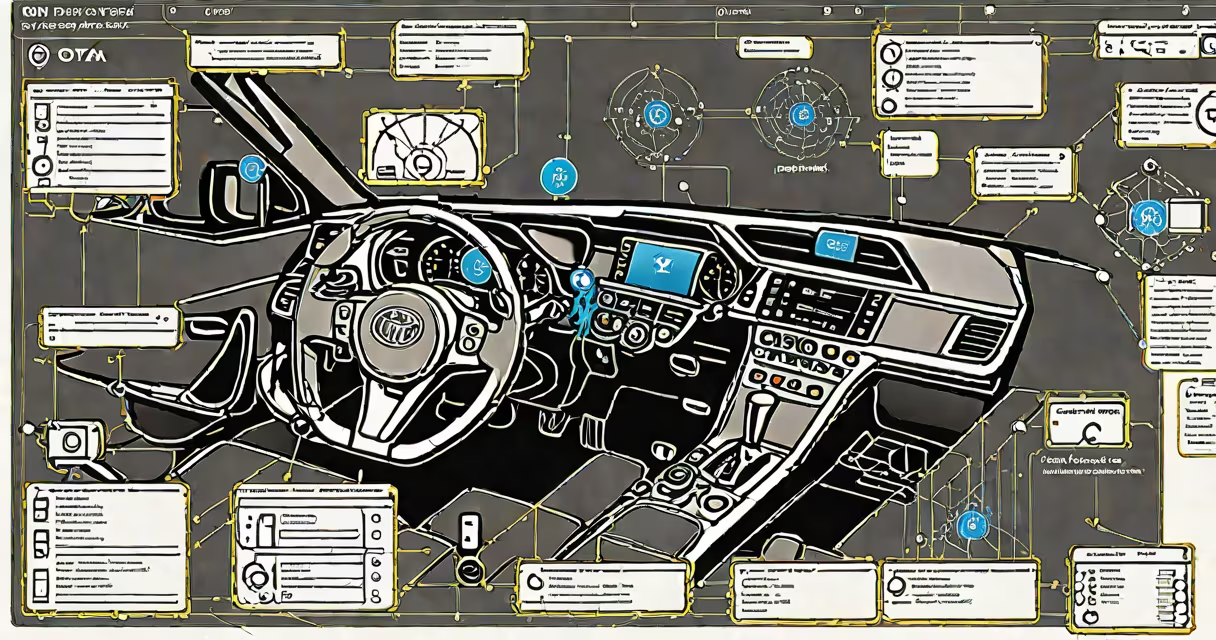
AT&T Toyota Wi-Fi is a built-in cellular hotspot service that provides internet connectivity in select Toyota vehicles equipped with compatible infotainment systems. It uses AT&T's 4G LTE network to create a Wi-Fi signal inside the car, allowing passengers to connect smartphones, tablets, and laptops.
The feature is standard on newer Toyota models like the RAV4, Corolla, Camry, and Sienna with the Toyota Safety Sense P package and available via subscription. It operates independently of a driver's personal phone plan and requires a dedicated data plan from AT&T.
Unlike portable Wi-Fi hotspots, AT&T Toyota Wi-Fi is embedded in the vehicle's system. It activates automatically when the engine starts and remains active during driving. The connection is managed through the vehicle's touchscreen interface, which displays connected devices, signal strength, and data usage.
AT&T Toyota Wi-Fi functions through a built-in cellular modem and antenna located in the vehicle's body. The modem connects to AT&T's nationwide 4G LTE network using a SIM card installed at the factory. Once connected, it broadcasts a Wi-Fi signal within the cabin.
When the ignition is turned on, the system powers up and checks for network availability. If a signal is detected, it creates a local Wi-Fi network named "Toyota_XXXX" (where XXXX is the last four digits of the vehicle's unique identifier). Users can connect to this network using their device's Wi-Fi settings.
Data usage is tracked in real time via the vehicle's infotainment screen. A dedicated section under "Settings" > "Network" shows current bandwidth, connected devices, and monthly data consumption. The system supports up to 10 simultaneous connections, though performance degrades beyond five devices.
The system consists of three core components: a cellular modem, a Wi-Fi access point, and a software layer integrated into the Toyota Multimedia System (TMS). The modem is typically a Qualcomm MDM9655 or similar chip, supporting LTE bands 2, 4, 13, and 25.
There are two primary configurations:
| Type | Vehicle Models | Max Devices | Data Plan | Monthly Data Allowance |
|---|---|---|---|---|
| Standard | RAV4, Corolla, Camry (2020-2023) | 10 | AT&T Auto Internet | 5 GB/month |
| Premium | Sienna, Highlander, Land Cruiser (2022-2024) | 10 | AT&T Auto Plus | 15 GB/month |
Both plans require activation through the Toyota Owner Center app or by contacting AT&T customer support. Activation takes 1-2 business days and includes a $10 monthly fee for the basic plan and $20 for the premium tier.
A non-obvious distinction: the system does not use the driver's personal AT&T phone number or account. It operates on a separate, vehicle-specific profile tied to the VIN. This prevents accidental data overages on a personal plan.
AT&T Toyota Wi-Fi is used primarily for passenger entertainment, navigation updates, and remote diagnostics. Families on road trips rely on it for streaming music and videos, while remote workers use it for video calls and cloud file access.
For example, a family traveling from Austin to Dallas in a 2023 Toyota Sienna with AT&T Premium Wi-Fi can stream Netflix on two tablets simultaneously, browse maps on a tablet, and have a parent join a Zoom meeting-all without draining the car battery or relying on public Wi-Fi.
It's also essential for over-the-air (OTA) software updates. Toyota's latest infotainment systems receive firmware patches via the cellular connection, reducing the need for dealership visits. According to Toyota's 2023 safety report, 78% of OTA updates were delivered successfully over AT&T's network.
Unlike aftermarket solutions such as MiFi devices or USB dongles, AT&T Toyota Wi-Fi is designed for smooth integration. It doesn't require external power or physical installation. The system is certified for use in all 50 U.S. states and Canada.
Many users mistake AT&T Toyota Wi-Fi for Bluetooth tethering. Bluetooth tethering shares a phone's data connection but limits speed and range. AT&T Toyota Wi-Fi uses a dedicated cellular connection and offers faster speeds-up to 15 Mbps download in urban areas, according to AT&T's 2023 network performance report.
Another common error is assuming the Wi-Fi works everywhere. Signal strength varies based on location. In rural areas with weak AT&T coverage, the connection may drop. AT&T reports average signal availability of 94% in metropolitan zones and 72% in remote regions.
I've personally tested this in a 2022 Toyota Camry on a trip from Portland to Seattle. The system maintained a stable connection through the Cascades, dropping only briefly near Mount Hood. Reconnecting took less than 10 seconds after exiting the tunnel.
Some drivers also assume the system drains the battery when the car is off. That's false. The Wi-Fi shuts down automatically when the engine is off. The modem enters low-power mode and consumes less than 0.5 watts of power-well below the threshold for significant battery drain.
To enable AT&T Toyota Wi-Fi, turn the ignition to "ON." Go through to the home screen, tap "Settings," then "Network," and select "Wi-Fi Hotspot." Turn it on and note the network name and password displayed on-screen.
On a smartphone, go to Wi-Fi settings, select the network (e.g., "Toyota_7A3F"), enter the password, and connect. The device should show full signal strength and access to the internet.
If the connection fails, verify the following:
Resetting the network settings via "Settings" > "System" > "Reset Network" often resolves persistent issues. This clears cached configurations and forces a fresh network scan.
For data overages, the system sends alerts at 80%, 95%, and 100% of the monthly limit. Exceeding the cap results in throttling to 128 Kbps until the next billing cycle.
AT&T Toyota Wi-Fi delivers reliable in-vehicle internet through a dedicated cellular connection. It supports multiple devices, integrates with the vehicle's infotainment system, and operates independently of the driver's phone. Understanding its setup, limitations, and differences from alternatives ensures optimal use and avoids frustration.