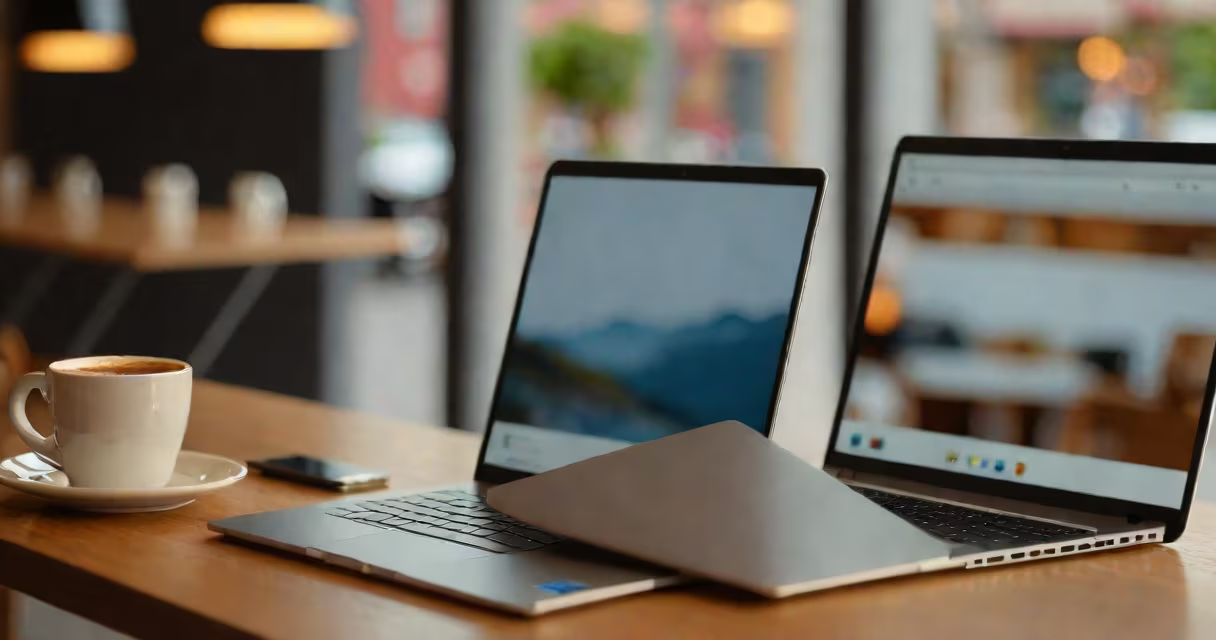
Laptops are portable computers designed for mobility, combining processing power, display, keyboard, and battery into a single unit. They support tasks ranging from document editing and web browsing to video editing and software development, making them essential tools across education, business, and personal use.
Laptops function by integrating a central processing unit (CPU), memory (RAM), storage (SSD or HDD), graphics processor (GPU), and input/output systems into a compact chassis. The operating system-such as Windows, macOS, or Linux-manages hardware resources and enables user interaction through a graphical interface. Battery life typically ranges from 6 to 12 hours depending on model and usage, allowing operation without constant access to power outlets.
Modern laptops include built-in cameras, microphones, speakers, Wi-Fi, Bluetooth, USB ports, and sometimes fingerprint readers or facial recognition sensors. These components enable communication, file transfer, peripheral connectivity, and secure login-all within a device that fits in a backpack.
Education is one of the most common applications. Students use laptops for research, writing papers, taking online exams, and attending virtual classes. A 2023 study by the National Center for Education Statistics found that 92% of college students in the U.S. owned a laptop, with 78% using it daily for academic work.
In professional environments, laptops handle project management, data analysis, presentations, and communication. Remote workers rely on them for video calls via Zoom or Teams, cloud-based collaboration tools like Google Workspace, and access to company servers through secure VPNs. According to a 2022 report by FlexJobs, 65% of remote employees use a laptop as their primary work device.
For creative professionals, laptops run specialized software such as Adobe Photoshop, Final Cut Pro, and AutoCAD. A designer working on a client's branding project may use a MacBook Pro with a high-resolution Retina display and dedicated GPU to render animations smoothly. Similarly, developers write code in integrated development environments (IDEs) like Visual Studio Code, compile programs, and test applications directly on their machines.
Not all laptops serve the same purpose. Different models are optimized for specific workflows:
| Type | Best For | Typical Specs | Example Use Case |
|---|---|---|---|
| Ultrabooks | Portability and everyday tasks | 13-14" screen, 8-16GB RAM, SSD, 10-12 hr battery | Student taking notes in class or a freelancer working from a train |
| Business Laptops | Security, durability, long-term reliability | Intel Core i5/i7, 16GB RAM, TPM chip, MIL-STD-810G certified | Corporate employee traveling between offices with sensitive data |
| Gaming Laptops | High-performance graphics and processing | 15-17" screen, NVIDIA RTX GPU, 16-32GB RAM, cooling fans | Playing AAA titles like Cyberpunk 2077 at max settings |
| 2-in-1 Convertibles | Flexibility between laptop and tablet modes | Detachable or swivel screen, touchscreen, stylus support | Artist sketching digitally during a workshop or teacher presenting in a classroom |
Many users assume that all laptops perform equally, but performance varies drastically based on configuration. A budget Chromebook with 4GB RAM and an ARM processor cannot run complex simulations or large video files efficiently. Conversely, a high-end workstation laptop with a dedicated GPU and 64GB of RAM can process 4K video timelines in real time.
People often mistake laptops for desktops or tablets. Desktops offer better performance and upgradeability but lack portability. Tablets are lightweight and touch-focused but lack full keyboard functionality and advanced software compatibility. A laptop sits between the two-offering balance.
A frequent error is assuming that all laptops can handle intensive workloads. For example, attempting to run machine learning models trained in Python using libraries like TensorFlow on a low-end netbook results in slow execution or crashes due to insufficient RAM and CPU power. The same task runs smoothly on a laptop with an Intel Core i7 and 32GB RAM.
Another misconception is that laptops are obsolete due to smartphones and tablets. However, a 2023 Pew Research Center survey showed that 76% of adults in the U.S. still use a laptop weekly for tasks requiring typing, multitasking, or detailed visual work-functions that small screens struggle to support.
Consider Sarah, a freelance writer who works remotely. She uses a 14-inch Dell XPS 14 with 16GB RAM, a 512GB SSD, and a 1080p display. Her daily workflow includes:
She relies on her laptop's battery life to work from cafes or co-working spaces without needing a charger. The device's lightweight design (3.1 lbs) and quiet fan allow uninterrupted focus. Without this setup, managing deadlines and maintaining consistent output would be harder.
When I built my own custom laptop for video editing in 2021, I learned that even a useful CPU won't compensate for poor thermal design. My initial build overheated during rendering, causing crashes. After upgrading the cooling system and switching to a lower-power CPU, performance stabilized. This taught me that component selection must align with real-world use-not just raw specs.
One underappreciated difference is between laptops designed for longevity versus those meant for short-term use. Business-grade laptops often feature spill-resistant keyboards, reinforced hinges, and replaceable batteries. Consumer models may sacrifice durability for thinness and weight. A university student using a laptop for four years will benefit more from a durable model than a flashy one with a fragile screen.
Another overlooked factor is software licensing. Many laptops come with pre-installed operating systems, but additional software-like Adobe Creative Cloud or Microsoft Office-requires separate subscriptions. A student buying a $500 laptop may not realize they'll need to spend $100/year on software licenses to complete assignments.
Finally, security matters. Laptops store personal data, financial records, and passwords. Enabling full-disk encryption (e.g., BitLocker on Windows or FileVault on macOS) reduces risk. A 2022 Verizon Data Breach Investigations Report found that 30% of data breaches involved lost or stolen devices-many of which had no encryption enabled.
Understanding what laptops are used for goes beyond listing features. It involves matching device capabilities to actual workflows. Whether for school, remote work, or creative projects, choosing the right laptop requires assessing both current needs and future scalability.