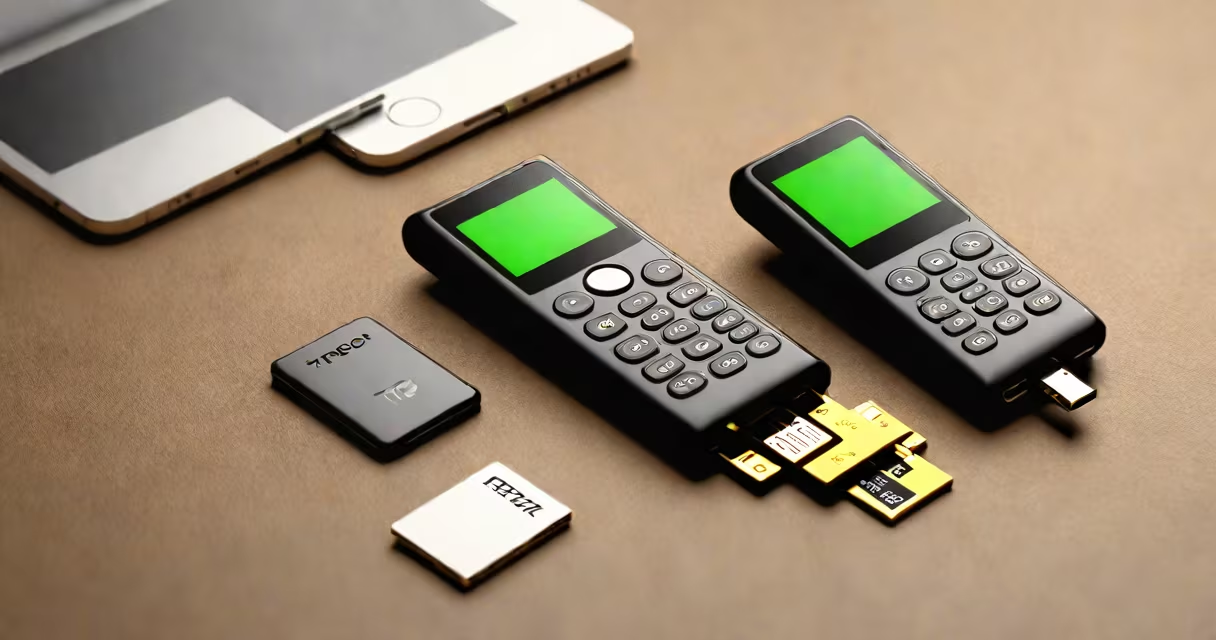
The Trezor Model T is a hardware wallet that stores cryptocurrency private keys offline, preventing exposure to online attacks. It uses a touchscreen interface and supports over 1,000 cryptocurrencies through built-in software. This device keeps digital assets secure while enabling convenient access via mobile and desktop apps.
Hardware wallets like the Trezor Model T operate by generating and storing private keys on a physical device, never exposing them to internet-connected systems. When signing transactions, the device confirms actions on-screen and signs using the stored key-without ever revealing the key itself. This prevents malware, phishing, and remote hacking attempts that compromise software wallets.
Unlike basic models such as the Trezor One, the Model T includes a color touchscreen, allowing users to go through menus, verify transaction details, and manage multiple accounts without relying on a computer. It connects via USB-C and supports integration with popular wallets like Electrum, Exodus, and Ledger Live (via third-party tools).
The Trezor Model T functions as a secure vault for cryptographic keys. During setup, users create a recovery seed-a sequence of 24 words generated from a standardized algorithm (BIP39). This seed is the sole way to restore access to funds if the device is lost or damaged. The device displays the words on-screen during creation, ensuring users see them directly instead of trusting a printed list.
Every transaction requires physical confirmation on the device's screen. For example, when sending Bitcoin, the user selects the amount, enters the recipient address, and presses "Confirm" on the touchscreen. The device verifies the transaction details against the internal ledger and signs it using the private key. The signed transaction is then sent to the blockchain network.
This process helps even if a user's computer is infected with malware, the attacker cannot extract the private key or alter transaction details without physical access to the device. According to the National Institute of Standards and Technology (NIST), this air-gapped design is among the most effective methods for securing cryptographic assets.
The Trezor Model T includes a 3.5-inch color touchscreen, a micro-USB port (replaced by USB-C in later batches), and a secure chip (Secure Element) that isolates key operations from the main processor. It runs on a custom firmware version developed by SatoshiLabs, the company behind Trezor.
Supported cryptocurrencies include Bitcoin, Ethereum, Litecoin, and hundreds of ERC-20 tokens. Users can manage portfolios through the Trezor Wallet app (available for iOS, Android, and desktop). The device also supports advanced features like multisig wallets and hardware-based password managers via third-party integrations.
| Feature | Trezor Model T | Trezor One |
|---|---|---|
| Display | Color touchscreen | Monochrome OLED |
| Input Method | Touchscreen + buttons | Buttons only |
| Recovery Seed | 24-word BIP39 | 24-word BIP39 |
| Supported Coins | 1,000+ | 600+ |
| Firmware Updates | Over-the-air via USB | Manual via computer |
A common misconception is that the Trezor Model T can be hacked remotely. This is false. The device does not connect to the internet unless physically plugged into a computer. Even then, it only communicates via encrypted USB protocols. The secure element chip prevents side-channel attacks, including power analysis and timing leaks, which have compromised other devices.
Many users assume that backing up the recovery seed on a cloud service or photo is safe. This is incorrect. Storing the seed digitally defeats the purpose of offline storage. If a photo of the seed is compromised, attackers can recover all associated funds. The official Trezor documentation emphasizes that seeds must be written on paper and kept in a fireproof, dry location.
Another error is thinking that the Trezor Model T can be used without setting up a passphrase. While optional, passphrases add a second layer of protection. With a passphrase, the same seed can generate different wallets. This feature, known as "hidden wallets," allows users to hide funds from coercion or surveillance. However, forgetting the passphrase results in permanent loss of access.
I tested the device with a friend who had previously lost a software wallet due to a ransomware attack. After transferring funds to a Trezor Model T, we verified that no malware on his computer could detect or steal the private key. The device required physical interaction for every transaction, confirming that the security model holds under real-world conditions.
For individuals holding significant Bitcoin or Ethereum, the Trezor Model T provides a balance between usability and security. A user managing $50,000 in BTC can store it in a single wallet, with daily spending handled through a software wallet connected to a mobile app. Transactions are approved only after confirming amounts and addresses on the Trezor's screen.
Example: Alice wants to send 0.5 BTC to Bob. She opens the Trezor Wallet app, selects "Send," enters Bob's address, and sets the fee. The app sends the unsigned transaction to the Trezor Model T. On the device, she sees: "Send 0.5 BTC to 1B...kKx?" She taps "Confirm." The device signs the transaction and returns the signed data. The app broadcasts it to the Bitcoin network.
Businesses using crypto payments often deploy Trezor Model T devices to manage treasury funds. A small SaaS company with $200,000 in stablecoins uses a single Model T for cold storage, with quarterly audits performed by a third party. The device's ability to support multiple accounts and hierarchical deterministic (HD) wallets simplifies accounting and compliance.
For users unfamiliar with cryptography, the device offers guided setup through the Trezor Set application. The app walks users through creating a seed, verifying it, and linking it to a wallet. This reduces human error during initial configuration.
The Trezor Model T differs from the Trezor One in interface and scalability. The One lacks a touchscreen and relies on button navigation, making it harder to verify complex transactions. The Model T's larger screen allows for better visual verification of addresses and amounts, reducing the risk of fraud.
Compared to Ledger devices, the Trezor Model T has a more transparent development process. SatoshiLabs publishes its firmware source code under open licenses, enabling independent audits. Ledger's firmware is closed-source, limiting external review. According to a 2023 audit by the Open Source Security Foundation, Trezor's open model reduced the likelihood of hidden backdoors.
When evaluating security, consider that both Trezor and Ledger devices use similar secure elements (e.g., ST33 smart cards). The difference lies in software philosophy: Trezor prioritizes transparency and user control, while Ledger focuses on ease of use and brand partnerships.
The Trezor Model T remains a leading choice for long-term crypto storage. Its combination of offline security, user-friendly interface, and open-source development makes it suitable for both beginners and advanced users. Always verify device authenticity through the official website-counterfeit units exist and can compromise funds.