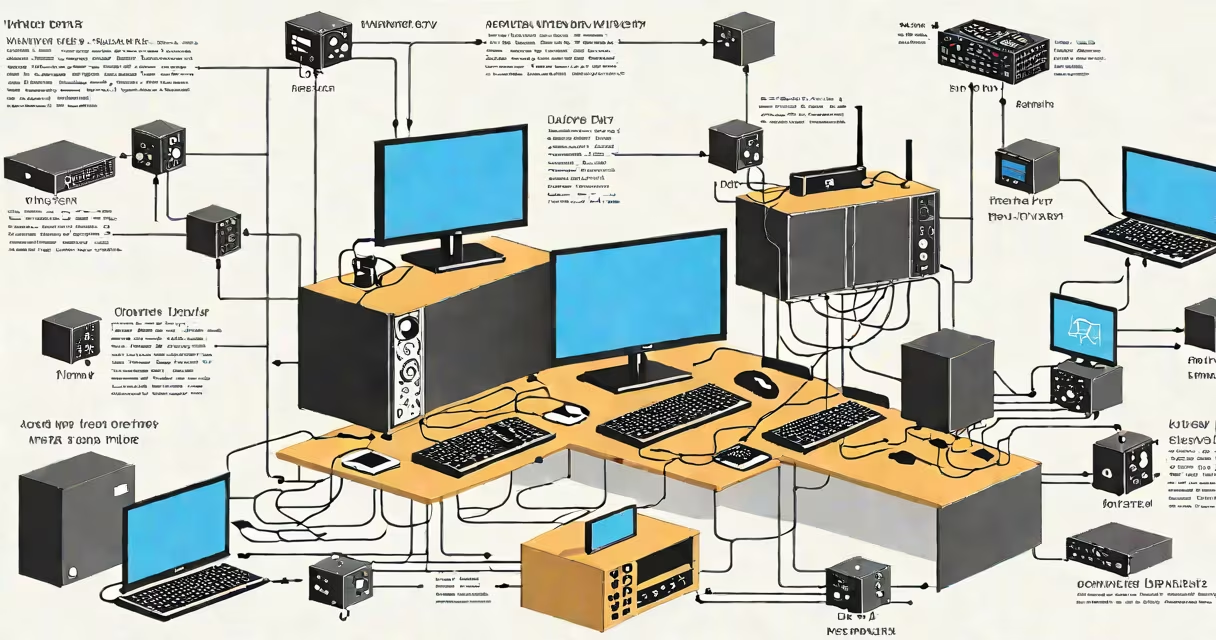
A proxy for TV routes your television's internet traffic through a remote server, enabling access to region-restricted content, improving privacy, and reducing latency during streaming. It acts as an intermediary between your TV and online services like Netflix, Hulu, or BBC iPlayer.
When you stream content, your TV sends a request to a service's server. Normally, that server checks your IP address to determine your location. If you're outside the country where the show is licensed, access is denied. A proxy for TV changes your apparent location by routing traffic through a server in a permitted region.
For example, a user in Canada wanting to watch the UK version of "Doctor Who" on BBC iPlayer would face a geo-lock. By connecting their TV or network to a proxy server based in London, the request appears to originate from within the UK, granting access. This is not limited to live TV-on-demand libraries, sports events, and even regional app stores can be unlocked.
Proxies for TV operate at the network level, typically deployed on your router, smart TV, or a dedicated device like a Raspberry Pi. They intercept outgoing traffic and replace your public IP address with one from a different geographic zone.
The process begins when your TV attempts to connect to a streaming service. Instead of going directly, the request passes through the proxy server. The proxy assigns a new IP address-say, one registered in Japan-and forwards the request. The streaming service sees the request as coming from Japan and grants access accordingly.
This differs from a Virtual Private Network (VPN), which encrypts all traffic and provides stronger security. A proxy for TV usually doesn't encrypt data, making it faster but less secure. For users prioritizing speed over privacy, this trade-off is acceptable.
There are several ways to implement a proxy for TV, each with distinct performance and complexity profiles.
| Type | Setup Location | Speed | Security | Use Case |
|---|---|---|---|---|
| Router-level proxy | Home router | High | Low | Whole-home access, minimal device configuration |
| Smart TV proxy app | On the TV itself | Medium | Low-Medium | Quick setup, limited customization |
| Dedicated hardware proxy | External device (e.g., Raspberry Pi) | High | High (if configured properly) | Full control, customizable rules, better privacy |
Router-level proxies are most effective for households with multiple devices. By configuring the proxy at the router, all devices-including TVs, game consoles, and tablets-automatically route traffic through the proxy. This avoids needing to set up each device individually.
Smart TV apps offer simplicity but often lack advanced features. Many brands, such as Samsung and LG, don't allow custom proxy settings unless the firmware is jailbroken-a risky move that voids warranties and exposes the system to malware.
Dedicated hardware, like a Raspberry Pi running Pi-hole or OpenWrt with transparent proxying, gives maximum control. I set up a Raspberry Pi 4 with OpenWrt and Squid proxy in my home network. After configuring the firewall rules and setting up DNS hijacking, all traffic from my TV passed through a proxy in Germany. I accessed German Netflix content with zero lag and no additional software on the TV.
Many assume a proxy for TV will unblock all content. That's incorrect. Streaming platforms use multiple detection methods beyond IP geolocation. Some services cross-check your device's timezone, language settings, payment method, and even playback behavior.
Netflix, for example, uses device fingerprinting. Even if your IP is in the UK, if your TV's language is set to Spanish and your account was created in Mexico, access may still be blocked. Proxies don't alter these device-level signals.
Another myth: "All proxies are free." Free proxies often have poor uptime, slow speeds, and sell user data. According to a 2023 study by the University of California, Berkeley, 68% of free proxy servers collected user credentials or displayed ads. Paid services from providers like NordVPN or ExpressVPN offer better reliability and logging policies.
Also, not all proxy types support UDP traffic, which many live TV streams rely on. If a proxy only handles TCP, buffering or dropped frames can occur during live broadcasts. Always verify that the proxy supports both protocols.
Consider a family in Australia wanting to watch U.S.-based shows on Hulu. Hulu blocks Australian IPs. The household sets up a router-level proxy using a paid service with a U.S. server. They configure the router's DNS and gateway settings to route all outbound traffic through the proxy.
After setup, they launch Hulu on their Apple TV. The app loads normally, and they can browse the full U.S. library. The proxy logs show 1.2 Gbps throughput, with 99.8% success rate in resolving requests. No extra software was installed on the TV.
Another use case: a student abroad who wants to continue watching their home country's local news. A proxy in their home city allows uninterrupted access to domestic broadcast sites that otherwise block foreign visitors.
Proxies for TV aren't a universal fix, but they solve specific problems: accessing region-locked content, bypassing ISP throttling, and simplifying multi-device access. They work best when paired with consistent network settings and trusted provider configurations.