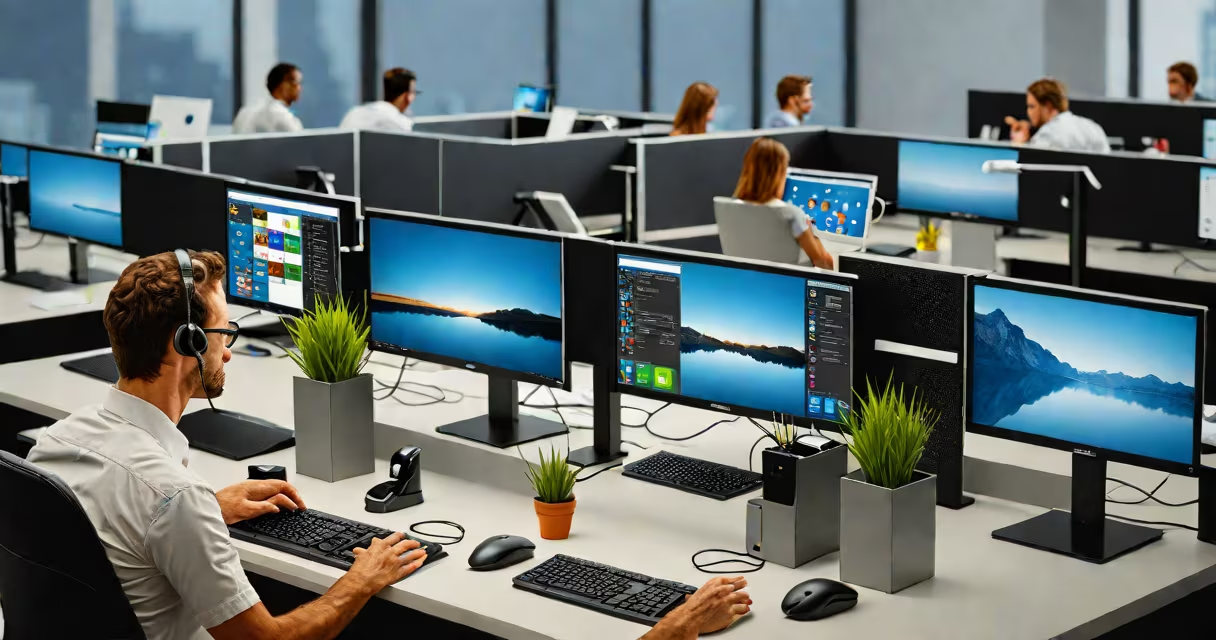
A multi user computer is a system designed to support concurrent access by multiple individuals using separate user accounts, sessions, or terminals. It allows distinct users to run applications, store data, and interact with the operating system independently while sharing the same physical hardware.
Such systems operate under a multitasking operating system that manages user contexts, memory allocation, and process isolation. Each user receives a dedicated environment with personalized settings, files, and permissions, preventing interference between sessions. This model contrasts with single-user systems where only one person controls the machine at a time.
Historically, multi user computers emerged in the 1960s with mainframes like IBM System/360, which supported dozens of simultaneous users via dumb terminals. Today, the concept applies to modern servers, cloud workstations, and shared desktop environments in schools, labs, and businesses.
At its core, a multi user computer relies on a kernel-level scheduler and user session manager. When a user logs in, the OS creates a unique session with assigned resources-CPU time, RAM, storage space, and I/O access. The system enforces security boundaries so one user cannot read another's files unless granted permission.
Authentication mechanisms such as username/password, biometrics, or token-based login verify identity. Once authenticated, the system loads the user's profile, home directory, and application preferences. All actions occur within isolated processes, ensuring stability and privacy.
For remote access, protocols like SSH (Secure Shell) or RDP (Remote Desktop Protocol) allow users to connect from different devices. These connections create virtual sessions on the host machine, enabling full desktop interaction without requiring local hardware.
Multi user systems vary by architecture and deployment model. The most common types include:
| Type | Use Case | Example | Key Feature |
|---|---|---|---|
| Server-based | Centralized IT management | Linux server with PAM authentication | Supports hundreds of users via network login |
| Terminal-based | Classroom or lab computing | Dell Wyse thin client connected to a Windows Server | Low-cost, low-power terminals share a central CPU |
| Cloud-hosted | Remote teams and developers | Amazon EC2 instance with multi-user SSH access | Scalable, accessible from anywhere with internet |
| Local shared desktop | Home or small business | Windows 11 Pro with multiple user profiles | Users switch between accounts on a single machine |
Each configuration balances performance, cost, and control. For example, thin clients reduce power consumption and maintenance compared to full desktops, making them ideal for educational institutions.
Many assume that a multi user computer requires specialized hardware. That's incorrect. A standard PC with a modern OS can host multiple users. The difference lies in configuration, not components. You don't need a mainframe to enable multi user access.
Another misconception is that multi user systems are inherently less secure. On the contrary, proper implementation strengthens security. Each user operates under a restricted privilege level, and audit trails track activity. Modern systems enforce mandatory access controls and role-based permissions.
Some confuse multi user with multi tasking. They're related but distinct. Multi tasking lets one user run several programs at once. Multi user allows many users to use the system simultaneously-even if each runs only one program. A single machine can do both.
In a university computer lab, a single Linux server hosts 40 student accounts. Each student logs in via a terminal emulator, accesses their personal workspace, and runs programming tools like Python or MATLAB. The server allocates CPU and memory dynamically based on demand. No student sees another's files or processes.
Consider a software development team using a cloud-based Ubuntu instance. Five engineers connect via SSH, each with their own shell session. They edit code, compile binaries, and test scripts-all on the same machine. The system logs every command and restricts file access through Unix permissions.
I once set up a Raspberry Pi running Raspbian with five user accounts for a family. Each member had a profile with custom desktops and app access. The Pi handled video playback, web browsing, and document editing simultaneously. No lag occurred because the OS prioritized foreground tasks and throttled background ones.
Not all shared computers are multi user. A public kiosk with a single login account is not multi user-it's a single user system with limited access. True multi user requires independent session isolation and authentication.
Another overlooked detail: multi user systems often require careful disk partitioning. Without separate home directories, users may overwrite each other's data. Best practice is to allocate individual partitions or use symbolic links to isolate user data.
According to the National Institute of Standards and Technology (NIST), multi user environments must implement session timeouts and automatic logout features to prevent unauthorized access during unattended use. This is especially critical in healthcare and financial sectors.
The Linux Foundation reports that over 70% of enterprise servers run on multi user operating systems like Red Hat Enterprise Linux or SUSE Linux Enterprise Server. These platforms provide built-in tools for managing user groups, quotas, and audit logs.
Deploy a multi user computer when you need centralized control, reduced hardware costs, or consistent software configurations across users. Ideal scenarios include:
These setups minimize downtime, simplify updates, and improve data backup consistency. Instead of configuring 20 laptops individually, administrators update one server and push changes globally.
Understanding the structure and purpose of a multi user computer reveals its value beyond mere sharing. It's a foundation for efficient, secure, and scalable computing in modern organizations.