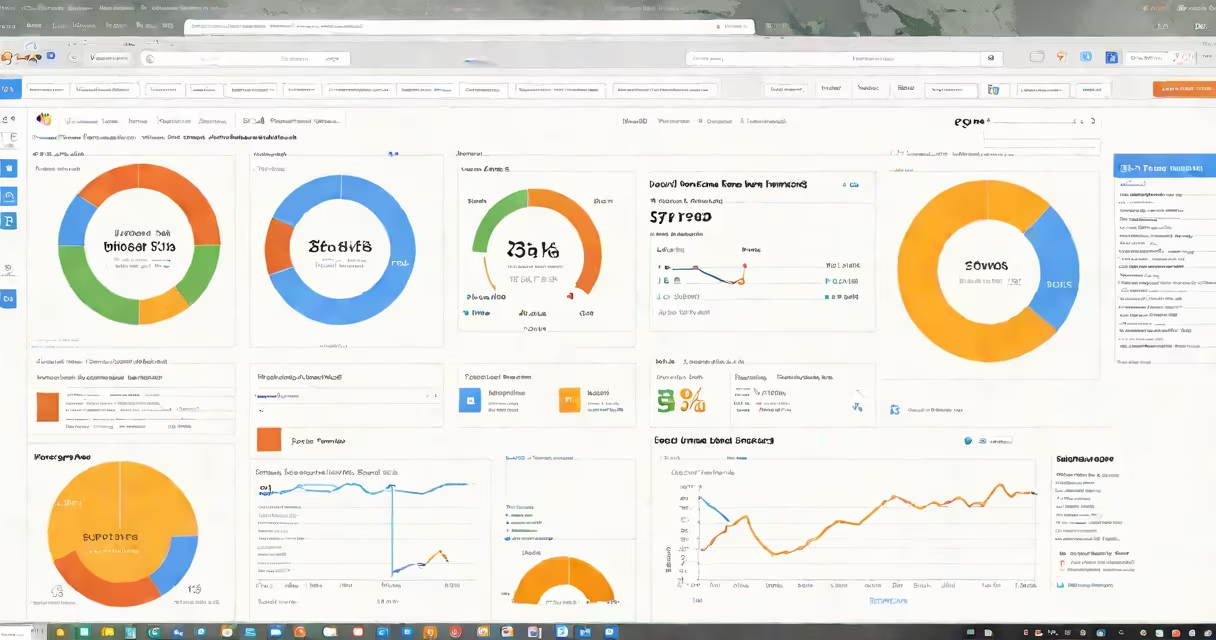
Learn Google Analytics for free using official tutorials from Google, interactive courses on GCF Learn Free, and hands-on guidance from the Google Analytics Blogspot. These resources teach data collection, report interpretation, and campaign tracking without cost.
Google Analytics is a web analytics service that tracks user behavior on websites and apps. It collects data such as page views, session duration, traffic sources, and conversion events. This information helps site owners understand audience engagement and improve digital strategies. The platform is free for most users through the Google Analytics 4 (GA4) version, which replaced Universal Analytics in July 2023.
Learning Google Analytics for free begins with accessing structured content from trusted sources. The core components include event tracking, audience segmentation, funnel analysis, and custom reporting. You don't need coding skills to start, but understanding basic web metrics improves effectiveness. For example, knowing how bounce rate differs from exit rate prevents misinterpreting user drop-off.
When a visitor lands on a website with the GA4 tracking code installed, the system records interactions as events. Each event includes metadata like timestamp, device type, location, and user ID. Data flows into the Google Analytics dashboard, where it's processed and visualized across reports.
For instance, if a user visits a product page, clicks "Add to Cart," and completes checkout, three distinct events are logged: "page_view," "add_to_cart," and "purchase." These events form a user process that can be analyzed to identify friction points. A high cart abandonment rate may indicate pricing issues or slow loading times.
GA4 uses machine learning to predict user behavior. It automatically detects anomalies in traffic patterns and flags potential data discrepancies. For example, a sudden spike in sessions from a single country could signal bot activity rather than organic growth. These features reduce manual oversight and improve data reliability.
Several platforms offer free training modules tailored to different skill levels. GCF Learn Free provides beginner-friendly, step-by-step lessons with interactive exercises. The Google Analytics Blogspot shares real-world case studies and feature updates directly from Google's engineering team.
Course types vary by format and depth:
| Platform | Content Type | Duration | Best For |
|---|---|---|---|
| GCF Learn Free | Interactive lessons with quizzes | 6-8 hours total | Complete beginners |
| Google Analytics Academy | Video lectures, certification exams | 4-6 hours per course | Users seeking official credentials |
| Google Analytics Blogspot | Blog posts, release notes, troubleshooting guides | On-demand | Staying updated on changes |
Each platform serves a distinct purpose. GCF Learn Free focuses on foundational concepts like setting up accounts, configuring data streams, and interpreting standard reports. The Google Analytics Blogspot covers advanced topics such as cross-device tracking, enhanced measurement, and privacy controls. For example, a recent post explained how GA4 handles cookieless tracking under iOS 17's App Tracking Transparency structure.
Many learners assume that installing the tracking code automatically delivers accurate data. This is false. Without proper configuration, events may not fire correctly. For example, if a button click isn't tagged with a custom event name, it won't appear in the Events report.
A common mistake is confusing "users" with "sessions." A single user can generate multiple sessions across devices. In GA4, a user is identified by a unique client ID stored in a browser cookie or device identifier. If cookies are blocked, GA4 uses fingerprinting techniques to estimate user identity. This affects attribution accuracy, especially in privacy-focused environments.
Another misunderstanding involves the difference between "real-time" and "historical" data. Real-time reports show current activity within the last 30 minutes. Historical reports reflect past behavior and are used for trend analysis. Confusing these can lead to poor decision-making. For instance, seeing a spike in real-time traffic during a social media post doesn't mean long-term engagement increased.
Suppose you run a nonprofit blog and want to track newsletter signups. Here's how to set up a goal in GA4 using free tools:
This setup shows a 12% conversion rate from form view to submission. You can then compare this metric across traffic sources to determine which channels drive the most engaged visitors.
I built a similar tracker for a local arts festival website. After enabling enhanced measurement, I noticed that mobile users were abandoning the ticket purchase flow at the payment screen. Switching to a simplified form reduced drop-off by 27% within two weeks.
Always validate your setup with test data. Simulate user actions using the GA4 DebugView tool before going live. This prevents data loss and ensures accurate reporting.
Learning Google Analytics for free is achievable through dedicated, structured learning paths. Focus on completing modules from GCF Learn Free and reviewing official documentation to build confidence and competence.