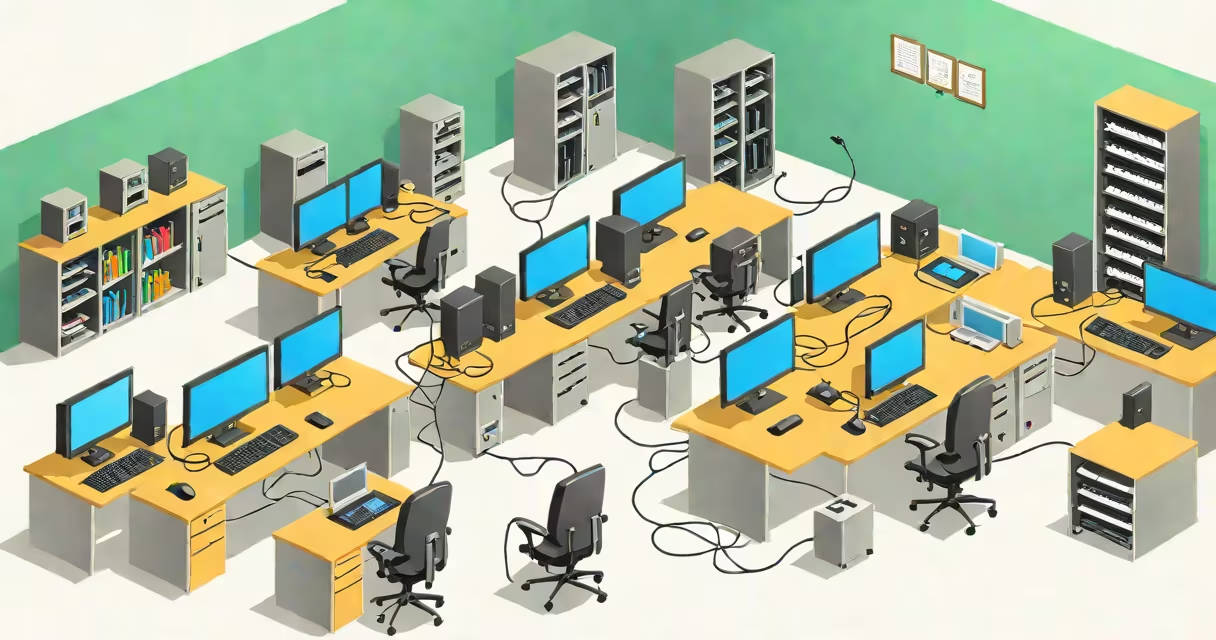
A LAN, or local area network, is a group of interconnected devices-such as computers, printers, and servers-within a limited physical space like a home, office, or school. These devices share resources and communicate using standardized protocols over wired or wireless connections.
LANs operate at high speeds, typically 100 Mbps to 10 Gbps, and cover distances under 100 meters. They enable file sharing, printer access, internal communication, and internet connection through a single gateway. Most homes and businesses use LANs to connect devices without relying on external networks.
The term "LAN" specifically denotes a network confined to a small geographic area. This distinguishes it from WANs (wide area networks), which span cities or countries. A LAN can exist independently or connect to larger networks via routers and firewalls.
When devices join a LAN, they receive unique IP addresses assigned by a DHCP server or manually configured. These addresses allow each device to identify itself and route messages correctly. For example, when a laptop sends a print job to a shared printer, the data travels through the network via Ethernet cables or Wi-Fi signals.
Data moves across the LAN using switches. Unlike hubs, which broadcast data to all ports, switches intelligently direct traffic only to the intended recipient. This reduces congestion and improves performance. In a typical office setup, a switch connects multiple computers, printers, and VoIP phones to a central router.
Communication follows the OSI model's seven layers. At Layer 2 (Data Link), MAC addresses ensure correct delivery between devices on the same network segment. At Layer 3 (Network), IP addresses manage routing decisions. Protocols like TCP/IP, ARP, and DNS support smooth interaction between systems.
Every LAN consists of hardware, software, and configuration standards. Core components include:
LANs can be categorized by topology and technology:
| Type | Topology | Use Case | Speed |
|---|---|---|---|
| Wired Ethernet | Star (most common) | Offices, data centers | 100 Mbps - 10 Gbps |
| Wi-Fi (802.11ac/ax) | Mesh or star | Home networks, campuses | 300 Mbps - 9.6 Gbps |
| Token Ring (legacy) | Ring | Older corporate systems | 4-16 Mbps |
While Token Ring was once popular, it has been largely replaced by Ethernet due to cost, speed, and scalability. Today, most LANs use Ethernet or Wi-Fi, with hybrid setups combining both for flexibility.
Many assume that any network with multiple devices qualifies as a LAN. That's incorrect. A LAN requires a defined boundary and consistent communication standards. For example, a home with five smartphones connected to the same Wi-Fi is not automatically a LAN unless the devices communicate directly using private IP ranges and local protocols.
Another misconception is that LANs are only for large organizations. Small businesses and households use LANs daily. A family with a desktop, laptop, tablet, smart TV, and gaming console all connected to a single router forms a LAN. The router assigns private IPs like 192.168.1.2, 192.168.1.3, etc., enabling internal communication.
Consider a university lab with 20 student computers, a shared scanner, and a server storing course materials. All devices connect via a managed switch and receive IPs from a central DHCP server. Students can access files from the server without going online. This is a functional LAN-efficient, secure, and isolated from the internet unless explicitly allowed.
One non-obvious fact: LANs often use private IP address ranges. According to RFC 1918, addresses like 10.0.0.0/8, 172.16.0.0/12, and 192.168.0.0/16 are reserved for internal networks. These aren't routable on the public internet, preventing conflicts and enhancing security. If a device uses 192.168.1.100, it's likely on a LAN, not the global web.
LANs improve efficiency by reducing reliance on cloud services for internal tasks. File transfers between devices on the same LAN happen at gigabit speeds, far faster than uploading to a remote server. In a hospital, doctors can instantly access patient records stored on a local server rather than waiting for cloud retrieval.
I once set up a LAN for a small design studio with eight employees. Using a single 24-port Gigabit switch and a dual-band Wi-Fi router, we connected all machines. We enabled file sharing via SMB protocol and set up a local backup server. Within hours, team members reported faster workflow and fewer delays during project handoffs. The network handled 400 MB/s transfer rates between machines-nearly 10 times faster than our previous internet-based sync solution.
For context, the IEEE 802.3 standard governs Ethernet, while the IEEE 802.11 series defines Wi-Fi. These standards ensure interoperability across vendors. Without them, a Dell switch wouldn't talk to a Netgear router, breaking the network.
Understanding LAN meaning computer helps clarify how devices interact locally. It's not just about connectivity-it's about control, speed, and privacy. When you connect your phone to a home network, you're joining a LAN. When you print from your laptop to a shared printer, you're using LAN protocols.