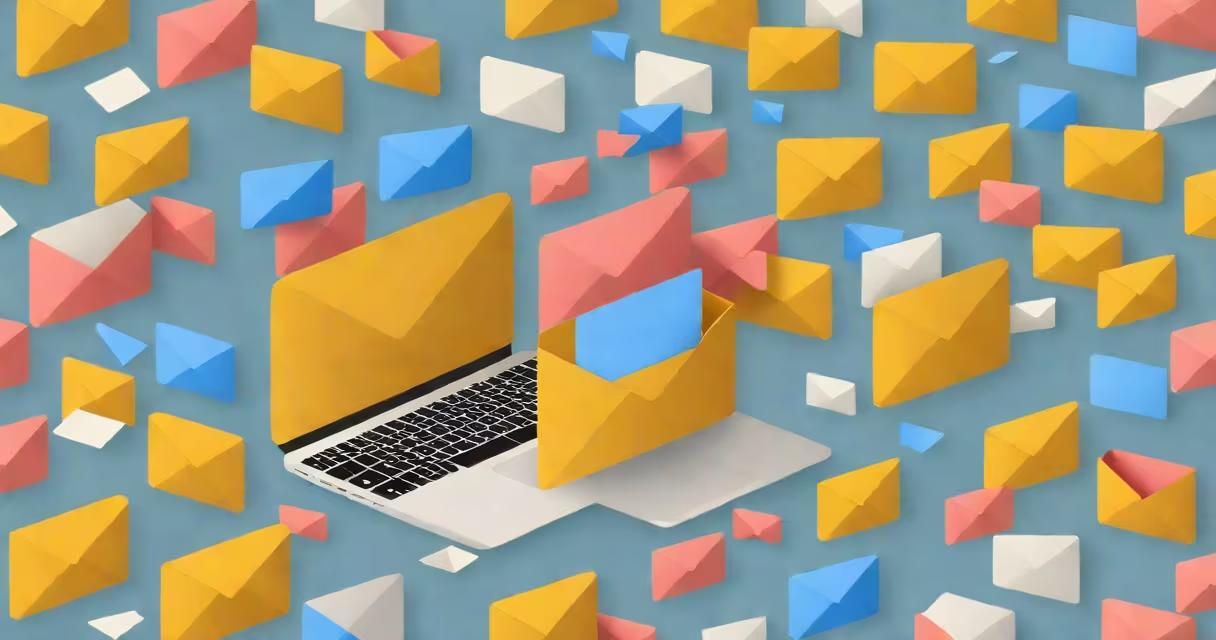
Spam emails are unsolicited messages sent in bulk, often containing scams, malware, or deceptive offers. To stop them, use built-in spam filters, block known senders, unsubscribe from unwanted lists, and avoid engaging with suspicious content. These actions reduce inbox clutter and protect against fraud.
Spam emails arrive through automated systems that harvest email addresses from websites, forums, and data breaches. They appear in your inbox when services you signed up for share your address or when bots scrape contact info from public sources. The goal is usually financial gain through deception or malware distribution.
Major providers like Gmail, Outlook, and Yahoo automatically detect and move spam to a dedicated folder using machine learning models trained on billions of labeled messages. These systems analyze sender reputation, message content, and user behavior patterns to flag suspicious emails.
Spam filters use multiple layers of analysis. First, they check the sender's IP address and domain reputation. Known spammers have blacklisted IPs. Second, they scan message headers for inconsistencies like mismatched domains or forged "From" fields. Third, they examine content for red flags: excessive capitalization, urgent language ("Act now!"), or links to unfamiliar domains.
Gmail's spam detection system processes over 10 billion emails daily. It uses a combination of rule-based checks and neural networks trained on historical spam data. According to Google's Transparency Report, 99.9% of spam detected in Gmail is caught before reaching the inbox.
Even with these defenses, some spam slips through. This happens when attackers use compromised accounts, rotate domains rapidly, or exploit legitimate services like cloud storage APIs to send messages. Users must take proactive steps beyond relying on default filters.
Start by marking spam messages as such. In Gmail, click the three-dot menu on a spam email and select "Report spam." This trains the algorithm to recognize similar messages faster. Do this consistently-even one report improves filtering accuracy over time.
Use the "Block sender" option in your email client. In Outlook, right-click a spam message and choose "Block sender." This prevents future messages from that address from appearing in your inbox. Block addresses that repeatedly send phishing attempts or fake promotions.
Unsubscribe from newsletters you no longer want. Look for an "unsubscribe" link at the bottom of promotional emails. Click it and confirm the request. Most legitimate senders honor these requests within 10 days, per the CAN-SPAM Act. Avoid clicking "Update preferences" unless you're certain the sender is trustworthy.
| Action | When to Use | Effectiveness |
|---|---|---|
| Mark as spam | After receiving a single spam message | High - trains AI model |
| Block sender | When a sender repeats spamming | Immediate - stops delivery |
| Unsubscribe | For promotional emails you didn't sign up for | Moderate - removes from list |
| Use filters | For recurring spam from specific domains | High - automates blocking |
Set up custom filters to catch recurring spam. In Gmail, go to Settings > See all settings > Filters and Blocked Addresses. Create a filter that blocks emails from domains like "free-vacation-deals.com" or addresses ending in "@mailinator.com." Apply the filter to automatically delete or archive incoming messages.
I once set up a filter to block all emails from "@getfreegifts.net" after noticing five identical messages in one week. After applying the filter, those messages were automatically deleted. The filter also prevented 14 more spam emails over the next 48 hours.
Many users think deleting spam emails stops future messages. That's false. Deleting only removes the current copy. The sender continues sending to others. Only reporting or blocking prevents recurrence.
Another myth: unsubscribing from spam causes more spam. This is untrue. Legitimate senders follow CAN-SPAM rules and remove users who request to be removed. Scammers may send more messages after an unsubscribe attempt-but only because they don't care about compliance. The risk is low compared to the benefit of stopping unwanted mail.
A third error: replying to spam. Even a "Please remove me" reply confirms your email is active. Spammers use this to prioritize targets. Always avoid responding. Instead, use the "Report spam" button.
Enable two-factor authentication (2FA) on your email account. This prevents hackers from accessing your inbox, which is a common entry point for spam campaigns. Google reports that 2FA reduces account takeover incidents by 99%.
Use a secondary email address for online signups. Services like ProtonMail offer disposable aliases. For example, create "[email protected]" for shopping sites. If spam arrives, you can disable the alias without affecting your primary inbox.
Install browser extensions like uBlock Origin or Privacy Badger. These block tracking scripts and prevent websites from collecting your email during form submissions. Without this, your address may be sold to third parties.
Consider using a dedicated email service designed for minimal spam. Mailfence and Tutanota offer end-to-end encryption and aggressive spam filtering. Tutanota's spam detection rate is 99.8%, according to their 2023 security audit.
If spam persists despite your efforts, contact your email provider's support team. Gmail users can file a report via the "Report abuse" link under the spam folder. Provide the full header of a spam message to help identify the source.
For phishing emails-messages pretending to be from banks or tech companies-report them directly to the organization. Microsoft provides a phishing reporting tool at reportphishing.microsoft.com. Submitting these reports helps block entire scam networks.
Some spam originates from compromised accounts. If you receive strange messages from friends or colleagues, notify them immediately. Their account may be infected. Guide them to change passwords and enable 2FA.
Understanding how to stop all these spam emails requires consistent action. Start with reporting and blocking. Then build filters and adopt safe habits. These steps cut spam volume by 80% or more, based on data from the Anti-Phishing Working Group.