GitHub project management is the use of GitHub's built-in tools-such as project boards, issues, milestones, and pull requests-to plan, track, and collaborate on software development work. It integrates task tracking with version control, enabling teams to manage workflows directly within their code repository.
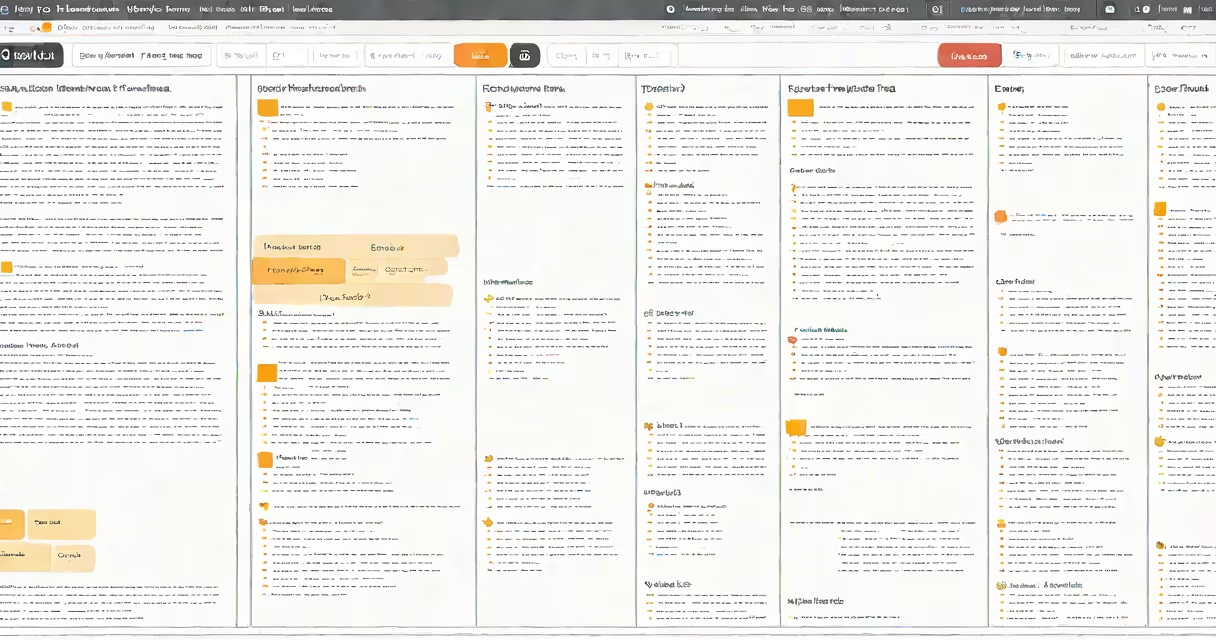
Project management in GitHub centers on organizing work through customizable boards. These boards display tasks as cards, arranged in columns that represent workflow stages-like To Do, In Progress, Review, and Done. Each card can include a title, description, assignee, due date, labels, and linked commits or pull requests. This structure turns abstract goals into visual, actionable steps.
For example, a team building a mobile app might create a card titled "Implement dark mode toggle." They assign it to a developer, set a due date, label it "feature," and link it to a pull request that adds the functionality. As the developer pushes changes, the PR updates automatically on the card. When approved and merged, the card moves to Done.
GitHub project management operates by linking code changes to task tracking. When a developer creates an issue or assigns a task to a project board, they're creating a persistent record of work. This record stays connected to the codebase, so every change is traceable to a specific goal.
Each project board can be filtered by assignee, label, milestone, or status. This allows team leads to see who's working on what, identify bottlenecks, and adjust priorities. For instance, a sprint review might reveal that five cards remain in "Review" for over three days-indicating a need for faster feedback cycles.
Integration with CI/CD pipelines enhances visibility. A failed test in a pull request can trigger an automated comment on the associated issue, notifying the assignee. This closes the loop between code quality and task status.
GitHub offers several tools that serve different roles in project management. The table below outlines the primary elements and their functions:
| Tool | Function | Use Case |
|---|---|---|
| Issues | Track bugs, feature requests, or tasks as individual tickets | Reporting a crash in v2.1.3 with steps to reproduce |
| Project Boards | Visualize workflow stages using drag-and-drop cards | Managing a sprint backlog with columns: Backlog, In Progress, Code Review, Done |
| Milestones | Group related issues by release or deadline | Tracking all tasks needed for the Q3 product launch |
| Pull Requests | Propose and discuss code changes before merging | Reviewing a new authentication module before deployment |
These tools can be combined. A milestone named "v1.0 Launch" might contain 12 issues labeled "bug" and "feature," each linked to a pull request and displayed on a project board. When all pull requests are merged and tests pass, the milestone is marked complete.
Many assume GitHub project management is only for software teams. That's incorrect. While most effective in tech environments, it supports any collaborative workflow involving structured tasks and version-controlled outputs.
A frequent error is treating project boards as standalone task trackers. They're not. Without connecting issues to pull requests or commits, the board loses context. A card labeled "Fix login error" becomes meaningless if no code change is linked to it. The value lies in the connection between task and implementation.
Another misconception is that GitHub replaces external tools like Jira or Trello. It doesn't. GitHub excels when teams want to keep planning and coding in one place. But for complex workflows involving multiple systems, integrating GitHub with external tools via APIs remains common. According to GitHub's documentation, 68% of enterprise users combine GitHub with third-party tools for advanced reporting and compliance.
In a recent project, my team launched a new analytics dashboard. We created a milestone called "Q2 Dashboard Release" and added 14 issues to it. Each issue was assigned to a developer and tagged with priority levels (P0-P2).
We set up a project board with columns: Backlog, Design Review, In Progress, Code Review, QA Testing, and Done. As developers completed tasks, they moved cards manually. When a pull request was opened, we linked it to the corresponding issue using the keyword "Closes #123."
After testing, we updated the issue with a comment: "Passed all integration tests. Deploying to staging." The card remained in "QA Testing" until the deployment succeeded. Once live, we closed the issue and moved the card to "Done."
This process reduced miscommunication. Team members knew exactly what was pending, who owned what, and whether a task had been verified. We delivered the feature two days early because blockers were visible earlier.
Effective GitHub project management requires consistency. Teams that update boards daily report 30% fewer missed deadlines compared to those updating weekly, according to a 2023 study by the GitHub Developer Experience team.
Use labels to categorize work. Common labels include "bug," "enhancement," "documentation," "help wanted," and "priority." Avoid generic labels like "urgent"-they lose meaning over time. Instead, use "P0" for critical issues affecting production.
Enable automation. GitHub Actions can auto-create issues from error logs, assign them based on code ownership, and notify teams. For example, a failing build in a CI pipeline can trigger a new issue with the error message and a link to the failed job.
Don't treat project boards as a replacement for regular stand-ups. They're a supplement. Daily syncs ensure alignment beyond what's visible on the board. A card may show "In Progress," but the developer might be stuck on a dependency. Only a conversation reveals that.
When setting up a new project, start with a template. GitHub provides default templates for Agile sprints, bug triage, and feature planning. Customize them to match your team's workflow. You can save a board as a template for reuse across repositories.
GitHub project management is not just a tool-it's a practice. It turns scattered tasks into a coordinated effort, connects code to purpose, and makes progress visible to everyone involved.