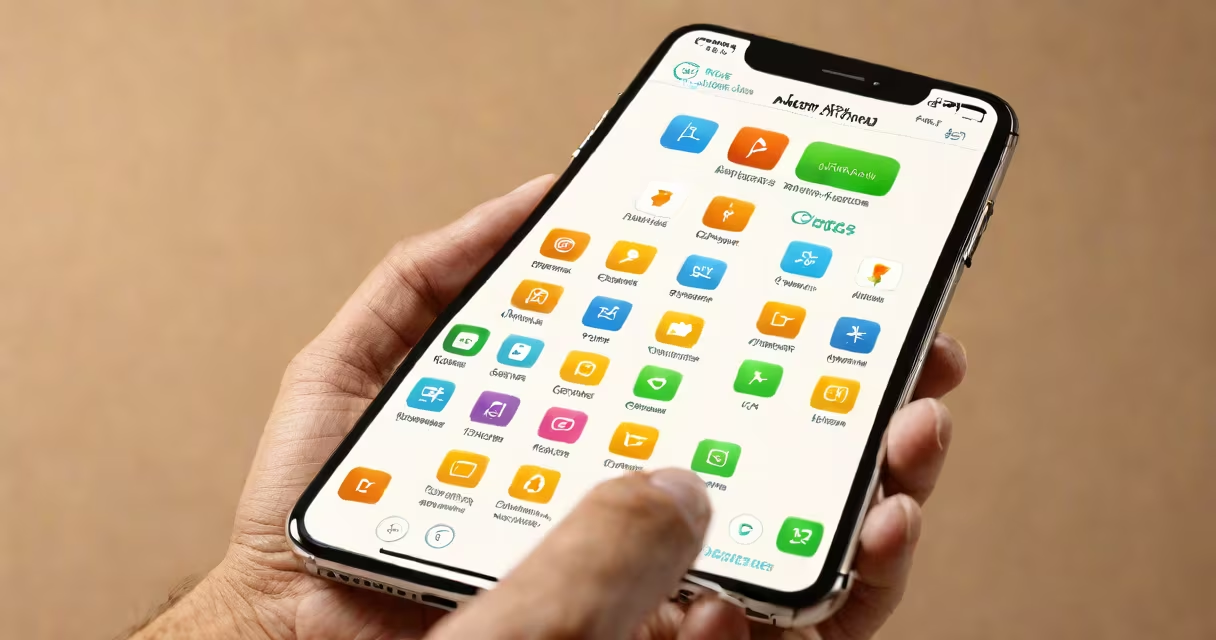
iPhone does not require antivirus software because iOS uses a closed system architecture, app sandboxing, and strict app review processes that prevent most malware from installing or running. Apple's security model makes traditional antivirus tools ineffective and unnecessary.
Apple designs iOS to limit access to system resources and restrict app behavior. Apps run in isolated environments called sandboxes, which prevent them from reading or modifying data outside their designated space. This isolation stops malicious code from spreading across the device or accessing sensitive files like photos, messages, or passwords.
When you install an app from the App Store, Apple reviews it for compliance with security policies. Apps cannot request broad permissions without explicit user approval. Even then, access is limited-camera and location data are only granted when the app is actively in use. This layered defense reduces exposure to threats that typically exploit permission abuse or hidden processes.
Malware relies on unauthorized access to execute harmful actions. On Windows or Android, attackers often exploit weak permissions, unpatched software, or user mistakes. iOS minimizes those attack vectors through design.
For example, iOS does not allow apps to run background processes indefinitely unless they serve a specific function like playing music or tracking location. Background execution is tightly controlled. Even if a malicious app were installed, it couldn't silently collect data or send it to remote servers without violating system rules.
IOS uses code signing. Every app must be signed by Apple's developer certificate. If a file is modified after signing, the system refuses to launch it. This prevents tampering and helps only verified code runs on the device.
Traditional antivirus software targets threats like viruses, worms, trojans, and ransomware. These rely on executing code in memory or modifying system files. On iPhone, such actions are blocked by default.
For instance, a virus that spreads via USB drives or email attachments cannot infect an iPhone. The operating system doesn't support executable files from external sources. Even if a user downloads a suspicious file, iOS treats it as data-not code-and won't run it unless explicitly opened in a compatible app.
Similarly, phishing attacks that trick users into entering credentials still pose risks-but not because of malware. These are social engineering exploits, not software-based threats. Apple's built-in protections include warnings for known scam sites and automatic detection of suspicious login attempts.
| Threat Type | Can It Infect iPhone? | Why Not? |
|---|---|---|
| Viruses | No | Cannot self-replicate or modify system files due to sandboxing and code signing. |
| Worms | No | Require network access to spread; iOS limits background network activity. |
| Rootkits | No | Need elevated privileges; iOS prevents privilege escalation. |
| Ransomware | No | Cannot lock files or demand payment; apps lack system-level control. |
Many users assume that because iPhones don't have antivirus software, they're less secure. This is incorrect. The absence of antivirus is not a flaw-it's a feature of iOS's defensive architecture.
Third-party "antivirus" apps sold on the App Store do not provide meaningful protection. They may scan for known malware signatures, but since no such malware exists for iOS, these scans return no results. Some apps even request excessive permissions under the guise of "protection," which violates Apple's App Review Guidelines.
A 2023 report by Palo Alto Networks' Unit 42 found zero instances of malware targeting iOS devices in the wild. The report noted that while Android had over 1.2 million malware samples detected annually, iOS had none. This reflects the effectiveness of Apple's security model rather than luck.
The biggest threat to iPhone users isn't malware-it's human error. Phishing emails, fake websites, and social engineering scams can trick users into revealing passwords or enabling remote access.
For example, a scammer might send a message claiming to be from Apple Support, asking for your Apple ID password. If you enter it, they gain access to your iCloud account, backups, and linked services. This is not a software infection-it's a trust violation.
Apple provides built-in safeguards. When you enable two-factor authentication, you receive a verification code on a trusted device. Even if someone steals your password, they can't log in without the code. You can also monitor active sessions in your Apple ID settings and sign out of unfamiliar devices.
I once encountered a user who downloaded a "security scanner" app from the App Store. It claimed to detect malware and offered a free scan. After scanning, it displayed a false positive and urged the user to pay $29.99 to remove the threat. The app requested access to contacts, camera, and location-all irrelevant to scanning. Apple removed it within 48 hours after user reports. This is not an antivirus failure-it's a scam exploiting user fear.
Instead of seeking antivirus software, focus on Apple's native security features. Enable two-factor authentication, update iOS regularly, and avoid downloading apps from unofficial sources.
Apple releases security updates monthly. These patches fix vulnerabilities discovered in previous versions. Keeping your iPhone updated ensures you're protected against known exploits. For example, iOS 16.4 patched a vulnerability that allowed malicious websites to bypass the address bar and mimic legitimate pages-a technique used in credential theft.
Antivirus software is designed for open systems where users install software freely. Windows and Android allow sideloading, third-party app stores, and manual file execution-conditions that invite malware. iOS blocks these behaviors by design.
Therefore, does iPhone have an antivirus? No. But it doesn't need one. The system-level controls-sandboxing, code signing, app review, and regular updates-make antivirus software redundant. Installing such apps adds no value and may introduce privacy risks.