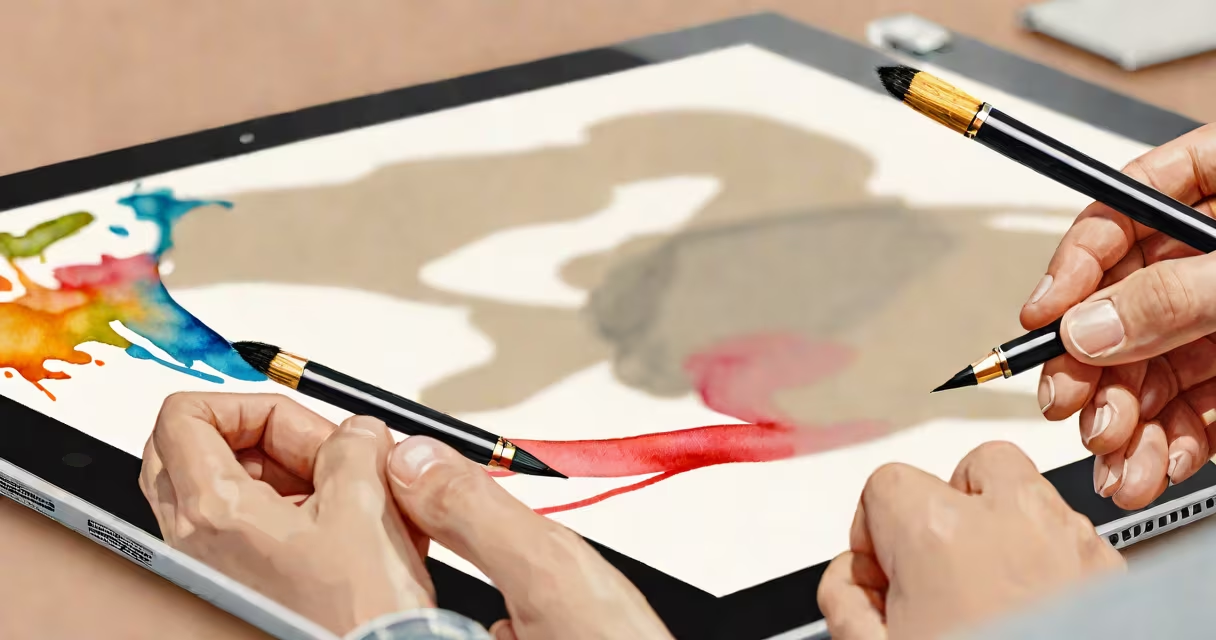
A digital drawing platform is a software environment that allows users to create, edit, and share visual art using digital tools such as styluses, touchscreens, or mouse inputs. These platforms support layers, brushes, color palettes, and export formats tailored for artists, designers, and illustrators working across personal, commercial, or educational projects.
At its core, a digital drawing platform translates physical gestures into digital marks. When you press a stylus against a tablet or tap a touchscreen, sensors detect pressure, tilt, and speed. This data feeds into algorithms that render lines with realistic texture, opacity, and variation-mimicking pencils, pens, or paintbrushes. Unlike paper, digital platforms allow undo, layer masking, and infinite zoom, enabling precision impossible in analog workflows.
Major platforms include Adobe Fresco, Procreate, Krita, and Affinity Designer. Each supports different file types-PSD, AI, SVG, or PDF-and integrates with cloud storage, collaboration tools, and mobile devices. Artists use them for concept art, comic panels, branding assets, and animated sequences.
Digital drawing platforms rely on a combination of hardware input, software processing, and rendering engines. When a user draws, the device sends raw data-position, pressure, angle-to the application. The app interprets this data through a set of rules defined by brush settings, then applies it to a canvas layer.
For example, in Procreate, a single stroke can be configured to simulate watercolor bleed, ink flow, or charcoal smudge. Users adjust parameters like grain, wetness, and opacity via a customizable brush library. These settings are saved as presets, allowing instant recall during sessions.
Behind the scenes, platforms use GPU-accelerated rendering to display high-fidelity visuals in real time. This prevents lag during long sketches or detailed shading. Applications like Clip Studio Paint also include timeline-based animation features, letting users animate drawings frame-by-frame within the same interface.
Platforms vary based on intended use, pricing model, and integration capabilities. The following table outlines major categories and their defining traits:
| Type | Best For | Key Features | Examples |
|---|---|---|---|
| Mobile-first | On-the-go sketching, quick ideation | Touch-only control, gesture shortcuts, cloud sync | Procreate, Infinite Painter |
| Desktop-focused | Professional-grade work, complex compositions | Advanced layer management, vector editing, scripting | Adobe Illustrator, Affinity Designer |
| Open-source | Customization, cost-free access | Community-driven updates, cross-platform support | Krita, MyPaint |
| Web-based | Collaboration, browser access | No installation, real-time co-editing, minimal system requirements | Figma (with vector tools), Sketchboard |
One underappreciated distinction: raster vs. vector output. Raster platforms (like Photoshop or Procreate) store images as pixel grids. Zooming in reveals jagged edges. Vector platforms (like Illustrator or Affinity Designer) use mathematical paths. Images scale infinitely without quality loss-ideal for logos, icons, and print layouts.
Many platforms now include AI-assisted tools. Adobe Fresco uses neural networks to simulate realistic paint textures in real time. Krita offers auto-tracing for hand-drawn lines, converting freehand shapes into clean vector paths. These features reduce repetitive tasks but require careful tuning to avoid unnatural results.
People often assume digital drawing platforms replace traditional media entirely. That's incorrect. While digital tools offer flexibility, many artists still prefer physical sketchbooks for brainstorming. The tactile feedback of pencil on paper enhances idea generation-something digital interfaces struggle to replicate.
Another myth: "All digital drawing platforms are equally useful." In reality, performance depends heavily on hardware. A 2023 MacBook Air running Procreate handles 100-layer files smoothly. The same app on a low-end Chromebook may stutter or crash. Always test software on your device before committing to a project.
I once spent two hours refining a character design in Krita on a budget tablet. The screen's 16-bit color depth caused subtle banding in gradients. Switching to a Wacom Intuos Pro with 12-bit pressure sensitivity resolved the issue. The lesson: software capability is only half the equation-hardware matters.
Consider a freelance illustrator building a character sheet for a webcomic. They start with a rough sketch in Procreate on an iPad. Using the "Line Art" brush with 100% pressure sensitivity, they define facial structure and clothing folds.
Next, they import the sketch into Adobe Illustrator. There, they trace over the lines using the Pen Tool, creating vector paths. This ensures the character remains crisp at any size-important for merchandise and promotional materials.
They apply color using gradient meshes and blend modes. Layer groups organize anatomy, accessories, and expressions. Finally, they export the final version as both PNG (for web) and SVG (for scalable print).
This workflow demonstrates how digital drawing platforms enable iterative refinement, cross-format compatibility, and professional delivery-all within a single integrated environment.
Understanding the full scope of a digital drawing platform helps creators choose tools aligned with their goals. prototyping a game asset, selecting the right platform improves efficiency and output quality.