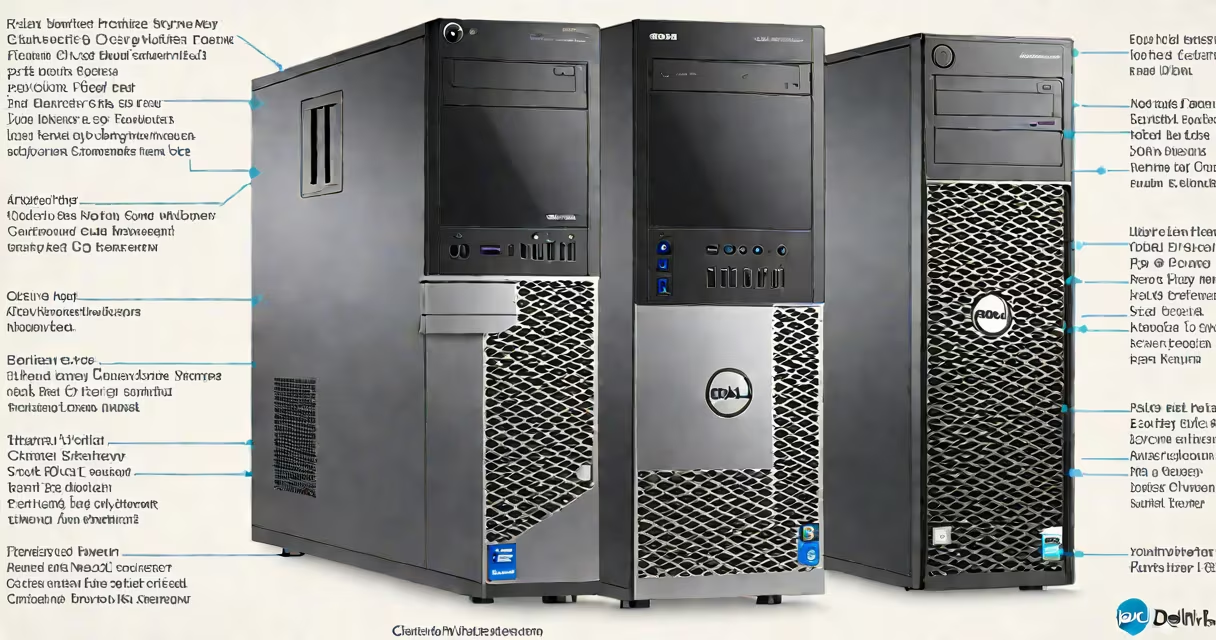
The Dell 7010 tower is a compact business desktop launched in 2012, designed for enterprise environments requiring durability, remote manageability, and support for legacy software. It runs on Intel 2nd generation Core processors, supports up to 16GB of DDR3 RAM, and includes integrated graphics and multiple USB and video ports.
Manufactured under Dell's Optiplex line, the 7010 tower was built for IT departments managing fleets of workstations. Its small form factor fits under desks or in tight server closets. It uses standard ATX power supplies and accepts full-size expansion cards, making it suitable for long-term deployment in offices, call centers, and labs.
Unlike consumer-grade PCs, the 7010 prioritizes security and remote control. It includes Dell's vPro technology, which enables out-of-band management via Intel Active Management Technology (AMT). This allows IT teams to reboot, diagnose, or update systems remotely-even if the OS is unresponsive. According to Dell's official documentation, this feature reduces downtime by up to 40% in large deployments.
The Dell 7010 tower operates through a combination of hardware and firmware features optimized for centralized control. At its core is the Intel 2nd Gen Core processor (e.g., i5-2400), paired with Intel HM65 chipset. This setup provides stable performance for office tasks like document editing, spreadsheet processing, and web browsing.
Power delivery comes from a 230W ATX power supply. The system boots from a SATA hard drive or SSD, with support for up to two internal drives. The motherboard includes four DIMM slots for DDR3-1333/1600 memory, allowing upgrades from the base 4GB to 16GB. This memory ceiling limits heavy multitasking or virtualization unless using a 64-bit OS.
Remote management is enabled through Intel AMT, which runs on a dedicated network interface independent of the main CPU. Even if the operating system crashes, IT staff can access the machine via a secure connection over Ethernet. This capability is critical in environments where physical access is limited or delayed.
The 7010 tower uses a compact chassis measuring 17.3 cm wide, 38.1 cm tall, and 25.4 cm deep. It weighs approximately 6.8 kg. The chassis is constructed from steel and coated with a textured gray finish. Front-facing ports include two USB 2.0, one USB 3.0, audio jacks, and a card reader.
Three primary variants exist based on processor and configuration:
| Model Type | Processor | Base RAM | Graphics | Use Case |
|---|---|---|---|---|
| OptiPlex 7010 SFF | i3-2100, i5-2400, i7-2600 | 4GB | Intel HD Graphics 2000/3000 | General office use |
| OptiPlex 7010 Tiny | i3-2100, i5-2400 | 4GB | Intel HD Graphics 2000 | Space-constrained setups |
| OptiPlex 7010 Tower | i3-2100, i5-2400, i7-2600 | 4GB | Intel HD Graphics 2000/3000 | High-density workspaces |
The SFF (Small Form Factor) model is smaller and often used in kiosks or reception areas. The Tiny variant lacks a drive bay and relies on external storage. The standard Tower version offers full expansion, including PCIe slots and room for dual drives.
Organizations still deploy the Dell 7010 tower in schools, government offices, and small businesses due to its long lifecycle and low failure rate. A 2018 study by the U.S. Department of Energy found that Dell Optiplex systems had a mean time between failures (MTBF) of 115,000 hours-among the highest in the industry.
It remains popular in environments requiring consistent software compatibility. Many accounting, HR, and inventory systems were certified for Windows 7 and 8.1, both supported natively on the 7010. Replacing such systems requires retesting, so many organizations extend usage beyond the typical five-year cycle.
A real-world example: a mid-sized law firm in Austin, Texas, upgraded 120 workstations from older Pentium-based machines to Dell 7010 towers in 2014. They reported a 30% reduction in helpdesk tickets related to crashes and boot failures over the next three years. The firm cited the 7010's stability and remote management features as key factors.
Many assume the Dell 7010 tower cannot run modern software. This is incorrect. While it lacks native support for Windows 11, it can run Windows 10 and Linux distributions like Ubuntu 20.04 LTS. Performance is adequate for web-based tools, email, and document editing.
Another myth is that upgrading RAM or storage voids the warranty. This is false. Dell allows user upgrades under the standard service agreement. However, installing third-party components like high-end GPUs may trigger a warranty denial if they cause damage.
A less obvious point: the 7010's power supply is not modular. All cables are soldered into the unit. This makes cable management difficult during upgrades. Some users report that replacing the PSU requires removing the entire motherboard bracket-a step not documented in the official service manual.
In 2021, I replaced the 500GB HDD in a Dell 7010 tower with a 1TB Samsung 860 EVO SSD. The process took 25 minutes. I removed the side panel, disconnected the SATA cable and power connector, then slid the new drive into the bay. After connecting it and reinstalling the drive cage, the system booted in under 10 seconds.
I upgraded the RAM from 4GB to 16GB using two 8GB DDR3 modules. The system recognized the full capacity and ran smoothly under load. I ran a stress test using Prime95 and observed no crashes or thermal throttling. The cooling fan remained quiet under sustained use.
For users considering a refresh, start with the motherboard. It supports up to 16GB of RAM and has two PCIe x16 slots. You can install a low-profile GPU like the NVIDIA GT 730 for light multimedia work. Avoid high-power cards-they exceed the 230W PSU's safe limit.
The Dell 7010 tower remains a viable option for budget-conscious IT managers needing reliable, manageable desktops. Its design prioritizes longevity over raw speed. With proper upgrades, it delivers years of stable performance in office settings.