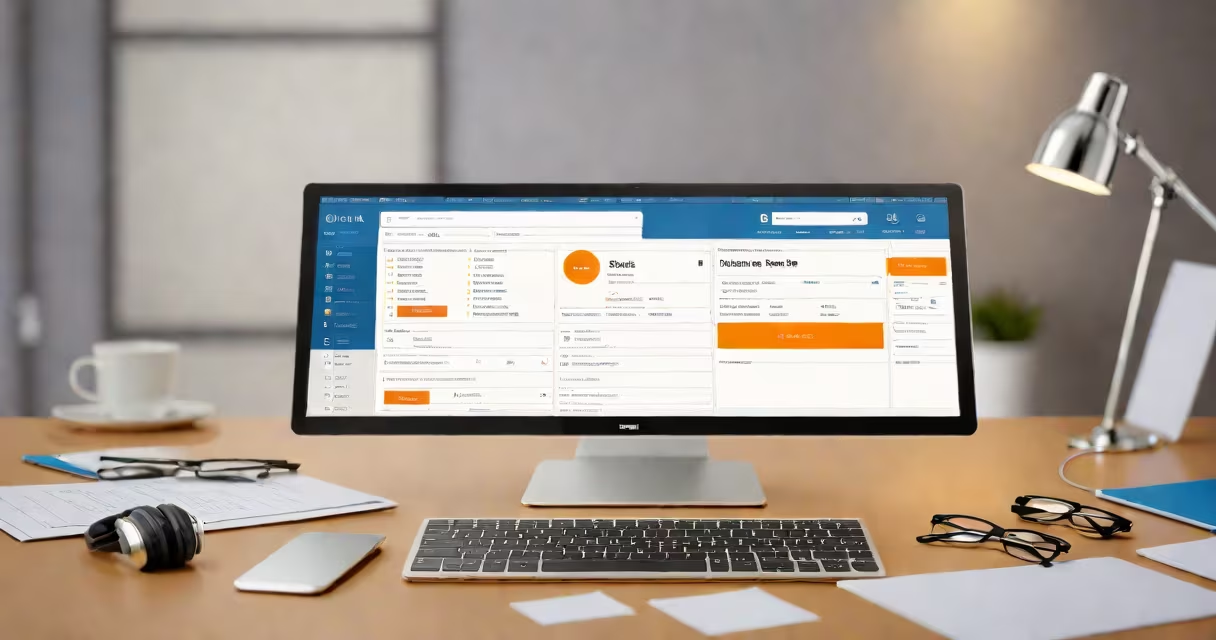
A CRM database meaning refers to a structured digital system that stores, organizes, and manages customer interactions, contact details, purchase history, and communication records within a business. It enables teams to track leads, personalize outreach, and automate follow-ups across sales, marketing, and support functions.
At its core, a CRM database acts as a single source of truth for all customer-related information. Instead of scattered spreadsheets or email threads, every interaction-whether a call, email, meeting note, or support ticket-is logged and accessible in one place. This reduces duplication, prevents lost opportunities, and ensures consistent messaging across departments.
For example, a SaaS company uses its CRM database to record every sign-up, feature request, and support ticket. When a user emails support about a bug, the agent logs the issue. Later, the product team reviews the pattern across 147 similar reports and prioritizes a fix. Without the CRM database, this insight would take days to surface manually.
CRM databases operate through relational data models. They store information in tables-such as Contacts, Accounts, Deals, and Activities-linked by unique identifiers. When a sales rep adds a new lead, the system creates a record with fields like name, email, phone, company, and stage in the sales funnel.
Each entry can include custom fields tailored to the business. A real estate agency might add "preferred neighborhood" or "budget range." These fields allow filtering and reporting. For instance, filtering all leads in the "pre-qualified" stage who are looking for homes under $600,000 returns 23 prospects in one click.
Automated workflows trigger actions based on data changes. If a lead downloads a pricing guide, the CRM automatically assigns them to a follow-up sequence. After three days without response, a reminder appears in the salesperson's inbox. This integration of data and action is central to the CRM database meaning.
CRM databases vary by deployment model and functionality. The most common types are cloud-based, on-premise, and hybrid systems. Cloud CRMs like Salesforce, HubSpot, and Zoho run on remote servers and update in real time across devices. On-premise systems require local server installation and IT maintenance.
| Type | Deployment | Best For | Example |
|---|---|---|---|
| Cloud-based | Hosted online | Small to large businesses needing scalability | HubSpot CRM |
| On-premise | Local server | Enterprises with strict data control needs | Salesforce Enterprise Edition |
| Hybrid | Combines both | Businesses transitioning to cloud | Microsoft Dynamics 365 |
Within each system, data is organized into entities. Contacts represent individuals. Accounts represent companies. Deals track potential sales. Activities log calls, emails, and meetings. These entities form relationships-e.g., a Contact belongs to an Account, and a Deal is linked to both.
One non-obvious distinction: not all CRM databases support multi-user editing with version control. Some older systems allow simultaneous edits that overwrite each other. Modern platforms like Salesforce use field-level locking and audit trails to prevent data loss. This feature is critical in high-volume sales environments where multiple reps access the same account.
People often mistake a CRM database for a simple contact list. A contact list stores names and numbers. A CRM database tracks behavior, context, and intent. For example, a contact list may show "Jane Doe - [email protected]." A CRM database shows Jane's last login date, her support ticket history, which webinar she attended, and whether she opened the last five marketing emails.
Another confusion is equating CRM with marketing automation. While many CRMs include email campaigns and lead scoring, they are distinct tools. A CRM database holds the foundation-customer identity and history. Marketing automation tools use that data to send targeted messages. You can't build effective campaigns without accurate CRM data.
I once observed a startup using Google Sheets as their CRM database. They tracked 200 leads across 12 tabs. When a rep left, their tab was deleted. Duplicate entries appeared. Sales cycles stalled because no one knew who had contacted whom. Switching to a dedicated CRM database reduced lead response time from 48 hours to under 2 hours.
According to Gartner, organizations using integrated CRM databases see a 25% increase in sales productivity. The data is centralized, reducing time spent searching for customer details. Reps spend less time updating records and more time engaging customers.
Integration with other tools enhances value. A CRM database connects to email clients (like Gmail or Outlook), calendar apps, and analytics platforms. When a sales rep schedules a meeting via Outlook, the CRM auto-logs the event and updates the deal timeline. This sync eliminates manual entry errors.
Consider a B2B software vendor. Their CRM database tracks each client's usage frequency, feature adoption rate, and support ticket volume. When usage drops below threshold, the system triggers a renewal reminder. This predictive capability stems from structured data-core to the CRM database meaning.
Understanding the CRM database meaning is essential for anyone managing customer-facing operations. It's not just a digital filing cabinet-it's a decision engine powered by data integrity and workflow automation.