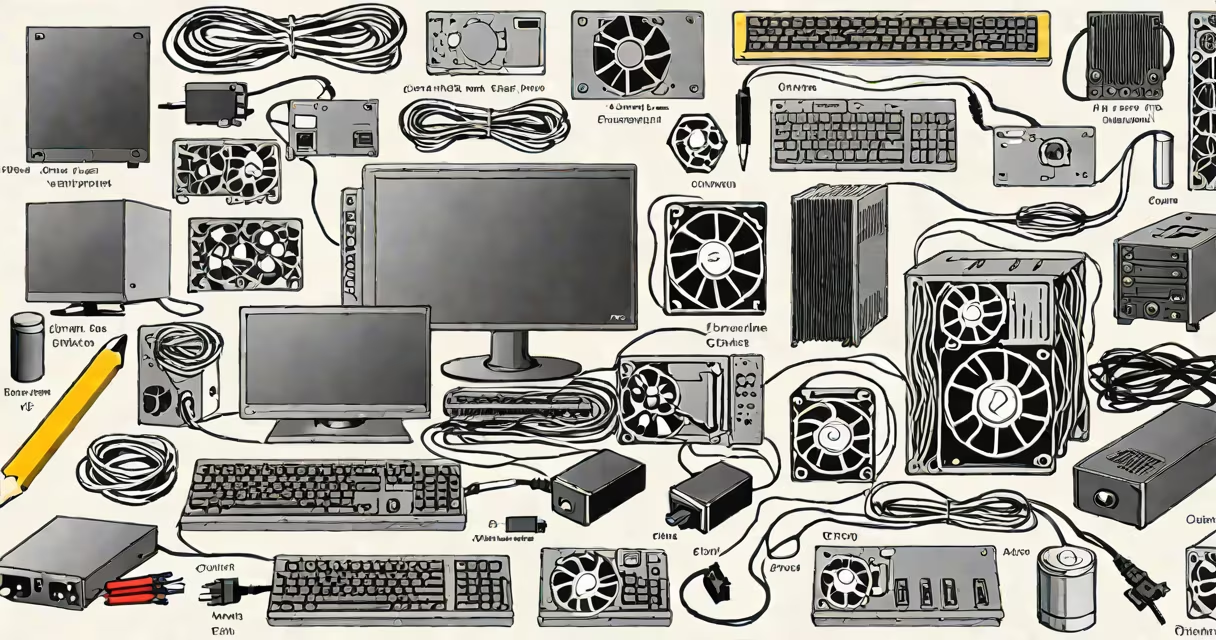
The components of a computer system and their functions are the physical parts that work together to process data, store information, and deliver output. These include the central processing unit (CPU), memory (RAM), storage drives, motherboard, graphics processing unit (GPU), and input/output peripherals.
The CPU executes instructions from software, acting as the system's brain. It performs arithmetic, logic, and control operations. Modern CPUs have multiple cores-typically 4 to 16-to handle several tasks simultaneously. For example, a 12-core AMD Ryzen 9 processor can run video editing, web browsing, and music playback at once without lag.
RAM (Random Access Memory) stores data currently in use by the CPU. It allows quick access to active programs and files. A system with 16GB of DDR4 RAM can smoothly run Photoshop, Chrome with 20 tabs, and a virtual machine. Without sufficient RAM, the system relies on slower disk storage, causing delays.
Storage devices hold data long-term. Solid-state drives (SSDs) use flash memory and offer faster boot times and file access than traditional hard disk drives (HDDs). A 1TB NVMe SSD can load a game in under 10 seconds, while a 7200 RPM HDD takes 30 seconds or more. SSDs also consume less power and generate less heat.
| Component | Function | Common Example |
|---|---|---|
| CPU | Executes program instructions | Intel Core i7-13700K |
| RAM | Temporary storage for active processes | 32GB DDR5-5600 |
| Storage | Persistent data retention | 1TB Samsung 980 Pro SSD |
| Motherboard | Connects all components via buses and slots | ASUS ROG Strix Z790-E |
| GPU | Processes visual output for display | NVIDIA GeForce RTX 4090 |
| Power Supply | Converts AC to DC for stable voltage | 850W Corsair RMx |
The motherboard serves as the central hub. It houses the CPU socket, RAM slots, PCIe connectors for the GPU, and ports for storage and peripherals. It uses a chipset-like Intel's Z790 or AMD's B650-to manage communication between components. A mismatched motherboard and CPU can prevent the system from booting, even if all parts are functional.
The GPU renders images, videos, and animations. Integrated GPUs (like Intel UHD Graphics) share system RAM and are suitable for office work and streaming. Dedicated GPUs (such as NVIDIA RTX series) have their own VRAM and cooling systems. A single RTX 4090 can render 4K video in real time during 3D animation workflows.
Peripherals include input devices (keyboard, mouse) and output devices (monitor, printer). USB-C ports support high-speed data transfer and charging. A 4K monitor connected via DisplayPort delivers sharper visuals than HDMI 1.4 at 60Hz. External SSDs using USB 3.2 Gen 2x2 reach speeds above 1,000 MB/s.
One common mistake is assuming that more cores always mean better performance. A dual-core CPU may outperform a six-core model in single-threaded tasks like gaming or audio rendering due to higher clock speeds and lower latency. Benchmarks from AnandTech show that in games like Cyberpunk 2077, frame rates depend more on single-core speed than core count.
Another misconception is that RAM and storage are interchangeable. RAM is volatile-data disappears when power is off. Storage retains data permanently. Writing a 10GB file to RAM causes immediate system slowdown because RAM fills quickly. On a 16GB system, running a 12GB video editor session forces the OS to swap data to disk, slowing performance.
I built a custom workstation with an AMD Ryzen 7 7800X3D and 64GB of DDR5 RAM. During a 3D render job, the system maintained 95% CPU utilization without thermal throttling. The motherboard's VRM design handled current draw efficiently, preventing voltage drops. This setup completed a 4K animation sequence in 4 hours-faster than a cloud-based render farm costing $200/hour.
For users selecting parts, buying computer components requires matching specs. A high-end GPU won't improve performance if the CPU bottlenecks. Overclocking needs compatible motherboards and adequate cooling. Power supply wattage must exceed total component draw-adding 20% headroom prevents instability.
External components like webcams and microphones connect via USB or Bluetooth. A Logitech C920 webcam provides 1080p video at 30fps, ideal for Zoom meetings. Audio interfaces such as Focusrite Scarlett 2i2 convert analog sound to digital with low latency, essential for music production.