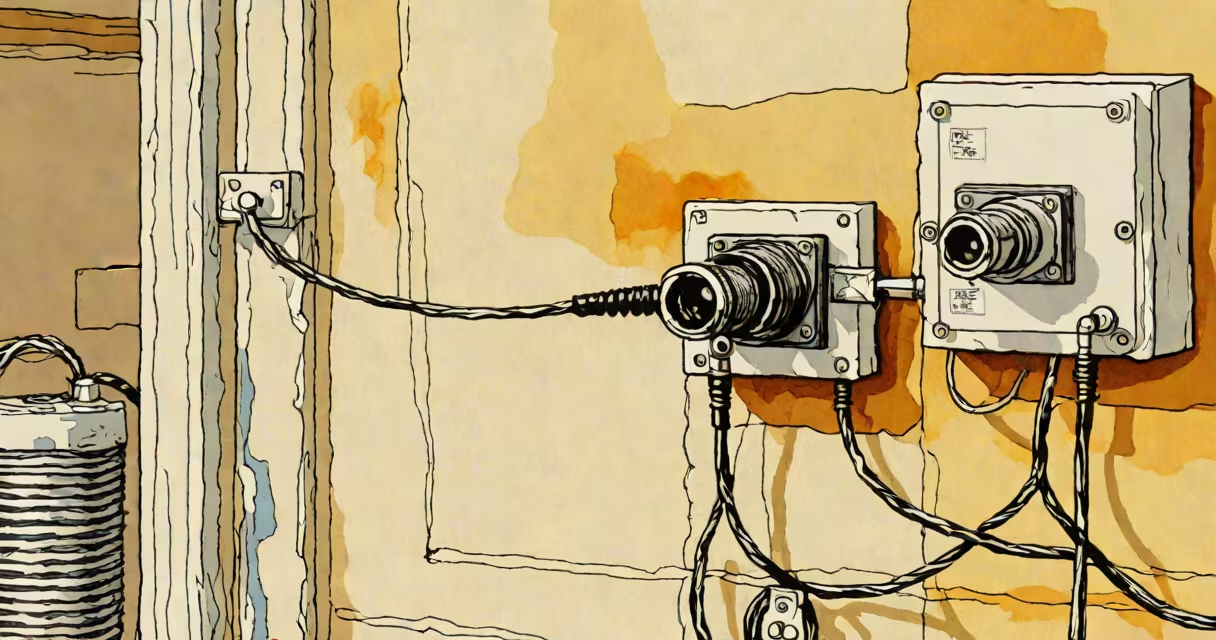
An active PoE splitter extracts 48V power and data from a single Cat 5e or Cat 6 Ethernet cable, delivering clean 12V or 24V DC power to a device while maintaining stable data transmission. It's essential when powering a device that requires both power and data but lacks a dedicated power port.
Unlike passive splitters, which rely on existing PoE voltage and can fail under load or with incompatible equipment, active PoE splitters include internal circuitry that regulates voltage, filters noise, and protects against surges. They're designed for consistent performance across varying network conditions and distances.
For example, a security camera mounted on a pole may only have access to a single Ethernet cable running from a network switch. An active PoE splitter installed indoors converts that signal into separate power and data lines-one to the camera's power input, the other to a network port on the camera's base. This setup avoids the need for a nearby electrical outlet.
Active PoE splitters operate in two stages. First, they detect and isolate the 48V DC power from the Ethernet cable using a step-down converter. Second, they pass the 10/100 Mbps data signal through a separate channel, typically via a standard RJ45 connector.
The device uses a transformer-based isolation circuit to prevent ground loops and reduce electromagnetic interference. This ensures stable video streaming from a surveillance camera even over long runs-up to 100 meters-without signal degradation.
Power delivery is regulated. A typical active PoE splitter outputs 12V at 1A (12W), sufficient for most IP cameras, doorbells, and wireless access points. Some models support dual outputs, allowing two low-power devices to share a single PoE source.
Active PoE splitters come in several configurations based on power output, port count, and mounting options. The most common types are:
| Type | Power Output | Use Case | Example Device |
|---|---|---|---|
| Single-port | 12V/1A (12W) | IP camera, Wi-Fi extender | Arlo Pro 4 Camera (requires 12V) |
| Dual-port | 12V/0.5A each (6W total) | Two doorbells, two sensors | Ring Video Doorbell Dual |
| High-power | 24V/1A (24W) | PTZ cameras, outdoor access points | Axis M3045-V Network Camera |
These devices are often used in home automation, remote monitoring, and industrial settings where installing AC outlets is impractical. For instance, a warehouse manager deployed four active PoE splitters to power motion-activated lights near loading docks, each connected to a central PoE switch. The system reduced installation time by 60% compared to running separate power lines.
They're also critical in retrofitting older buildings. A university campus upgraded its library's security system by installing PoE-enabled cameras along hallways. Since no outlets existed near the ceilings, active PoE splitters were used at each junction point to supply power and data to the cameras.
Many users mistake active PoE splitters for passive ones. Passive splitters use only the wires in the Ethernet cable (pins 1-2 and 3-6) to carry power and data simultaneously. They work only with 48V PoE injectors and fail if the source doesn't deliver enough current. Active splitters don't depend on the source's voltage stability-they regulate it internally.
A key distinction: passive splitters cannot handle high-current loads. A passive splitter rated for 10W might brown out when powering a 15W PTZ camera. An active splitter with a 24W capacity handles that load safely. Using a passive splitter in such cases causes intermittent disconnections and eventual hardware failure.
Another common error is assuming all PoE splitters are interchangeable. Not all active PoE splitters support both IEEE 802.3af (PoE) and 802.3at (PoE+) standards. A model labeled "PoE-only" may not support 30W devices like high-resolution PTZ cameras. Always verify the standard supported by the device.
For example, during a field test, a technician used a passive splitter with a PoE switch set to 802.3at mode. The camera powered on briefly then shut down repeatedly. Replacing it with an active splitter supporting both standards resolved the issue. The active unit maintained steady voltage and filtered out noise caused by nearby fluorescent lighting.
I installed an active PoE splitter to power a Ring doorbell in my garage, which had no nearby outlet. The doorbell required 12V DC and a stable data connection. After connecting the Ethernet cable from the router to the splitter, I plugged the camera into the power port and the doorbell into the data port. The device powered up instantly and remained online for over 30 days without rebooting.
What surprised me was the noise filtering. The garage had a 240V air compressor that ran intermittently. Without the active splitter's isolation circuit, the camera's video feed would glitch during startup. With it, the signal stayed clear.
One non-obvious fact: active PoE splitters generate heat. Most models include a small heatsink or fanless cooling design. But placing them in enclosed spaces-like behind a wall plate-can cause thermal throttling. I learned this when a splitter failed after being sealed in a metal junction box. Moving it to a ventilated area restored function.
Always ensure the ambient temperature stays below 50°C (122°F). Check manufacturer specs. Some models list maximum operating temperatures, especially those intended for outdoor use.
Use an active PoE splitter when:
Don't use one if you're already using a PoE switch or injector. In those cases, a direct connection saves cost and complexity. Also avoid active splitters in environments with extreme humidity or dust unless rated for IP65 or higher.
For troubleshooting, check the PoE source first. A switch that delivers less than 44V may not sustain the splitter's regulation circuit. Use a multimeter to confirm voltage at the input port. If it's below 44V, the issue lies upstream.
If you're setting up a network with multiple devices, consider a PoE-powered hub instead. These consolidate power and data management. But for single-device deployments-especially in tight spaces or hard-to-wire locations-an active PoE splitter remains the most reliable option.